
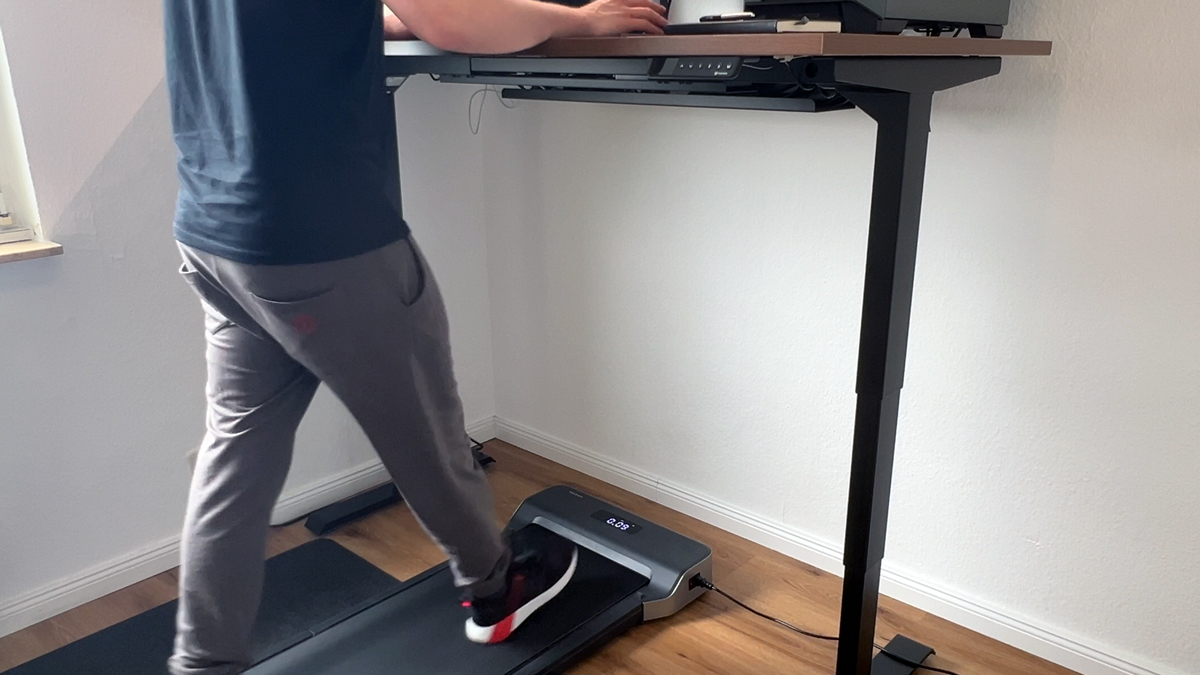
10,000 steps a day is the best-known activity goal, and in the home office it is almost impossible to reach without help. With a walking pad under the desk I collect them on the side while I write, edit and answer emails. That is why every device in my tests has to pass the 10,000-step test. Here I show how long it takes, which pace works and how you keep the routine going.
In short
At 3 to 3.5 km/h you need around two hours for 10,000 steps. In the test with the KUIPERS K1 about 10,000 steps came together in roughly two hours of work, on the WalkingPad X214 it was also around 10,000 in two hours at 3.3 km/h. Split the time into two to four blocks, focused tasks work best at 2.5 to 3 km/h.
How long do 10,000 steps take on a walking pad?
| Pace | Suitability while working | Steps per hour (approx.) | Time for 10,000 steps |
| 2.5 km/h (1.6 mph) | focused writing, mouse work | approx. 4,000 | approx. 2.5 hours |
| 3 km/h (1.9 mph) | writing, emails, research | approx. 4,500 – 5,000 | approx. 2 to 2.2 hours |
| 3.5 km/h (2.2 mph) | reading, video calls, watching videos | approx. 5,000 – 5,500 | approx. 1.8 to 2 hours |
| 4 km/h (2.5 mph) | phone calls, breaks | approx. 5,500 – 6,000 | approx. 1.7 hours |
Steps per hour depend on stride length, the values are guide figures from my tests at 1.86 m (6 ft 1 in). On the K1 it was about 10,000 steps in around two hours, on the X214 also about 10,000 in two hours at an average of 3.3 km/h.
My routine in the home office
- Morning, 30 to 45 minutes: Emails and planning at 3 km/h. That is already 2,000 to 3,000 steps before the day really starts.
- Late morning, focused work sitting down: Writing and editing, where I want to stand still.
- Midday, 30 minutes: Research, reading, videos at 3.5 km/h.
- Afternoon, 45 to 60 minutes: Calls, emails, admin at 3 to 4 km/h.
- Evening, the rest: If 1,000 to 2,000 steps are still missing, a short block while watching TV.
The important thing is not to do the entire day’s work while walking. After the first few days you know which tasks are easier while walking. For me it is everything that does not need fine mouse work.
Which walking pad for the daily routine?
For two hours a day, different things count than for occasional jogging: noise, fine speed control, cushioning and a step display.
| Model | Steps on the display | Speed in 0.1 km/h steps | Fan | Why for the routine |
| KUIPERS K1 (German review) | no, only time, speed, distance and calories | yes | slightly noticeable | very good walking feel, 0.271 kWh in two hours |
| WalkingPad X214 | no, only in the app | yes, via app | barely audible | mute function, side grips, 10,000 steps in two hours |
| WalkingPad Z1 | no | via app | no audible fan | quietest choice, break recommended after one hour |
| WalkingPad A1 Pro | yes | no | loud | step counter and 136 kg, fan bearable with headphones |
| WalkingPad Z3 Hybrid+ | yes | via app | quiet fan | passed the 10,000-step test without any problem, grips |
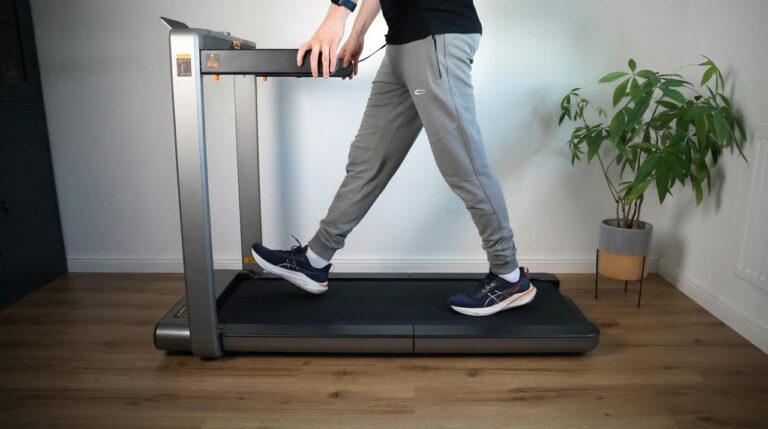
WalkingPad X214 Review The Best Upgrade for Home Office & Running?
Advertising: The product was provided to me for testing. My review remains unbiased and is based solely on my own experience and…
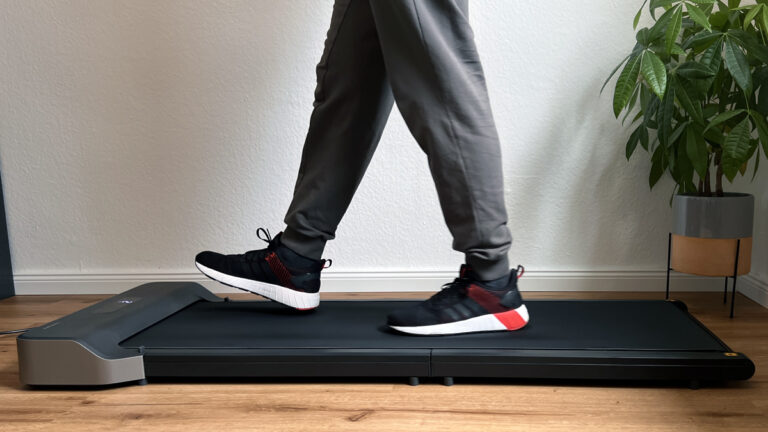
WalkingPad Z1 Review The Perfect Walking Pad for Most People!
Advertising: The product was provided to me for testing. My review remains unbiased and is based solely on my own experience and…
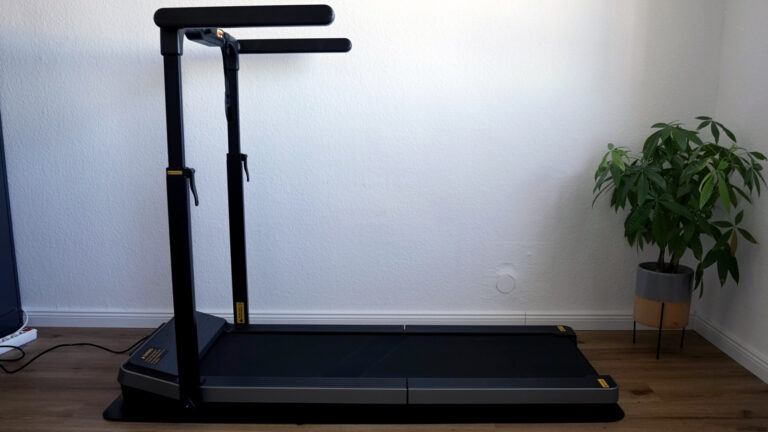
WalkingPad Z3 Hybrid+ Review – treadmill with side grips for more safety (US+UK)
Advertising: The product was provided to me for testing. My review remains unbiased and is based solely on my own experience and…
Counting steps: display, app or tracker
Not every walking pad counts steps. The K1 and the Z1 show time, speed, distance and calories, but no steps. The A1 Pro, R2, Z3 Hybrid+ and Sperax show the step count directly, the MC11 and the X models via the KS Fit app. If you need the steps in your fitness app, the easiest way is a tracker on your wrist or ankle. The X218 and X214 also sync heart rate with the Apple Watch via the app.
What 10,000 steps at the desk actually do
I do not rely on my gut feeling alone. A study by Oregon State University showed that users of treadmill workstations took on average over 1,000 more steps per day, but after twelve weeks had no significant weight loss because the devices were only used for about 45 minutes a day. A study by the University of Minnesota found rising work performance after an adjustment phase and around 7 to 8 percent more calories burned per day. The lesson: the walking pad only works if it is within reach and runs every day.
Five tips to make the routine stick
- Fixed place: A walking pad that first has to be fetched from a cupboard does not get used. Flat models stay under the desk.
- Save the desk height: A dedicated memory position on the height-adjustable desk for walking.
- Start slowly: 20 to 30 minutes in the first week, then increase. Your feet have to get used to walking on the spot.
- Shoes or socks: Barefoot, the belt presses after an hour, light sneakers or thick socks are more comfortable.
- Do not forget the oil: At two hours a day, 30 hours of operation are reached after two weeks, then add silicone oil.
My verdict
Two hours at 3 km/h, spread over the working day, and the 10,000 steps are done without losing any working time. The right device is quiet, finely adjustable and always within reach. You can see which models passed the 10,000-step test in my walking pad reviews.
Frequently asked questions about 10,000 steps on a walking pad
How long do 10,000 steps take on a walking pad?
At 3 to 3.5 km/h about two hours. In the test, the KUIPERS K1 in around two hours and the WalkingPad X214 in two hours at 3.3 km/h each delivered about 10,000 steps.
Which pace makes sense when working on a walking pad?
2.5 to 3 km/h for writing and mouse work, up to 4 km/h for reading and calls.
Does every walking pad count steps?
No. A1 Pro, R2, Z3 Hybrid+ and Sperax show steps, the MC11 and the X models via the app. K1 and Z1 show time, speed, distance and calories, a fitness tracker helps there.
Do you lose weight with 10,000 steps at the desk?
Only with regular use. A study by Oregon State University found no significant weight loss after twelve weeks because the devices only ran for around 45 minutes a day.
More walking pad guides
- Floor Mat for Your Walking Pad: What It Does Against Footfall and What to Look For
- Walking Pad Without Electricity: Does It Exist? Manual Treadmills, Running Costs and Alternatives
- Walking Pad and Desk Height: How High Does the Desk Need to Go? Deck Heights of All Models
- Walking Pad Power Consumption: What Does an Hour of Walking Really Cost? Measured Values
- How to Oil, Centre and Maintain a Walking Pad: The Guide from Eleven Tests
- Walking Pad Speed: 6, 12 or 18 km/h? Which Pace You Really Need
- Foldable Walking Pads: Which Design Fits Your Home? All Folded Dimensions from My Tests
- WalkingPad Z1 vs. P1 vs. A1 Pro: Which Compact Walking Pad Is Right for You?
- Walking Pad Weight Limit: Which Models Carry 120, 135 or 136 kg (300 lb)?
- Walking Pad Noise: How Loud Are Under-Desk Treadmills Really? Measurements from My Tests
More guides
- Eye Massager: What Does It Really Do? Benefits, Limits and What to Look For
- Massage Devices for Home Use: Which Device Helps with Which Complaint? Nine Devices from My Tests
- Air Purifier Buying Guide: CADR, Room Size, Noise and Filter Costs Explained Simply
- Ergonomic Home Office Setup: Desk, Chair, Monitor and Movement from My Tests
- Robot Vacuum, Cordless Stick or Mattress Vacuum? The Right Combination for Your Home