Ad disclosure: Affiliate links (*). As an Amazon Associate, eBay Partner Network affiliate and member of other partner programs, I earn from qualifying purchases.
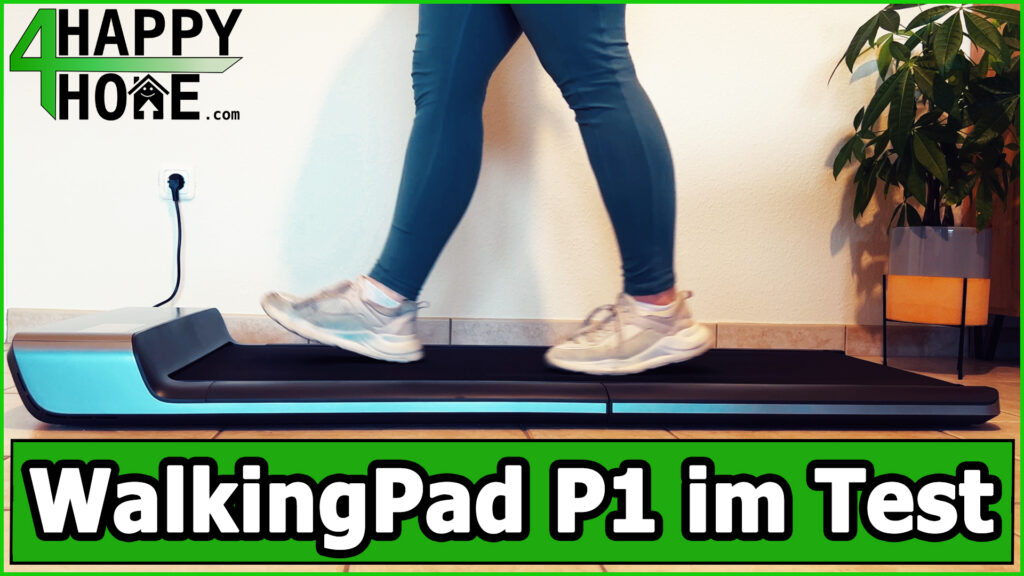
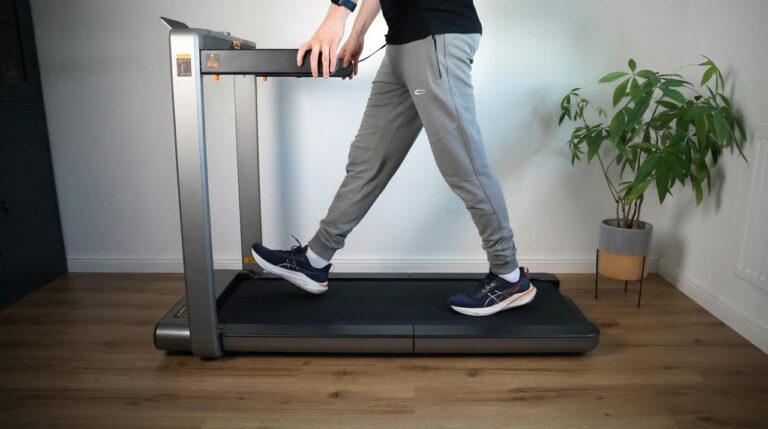
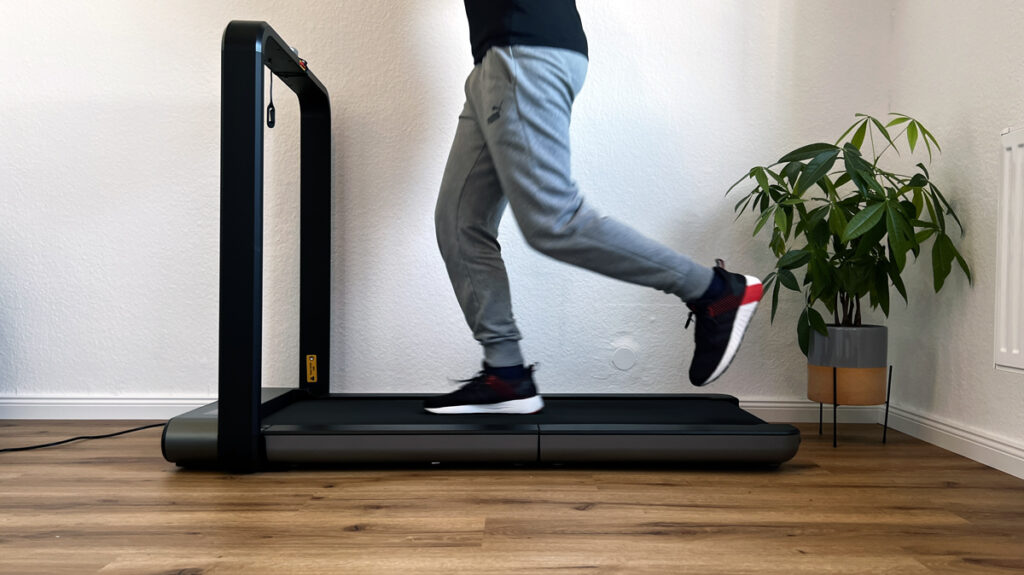
The WalkingPad P1 is a foldable, space-saving treadmill that is ideal for use under the desk in the home office. With a top speed of 6 km/h and a generous running surface, it allows a natural walking feel. Thanks to its slim design and easy operation, it helps you bring more movement into your working day.
My review video 🎥
Watch the review video for an overview and my personal verdict!
The video is in English.
Specs
Manufacturer: Kingsmith
Motor type: Brushed motor
Motor power: 746 W
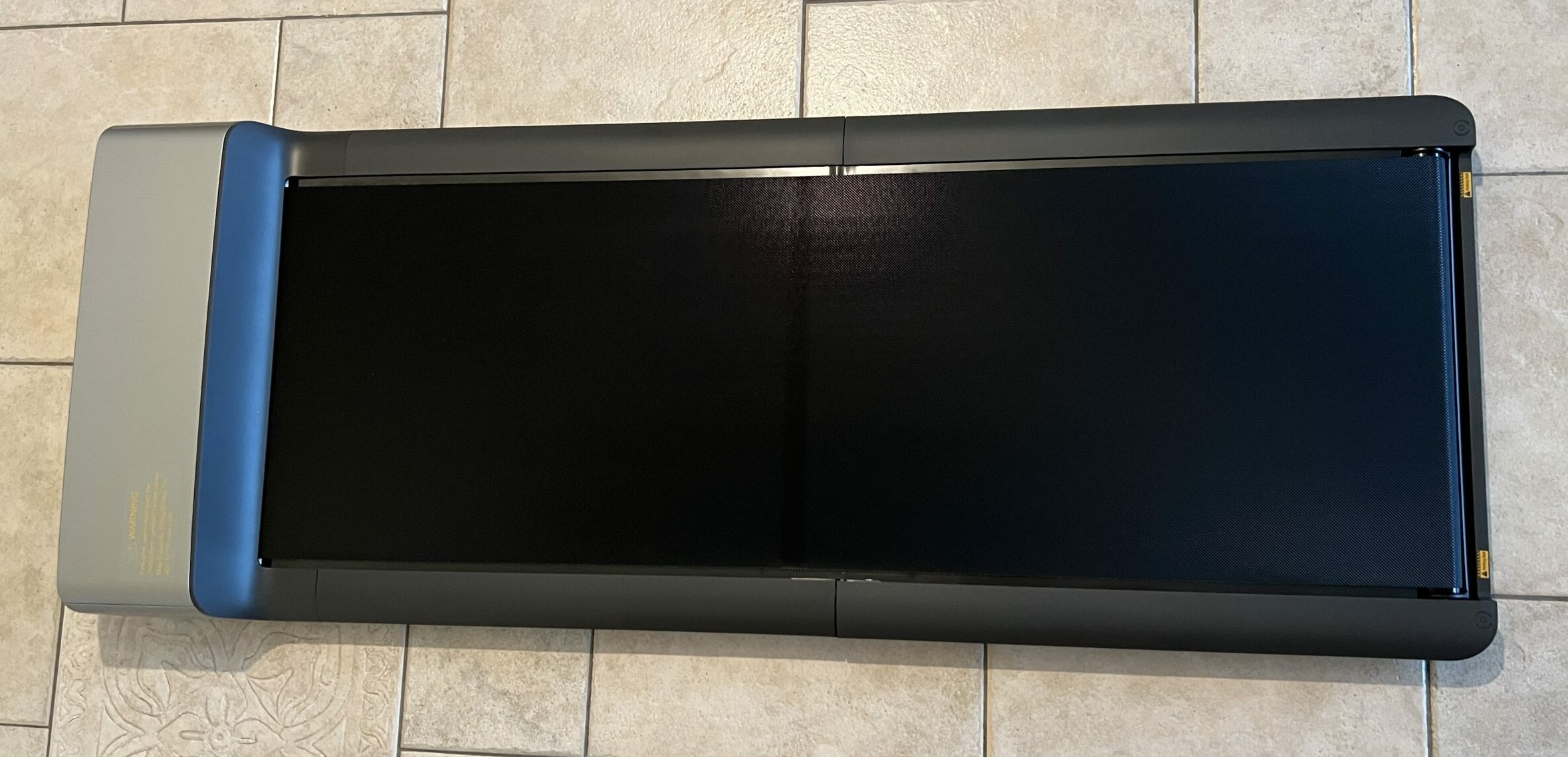
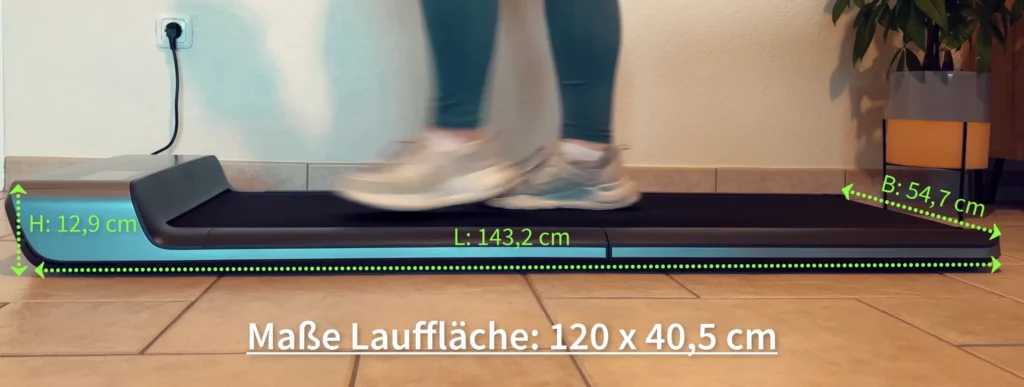
Running surface: 120 x 41.5 cm
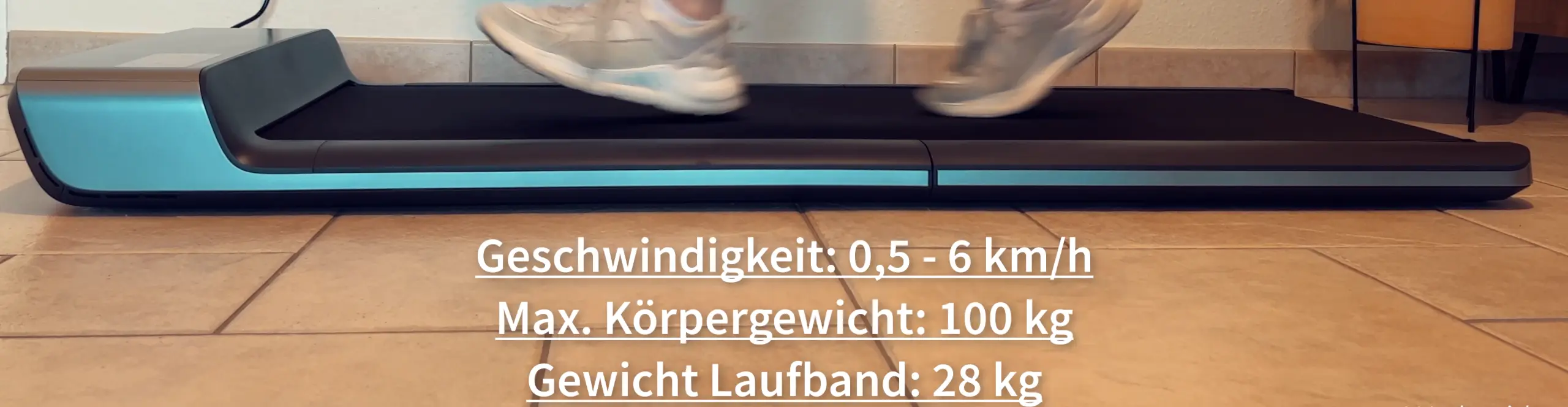
Speed range: 0.5 – 6 km/h (0.3 – 3.7 mph)
User weight: Max. 100 kg (220 lb)
Unfolded dimensions: 143.2 x 54.7 x 12.9 cm
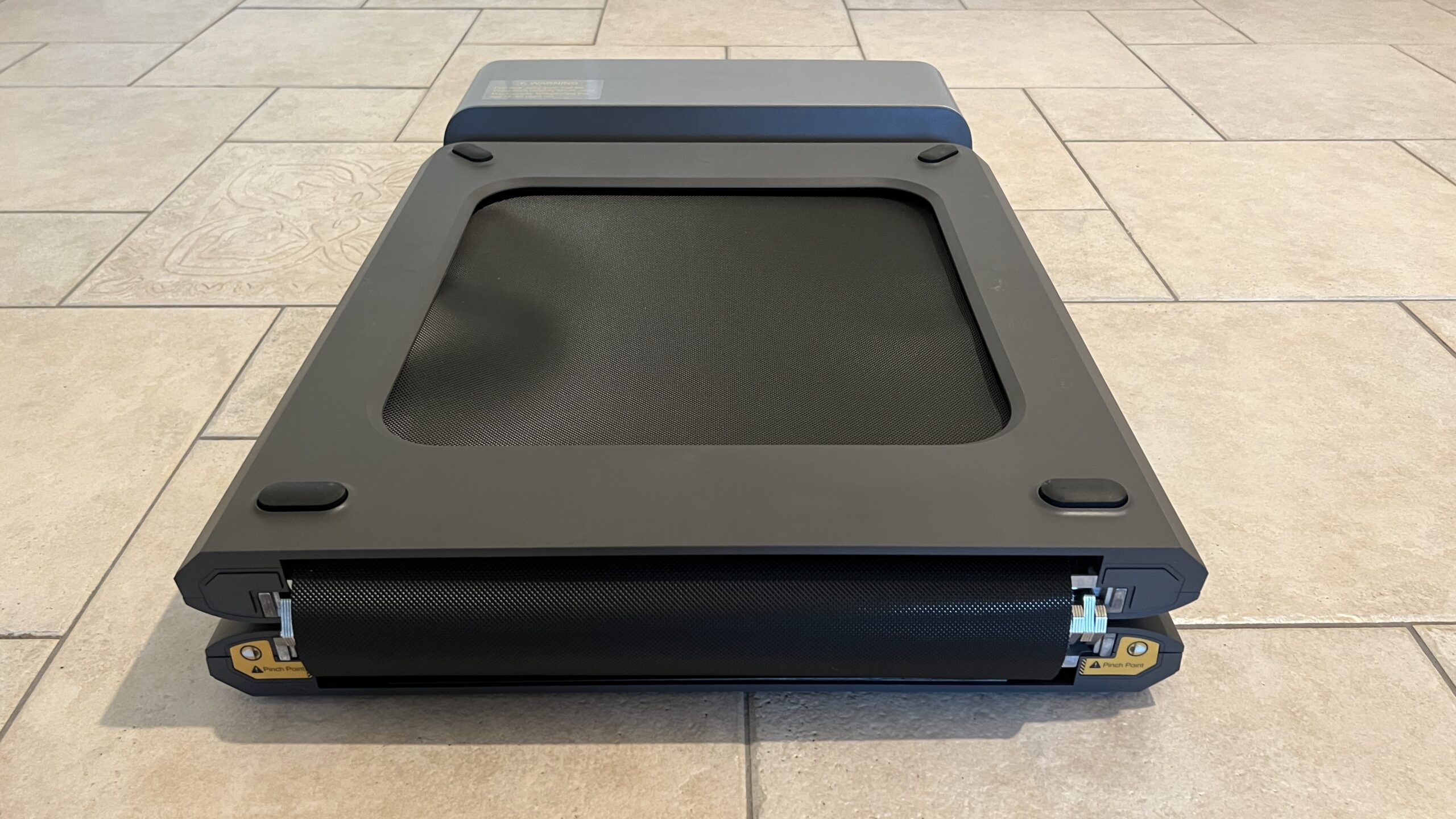
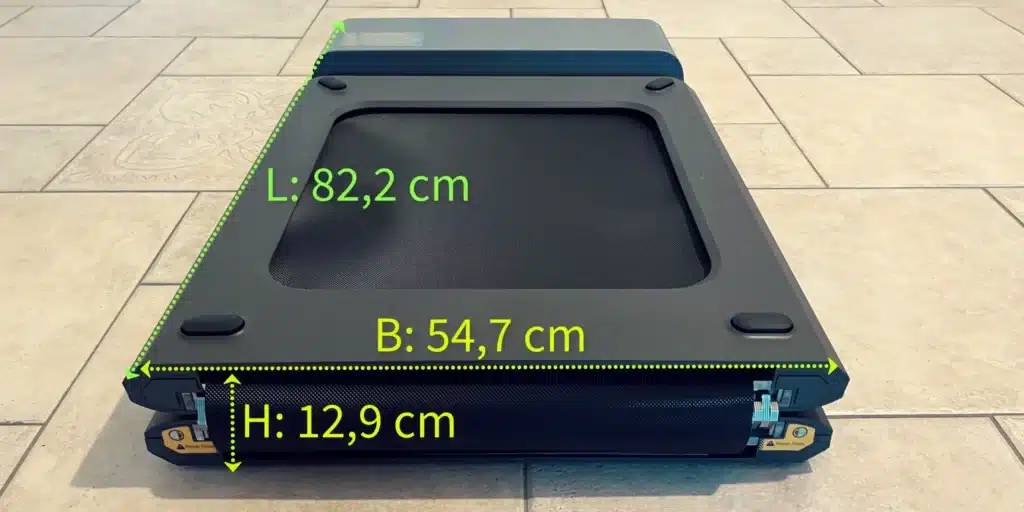
Folded dimensions: 82.2 x 54.7 x 12.9 cm
Net weight: 28 kg
Gross weight (packed): 31 kg
Pros
Space-saving design thanks to patented folding technology
Versatile control options
Easy transport and storage
Quiet operation
Easy setup
Cons
No built-in display
Quiet fan switches on after a while
No incline adjustment
The WalkingPad P1 is a folding under-desk treadmill for up to 6 km/h (3.7 mph) and 100 kg (220 lb) body weight, controlled via remote and the KS Fit app. It runs quietly, is set up in minutes and stores away compactly thanks to its folding design. It lacks a display and an incline.
My WalkingPad P1 review
Below I share my honest impressions and ratings to help you decide whether this walking pad is the right one for you.
This is a single review. You can find all my other walking pad and treadmill reviews in the walking pad category.
The essentials at a glance
0.5 to 6 km/h (0.3 to 3.7 mph), 100 kg (220 lb) max. load, 746 W motor with a quiet fan.
28 kg (61.7 lb), folds in the middle to 82 cm (32.3 in), stores flat under a bed or sofa.
Deck height 12.9 cm (5.1 in), controlled via remote, KS Fit app or automatic mode.
The classic among under-desk treadmills; the Z1 and A1 Pro are the direct alternatives.
Design & build quality ★★★★☆ (4/5)
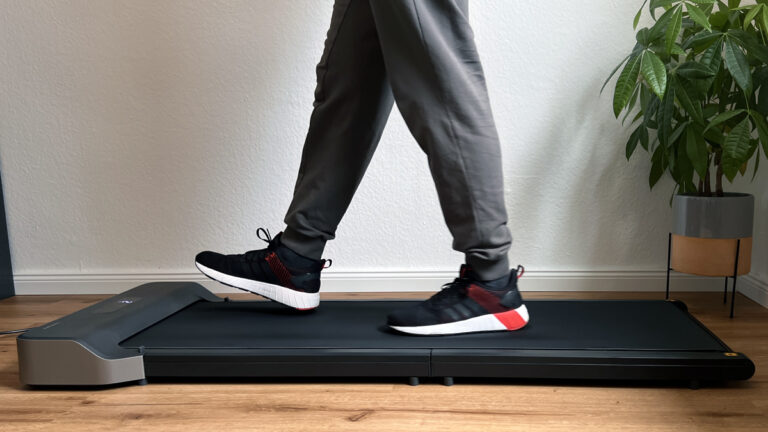
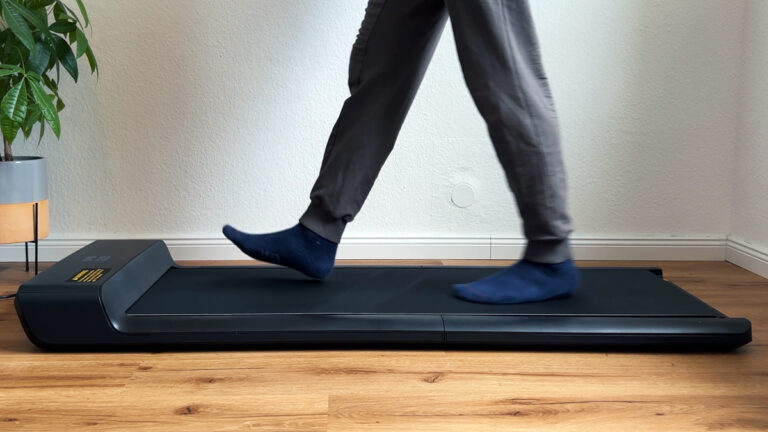
The WalkingPad P1 convinces with a simple but functional design. The materials look high-quality and the treadmill is solidly built. The minimalist design fits well into modern living spaces, but might be a bit too plain for some.
Condition
Length
Width
Height
Unfolded
143.2 cm
54.7 cm
12.9 cm
Folded
82.2 cm
54.7 cm
12.9 cm
Running surface
120 cm x 41.5 cm
Functionality ★★★★☆ (4.5/5)
The combination of foldability and easy operation makes the WalkingPad P1 extremely functional. It offers all the functions needed for an effective walking workout. The top speed of 6 km/h is ideal for brisk walking, but might be too little for ambitious runners.
Mode
Speed
Top speed
6 km/h
Safety mode
Starts with a maximum of 3 km/h
Ease of use ★★★★★ (5/5)
The intuitive handling via the remote and the KS Fit app makes it very easy to use. Setup is straightforward, and the folding function allows space-saving storage. Integration with other fitness apps is another plus.
Feature
Details
Folding function
After training, the WalkingPad P1 can simply be folded so it is only 82.2 cm long and fits flat under a bed or sofa.
Performance ★★★★★ (5/5)
In terms of performance, the WalkingPad P1 has fully convinced me. It runs reliably and there have been no problems so far. The speed can be adjusted precisely, and the treadmill responds quickly to inputs.
Noise ★★★★☆ (4/5)
The treadmill is generally very quiet, which is ideal for use in flats. However, after a while a quiet fan kicks in, which increases the noise level minimally. This is not disturbing and hardly affects use.
Value for money ★★★★★ (5/5)
Given the high-quality build, the versatile functions and the included app, the WalkingPad P1 offers excellent value for money. With the discount offered, the purchase becomes even more attractive.
Compared to other treadmills on the market, the WalkingPad P1 offers some notable advantages:
Compact design: Unlike conventional treadmills, the WalkingPad P1 can simply be folded and stored under the sofa.
Value for money: The WalkingPad P1 focuses on the essentials and does without extras such as a display on the unit.
Noise level: The WalkingPad is quieter in operation than comparable models such as the WalkingPad A1 Pro, which makes it ideal for use in a flat without disturbing the neighbours.
Feature
Value
Max. load
100 kg
Weight of the treadmill
28 kg
Box contents and setup
Accessories included
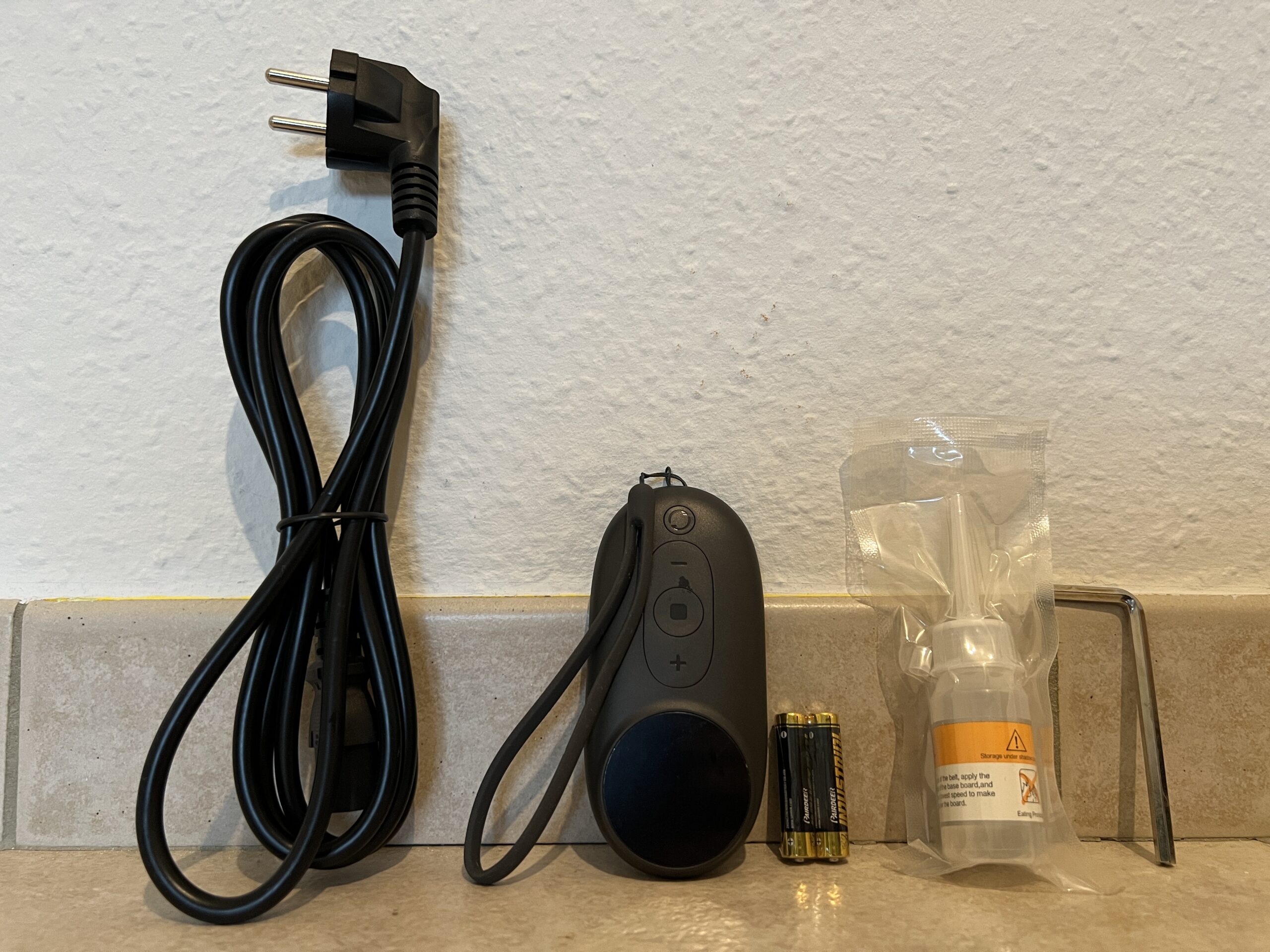
The WalkingPad P1 comes with everything you need to get started:
Power cable (195 cm long)
Remote control with 2 batteries
Lubricating oil for maintenance
Allen key for any adjustments to the running surface
Quick start guide
Setup and connection
Setup is child’s play:
Position: Place the treadmill on a level, firm floor. Make sure there is enough space around the unit.
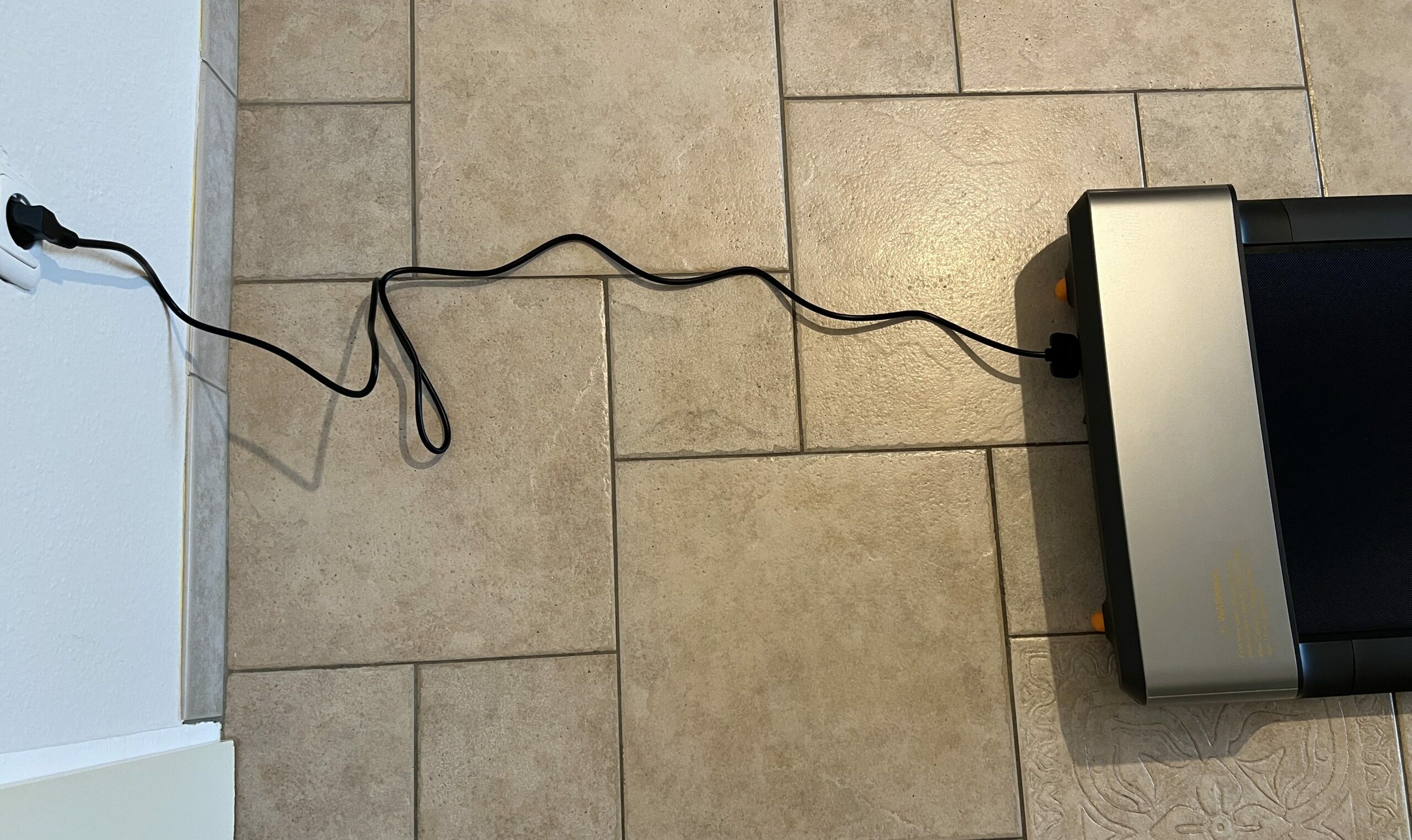
Connect: Connect the treadmill to a power source.
Switch on: Press the power button on the remote or in the app.
Safety mode and app connection
On first use, the treadmill starts in safety mode with a maximum speed of 3 km/h. To unlock the full speed range, you need to:
Option 1: Walk a distance of 1 km at maximum speed.
Option 2: Connect the treadmill to the KS Fit app and unlock safety mode there.
The KS Fit app
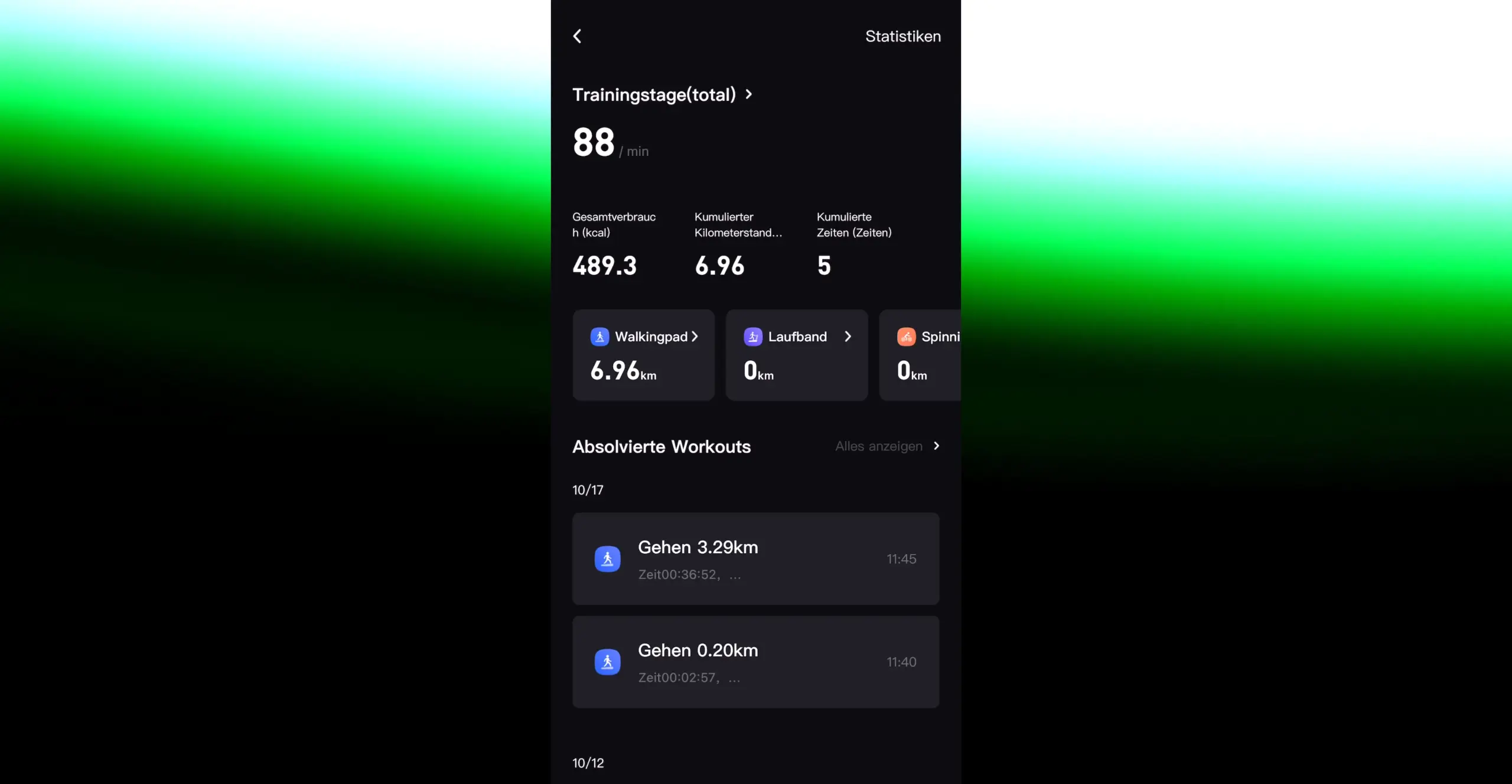
The KS Fit app extends the functions of the WalkingPad P1 and offers additional settings.
Functions and settings
Speed control: Adjust the speed directly via the app.
Training plans: Create individual training plans.
User profile: Manage your personal data and fitness goals.
Child lock: Activate safety functions for family use.
Device settings: Adapt the treadmill settings to your needs.
Training goals and performance overview
Set personal goals and keep track of your progress:
Real-time tracking: Track speed, distance, time and calories burned.
Statistics: View your training achievements over days, weeks or months.
Data transfer to other fitness apps
The KS Fit app can synchronise your training data with other fitness apps, such as Apple Health. That way you have all your health data in one place.
WalkingPad P1: Build quality and folding mechanism
The P1’s mechanism sits in the folding joint in the middle, and there’s a trick to it that no manual explains: you need to push down at the front, otherwise the treadmill rocks while the back half comes down. With pressure on the front, the joint locks in without a jolt, the same goes for folding it back up.
Before the last stretch, it’s worth checking the running surface: it should sit centred so it doesn’t rub against the sides while walking. If the belt later runs too loosely, you retighten it with the included Allen key. While walking, the belt stands stable, even over the folding hinge, where most of the weight lands.
WalkingPad P1: Motor, speed and walking feel
According to the spec sheet, the P1 runs on a 746 W motor. For the Z1 and A1 Pro, Kingsmith explicitly lists a brushless motor as a feature; for the P1, that detail doesn’t appear. In everyday use I didn’t notice any difference: the belt ran without a hitch, and walking feels natural. Light jogging also felt solid in my test, but with a top speed of 6 km/h (3.7 mph) it can’t match a full-size treadmill. Which pace you need for which goal is covered in the guide Walking Pad Speed.
Speed steps: remote vs. app
With the remote you can only set the speed in 0.5 km/h steps, so there’s nothing between 3 and 3.5 km/h. In the KS Fit app you can fine-tune it. If you start via the app, a three-second timer counts down, then the belt starts at the last speed you set, otherwise at 0.5 km/h. I still keep the remote in hand though, it stops instantly.
WalkingPad P1: Noise in everyday use
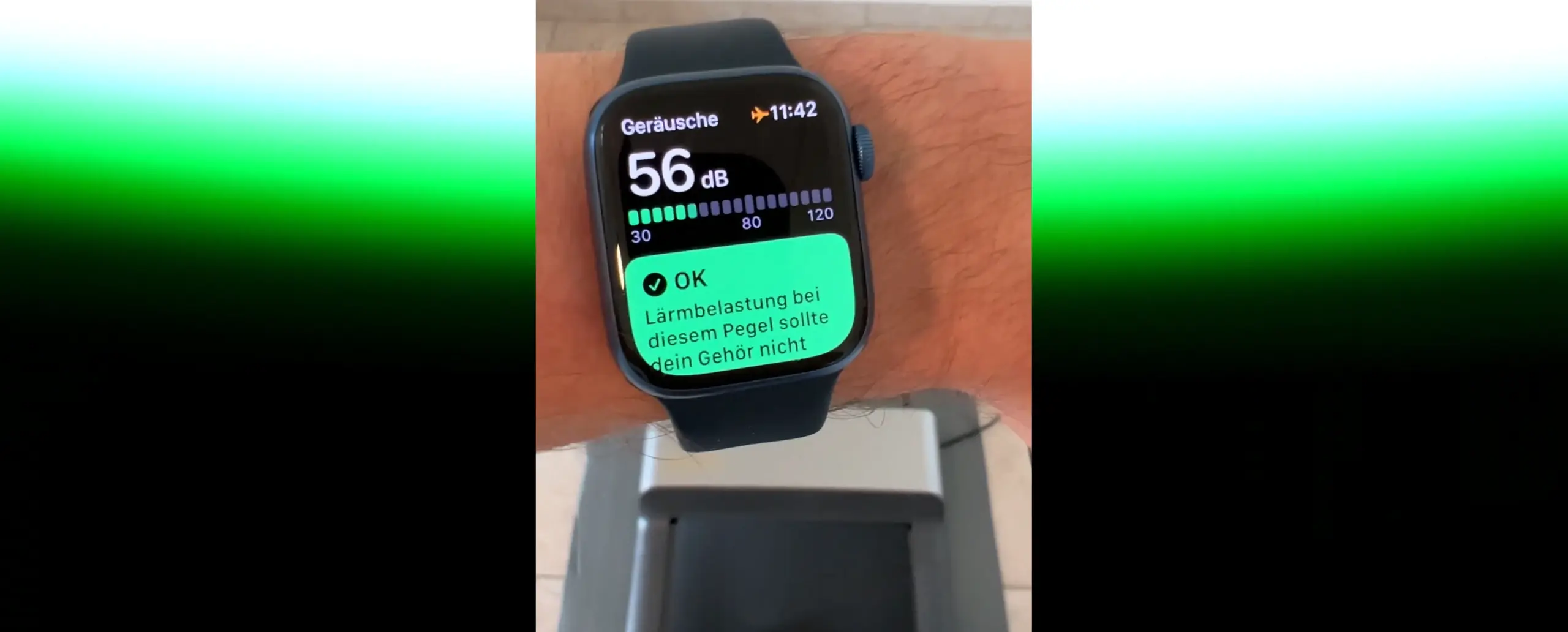
The drive itself is the quiet part. Walking briskly, I measured around 56 dB in the video, most of which comes from my own footsteps. The fan only kicks in after a while and doesn’t stand out while working. That puts the P1 between the Z1, whose fan I could not hear, and the A1 Pro, whose fan is clearly audible when it starts.
The floor matters more than the machine. On tiles and without a mat, the footsteps are genuinely loud, you can hear that immediately in the video. A mat underneath dampens the vibrations; for me that was initially just a regular exercise mat. More on this in the guide Floor mat for your walking pad.
WalkingPad P1: Storage and transport
There’s only one way to store it: lying flat. Folding it only halves the length; width and height stay the same. So you don’t need a narrow gap, but a flat area under a bed, sofa or wardrobe, best to measure that before buying. The folded dimensions of the other models are in the guide Foldable Walking Pads.
You move the P1 using the transport wheels at the front: fold it, lift the back, roll it to its new spot. Only plug it in once it’s unfolded on a level, firm floor. The power cable is 195 cm (76.8 in) long, that’s enough under a desk, but I add an extension cable in front of the TV.
WalkingPad P1: Maintenance and care
Lubricating oil is included with the P1, so you don’t need to buy anything before the first run. It’s meant for later use: the oil reduces friction between the belt and the deck. During my test period this wasn’t an issue yet, so I can’t give you a fixed interval. I oil by feel, as soon as a belt audibly starts rubbing more. The process, including centring, is shown in the guide How to oil, centre and maintain a walking pad.
WalkingPad P1, Z1 or A1 Pro: how they compare
These three almost always end up on the same shortlist. The P1 carries the least weight at 100 kg (220 lb) and is the only one without a display on the unit itself. The Z1 is lighter, flatter and, with no audible fan, the quietest. The A1 Pro is rated up to 136 kg (300 lb) but has the loudest fan. All the measurements side by side are in the article WalkingPad Z1 vs. P1 vs. A1 Pro.
What the WalkingPad P1 can’t do
No display on the unit itself; the readings are shown on the remote or in the app.
Top speed is 6 km/h, and there’s no incline adjustment.
100 kg (220 lb) max. load, the lowest figure of the three compact WalkingPads.
The remote only offers 0.5 km/h steps; finer steps are only available in the app.
Fresh out of the box, the belt only runs up to 3 km/h until you’ve walked one kilometre or connected it to the app.
Can only be stored lying flat, and without a mat underneath, footsteps on a hard floor are clearly audible.
Summary
After about a week with the WalkingPad P1, I can say: it is a real asset to my working day. It allows me to stay active without spending extra time.
Highlights:
Space-saving design: Fits perfectly under my desk and is easy to store.
Reliable performance: No problems so far, the treadmill always runs reliably.
Easy operation: Intuitive control via remote or app.
Quiet operation: Despite the quiet fan, the noise level stays pleasantly low.
Flexibility: Speed can be adjusted individually, ideal for walking workouts.
Recommendation: If you are looking for a way to bring more movement into your daily routine and have little space available, the WalkingPad P1 is an excellent choice.
The WalkingPad P1 compared
Here you can compare the P1 with the two other walking pads in the same category that I have also tested.
Lying flat / upright (only where it cannot tip over)
Lying flat
Control / connectivity
Remote | KS Fit app via Bluetooth | automatic mode
Remote | KS Fit app via Bluetooth
Remote | KS Fit app via Bluetooth | automatic mode
Display
LED (time, speed, distance, calories, steps)
LED (time, speed, distance, calories)
Integrated in the remote (time, speed, distance, steps)
Warranty
1 year
1 year
1 year
Special features
Child lock | large transport wheels | timeless design
Brushless motor | very light | large transport wheels | child lock | no-load stop
Child lock | large transport wheels
I have also made a comparison video (in German) in which I compare the WalkingPad P1 with the Z1 and the A1 Pro.
WalkingPad discount
Use my links to the WalkingPad store above: the discount is activated automatically when you click through and deducted in the cart.
Enjoy your new WalkingPad!
Kingsmith WalkingPad P1: Technical data
Feature
Value
Max. load
100 kg (220 lb)
Weight
28 kg (61.7 lb)
Motor
746 W, DC
Speed
0.5 to 6 km/h (0.3 to 3.7 mph)
Running surface
120 x 41.5 cm (47.2 x 16.3 in)
Unfolded dimensions
143.2 x 54.7 x 12.9 cm (56.4 x 21.5 x 5.1 in)
Folded dimensions
82.2 x 54.7 x 12.9 cm (32.4 x 21.5 x 5.1 in)
Storage
lying flat
Control
remote control, KS Fit app, automatic mode
Display
in the remote
Special features
child lock, large transport wheels
Measurements from my test
What
Result
Noise
quiet fan that only kicks in later; measured about 56 dB while walking briskly, manufacturer states under 65 dB
Deck height
12.9 cm (5.1 in)
Folded size
82 x 55 x 12.9 cm (32.3 x 21.7 x 5.1 in), 28 kg (61.7 lb), can only be stored lying flat
Test scope
at least 10,000 steps at the desk (see comparison review)
How I test: every walking pad runs under my desk at home; where possible, I measure the noise level from one metre away, and for the newer reviews also the power draw via a plug-in meter.
Alternatives to the WalkingPad P1
I have also reviewed these models, and they are the closest alternatives to the WalkingPad P1. You can find all eleven models with a comparison table in my big walking pad review.
To provide you with an optimal experience, we use technologies such as cookies to store and/or access device information. If you consent to these technologies, we may process data such as browsing behavior or unique IDs on this website. If you do not give or withdraw your consent, certain features and functions may be impaired.
Functional
Always active
The technical storage or access is strictly necessary for the legitimate purpose of enabling the use of a specific service expressly requested by the subscriber or user, or for the sole purpose of carrying out the transmission of a communication over an electronic communications network.
Preferences
The technical storage or access is necessary for the legitimate purpose of storing preferences that have not been requested by the subscriber or user.
Anonymized statistics
Technical storage or access for statistical purposes only.Technical storage or access used solely for anonymous statistical purposes. Without a subpoena, the voluntary consent of your Internet service provider or additional records from third parties, the information stored or accessed for this purpose alone cannot generally be used to identify you.
Show YouTube videos
If you do not agree to this cookie, you will not be able to watch videos on the website.