
6, 8, 10, 12, 14 or 18 km/h: top speed is the feature people search for most when it comes to walking pads, and at the same time the one that is overrated most. When working at the desk you rarely walk faster than 4 km/h (2.5 mph). Whether you need more depends on whether you want to jog on the same device after work. Here I sort the speed classes from my tests, including incline and the question of which pace really works while typing.
In short
For working, 6 km/h is enough and the ideal typing pace is 2.5 to 3.5 km/h. If you want to jog, you need at least 10 km/h, a running surface from 44 cm wide and a handrail: Z3 Hybrid+, MC11, R2 or X214. For fast running up to 18 km/h there is only the X218 in my tests. Only the Sperax P2 Pro had an incline, and I no longer recommend it because of a safety warning from the US CPSC.
The speed classes at a glance
| Class | Max. speed | Suitable for | Models from my tests |
| Pure walking pad | 6 km/h (3.7 mph) | walking at the desk, brisk walking | Z1, P1, A1 Pro, Sperax P2 Pro, KUIPERS K1 |
| Hybrid | 10 to 12 km/h (6.2 to 7.5 mph) | walking by day, light jogging in the evening | Z3 Hybrid+ (10), MC11, R2, X21 (12) |
| Hybrid plus | 14 km/h (8.7 mph) | walking and running with reserves | X214 |
| Treadmill class | 18 km/h (11.2 mph) | intervals and fast running | X218 |
Which pace while working?
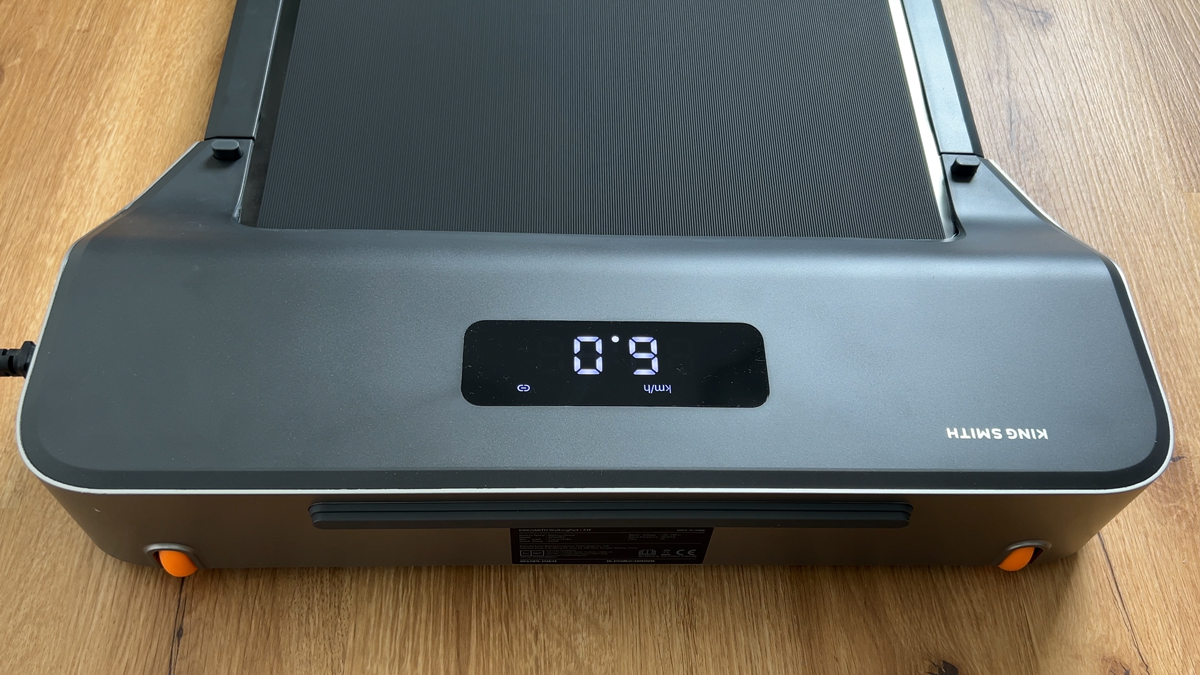
In my tests a pace between 2.5 and 3.5 km/h proved best for writing and mouse work. For reading or video calls 4 km/h works too. On the X214 my average over two hours was 3.3 km/h, on the KUIPERS K1 about 10,000 steps came together in around two hours. What matters is fine adjustability: the K1, the X214 and the KS Fit app adjust in 0.1 km/h steps, and just 0.2 km/h less makes a noticeable difference when writing with focus.
You never need more than 6 km/h at the desk. If you buy a pure walking pad you give up nothing, save weight and usually get a flatter, quieter device.
Jogging on a walking pad: from 10 km/h and only with a handrail
Jogging starts at 7 to 8 km/h depending on stride length. On pure walking pads limited to 6 km/h that is impossible, and on their short, often narrower running surface it would not be safe either. For light jogging you need three things: at least 10 km/h, a running surface from 44 cm wide and a handrail to hold on to. The Z3 Hybrid+ offers 10 km/h with height-adjustable side grips and a quiet fan, the MC11 and R2 run up to 12 km/h with a handrail, the X214 up to 14 km/h with side safety grips.
When jogging, the noise rises considerably: on the R2 I measured 60 dB at 8 km/h and 70 dB at 12 km/h, while walking at 4 km/h it was 53 dB. Footfall and vibration increase as well, so a floor protection mat becomes mandatory.
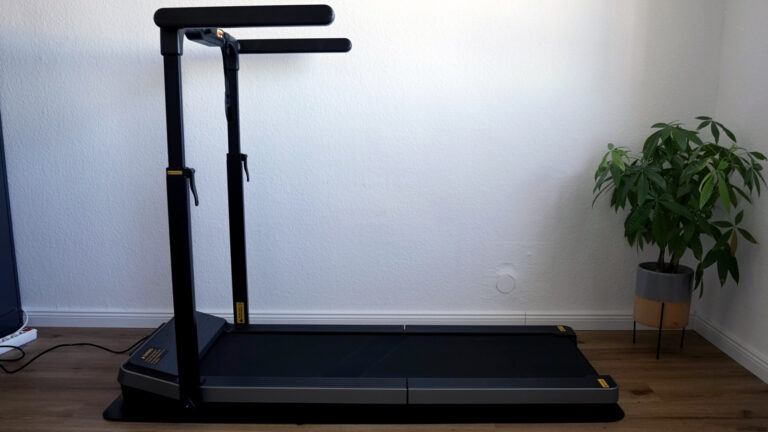
WalkingPad Z3 Hybrid+ Review – treadmill with side grips for more safety (US+UK)
Advertising: The product was provided to me for testing. My review remains unbiased and is based solely on my own experience and…
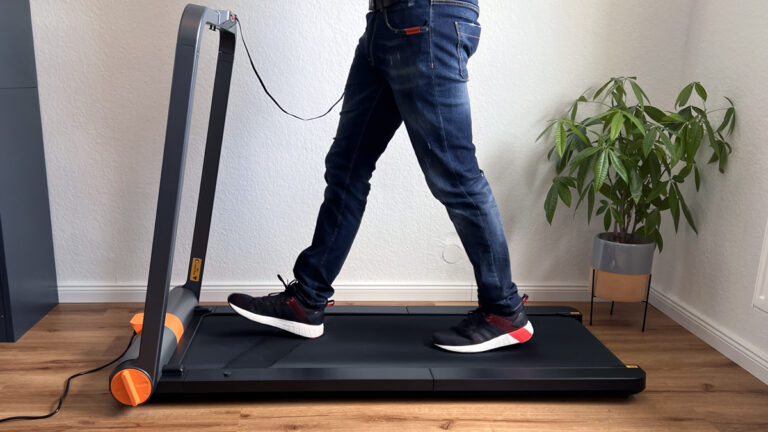
WalkingPad MC11 Review: Folding Treadmill up to 12 km/h (US+UK)
Advertising: The product was provided to me for testing. My review remains unbiased and is based solely on my own experience and…
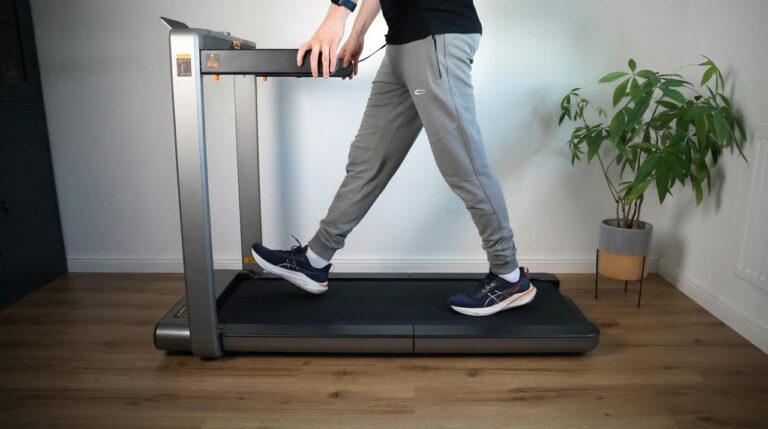
WalkingPad X214 Review The Best Upgrade for Home Office & Running?
Advertising: The product was provided to me for testing. My review remains unbiased and is based solely on my own experience and…
Fast running: the X218 as the exception
If you want to do intervals or tempo runs, the only option in my test field is the WalkingPad X218: 18 km/h, a 140 × 51 cm running surface and 136 kg of load capacity. At 58.5 kg it is more of a foldable treadmill and weighs more than twice as much as a Z1. Up to 14 km/h the acceleration in my test was jerk-free and the cushioning pleasant. If you never run faster than 10 km/h, you do not need it.

Walking pads with incline
An incline raises the calorie burn while walking without going faster. In my test field only the Sperax P2 Pro has one, with a manually adjustable 5 and 10 percent. 10 percent was noticeably strenuous and effective in the test. All KingSmith models and the K1 have no incline. The Sperax is no longer sold, and since April 2026 the US CPSC has warned against further use of several Sperax models, so I no longer recommend it.
Speed and safety
- Safety key: R2 and Z3 Hybrid+ only run with the key inserted, even in walking mode. If you fall, the belt stops.
- Start slowly: The models start slowly, usually at 0.5 to 1 km/h, and accelerate in steps. When switching between walking and running mode (R2, Z3 Hybrid+) the belt stops briefly.
- Automatic mode: On the A1 Pro your foot position controls the speed. I found that unintuitive in the test, at the desk I prefer a fixed pace.
- Child lock: A1 Pro and X214 can be locked.
My verdict
Buy the speed you actually use. For the home office a quiet 6 km/h model is the better choice than a hybrid you never push. If you want to jog in the evening, take the Z3 Hybrid+, MC11 or X214, and only real runners the X218. All models with measurements are in my walking pad reviews.
Frequently asked questions about walking pad speed
Which speed makes sense when working on a walking pad?
Between 2.5 and 3.5 km/h for writing and mouse work, up to 4 km/h for reading or video calls. Nobody needs more than 6 km/h at the desk.
Can you jog on a walking pad?
Yes, from 10 km/h and with a handrail: Z3 Hybrid+, MC11, R2 or X214. Pure walking pads limited to 6 km/h are not built for it.
Which walking pad is the fastest?
The WalkingPad X218 with 18 km/h and the largest running surface in the test field, followed by the X214 with 14 km/h.
Which walking pad has an incline?
In my test field only the Sperax P2 Pro, with a manually adjustable 5 and 10 percent. I no longer recommend it because of a safety warning from the US CPSC. The KingSmith models and the KUIPERS K1 have no incline.
More walking pad guides
- 10,000 Steps at Your Desk: How to Get Them on the Side with a Walking Pad
- Floor Mat for Your Walking Pad: What It Does Against Footfall and What to Look For
- Walking Pad Without Electricity: Does It Exist? Manual Treadmills, Running Costs and Alternatives
- Walking Pad and Desk Height: How High Does the Desk Need to Go? Deck Heights of All Models
- Walking Pad Power Consumption: What Does an Hour of Walking Really Cost? Measured Values
- How to Oil, Centre and Maintain a Walking Pad: The Guide from Eleven Tests
- Foldable Walking Pads: Which Design Fits Your Home? All Folded Dimensions from My Tests
- WalkingPad Z1 vs. P1 vs. A1 Pro: Which Compact Walking Pad Is Right for You?
- Walking Pad Weight Limit: Which Models Carry 120, 135 or 136 kg (300 lb)?
- Walking Pad Noise: How Loud Are Under-Desk Treadmills Really? Measurements from My Tests
More guides
- Eye Massager: What Does It Really Do? Benefits, Limits and What to Look For
- Massage Devices for Home Use: Which Device Helps with Which Complaint? Nine Devices from My Tests
- Air Purifier Buying Guide: CADR, Room Size, Noise and Filter Costs Explained Simply
- Ergonomic Home Office Setup: Desk, Chair, Monitor and Movement from My Tests
- Robot Vacuum, Cordless Stick or Mattress Vacuum? The Right Combination for Your Home