Ad disclosure: Affiliate links (*). As an Amazon Associate, eBay Partner Network affiliate and member of other partner programs, I earn from qualifying purchases.
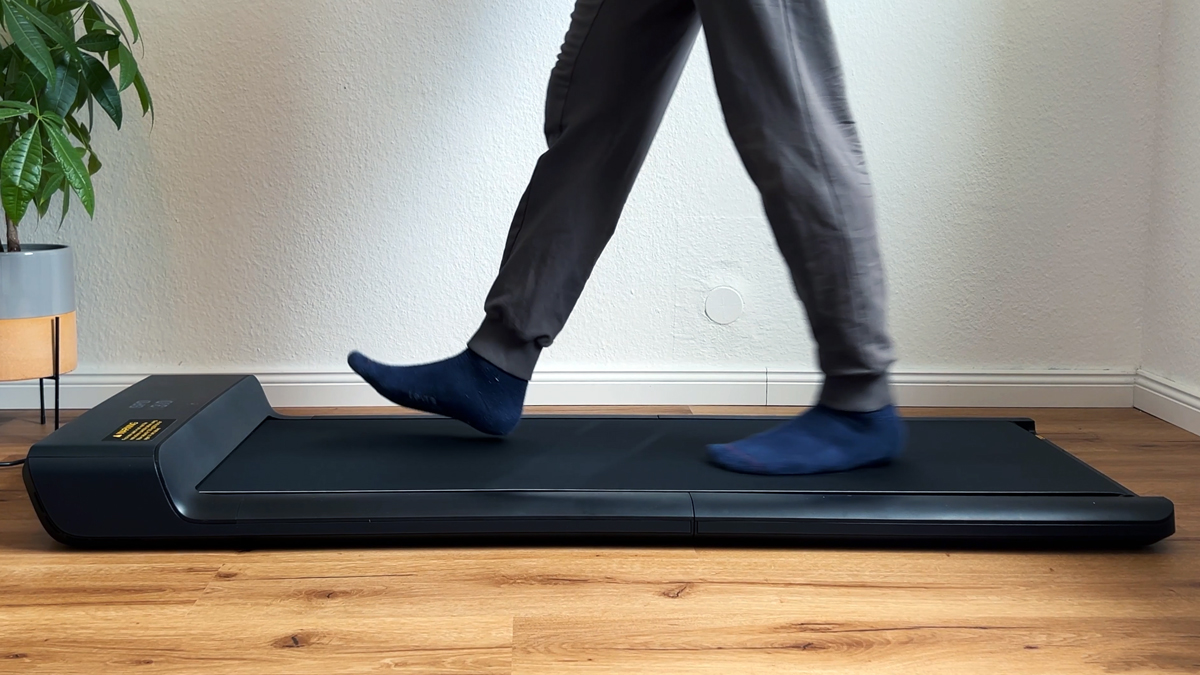
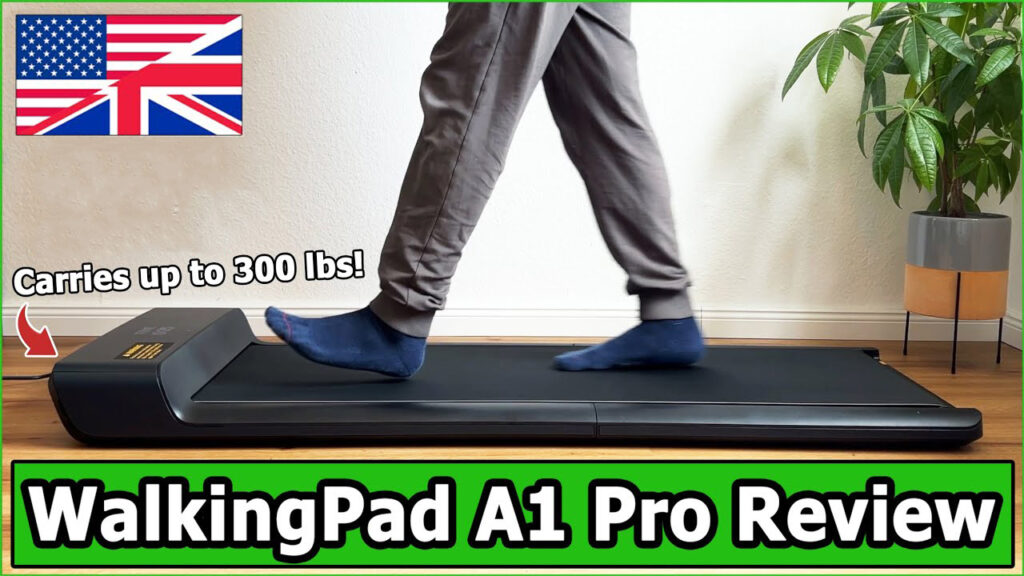
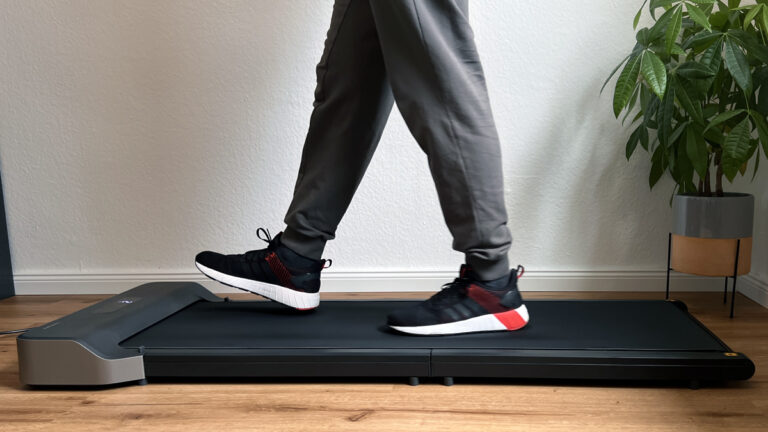
The WalkingPad A1 Pro from Kingsmith is a high-quality, foldable desk treadmill designed for a body weight of up to 136 kg. It impresses with its modern design, easy handling and space-saving storage options. However, the loud fan detracts from the enjoyment of the device, which can be particularly annoying when working.
My test video (7:55 min 🎥)
Watch the test video to get an overview and my personal conclusion!
The video is in English.
Specs
Manufacturer: KingSmith
Color: Black
Motor type: Brushless motor
Motor power: 932 watts
Speed range: 0.5 – 6 km/h (0.3 – 3.7 mph)
Maximum user weight: 136 kg (300 lb)
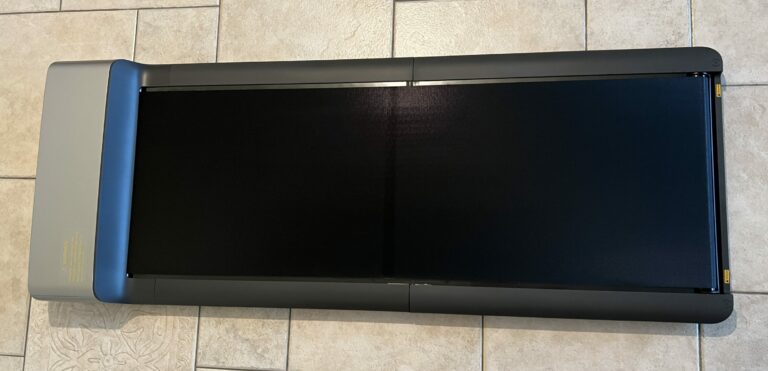
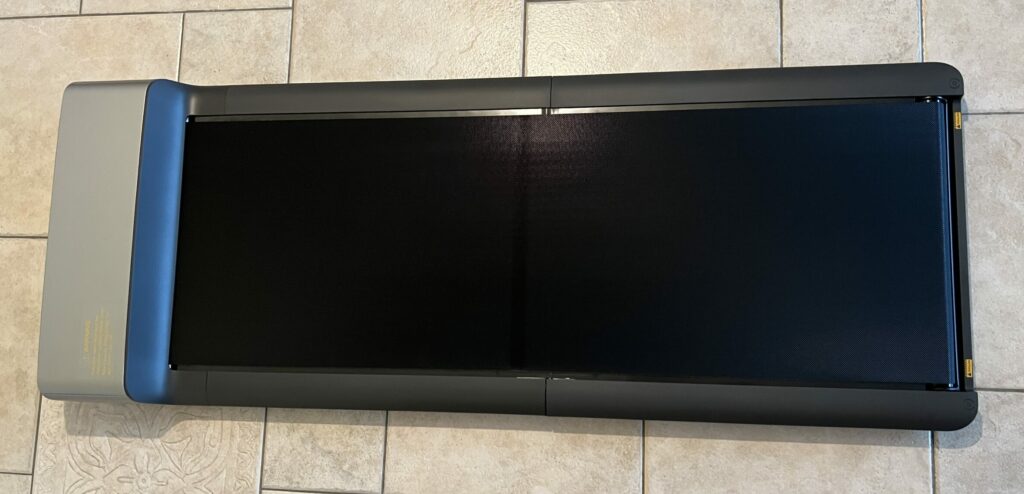
Dimensions unfolded: 143.2 x 54.7 x 12.9 cm (56.4 x 21.5 x 5.1 in)
Folded dimensions: 82.2 x 54.7 x 12.9 cm (32.4 x 21.5 x 5.1 in)
Tread: 120 x 41.5 cm (47.2 x 16.3 in)
Net weight: 27 kg
Gross weight (packed): 31 kg
Displayed data: Time, speed, distance, calories and number of steps
Pros
Modern design and high-quality workmanship
Simple operation via remote control and app
Space-saving and easy to stow away
Robust construction for people up to 136 kg
Child safety lock
Large transport rollers
Timeless design
Cons
Loud fan that starts up after a short time and is annoying
Hello everyone, for this test I had the opportunity to try out the WalkingPad A1 Pro. It is a foldable desk treadmill from the WalkingPad series that can support a body weight of up to 136 kg. Since I have already tested several products from Kingsmith, I was curious to see how this model performs.
The essentials at a glance
Up to 136 kg (300 lb) max. load, the sturdiest model in the compact class.
0.5 to 6 km/h (0.3 to 3.7 mph), 932 W motor, 27 kg (59.5 lb), folds in the middle to 82 cm (32.3 in).
Deck height 12.9 cm (5.1 in), remote control, KS Fit app and automatic mode.
Its weak point is the loud fan, which is why it only scores 3.5 out of 5 on noise.
Design & Build Quality ★★★★☆ (4.5/5)
The WalkingPad A1 Pro features a modern and sleek design. The build quality appears high, and the materials are robust and durable.
Category
Rating
Comment
Material Quality
4.6/5
High-quality materials, solid construction
Design
4.7/5
Modern and space-saving design
Construction
4.5/5
Clean workmanship without flaws
Portability
4.4/5
Easy to move thanks to large wheels
Functionality ★★★★★ (4.6/5)
The treadmill offers a maximum speed of 6 km/h and can be controlled both via remote control and through the app. Integration with the KS-Fit App provides additional features.
Category
Rating
Comment
Speed Range
4.5/5
0.5 to 6 km/h, sufficient for walking
Control Options
4.7/5
Remote control and app control
Automatic Mode
4.0/5
Works, but not intuitive
Display
4.6/5
LED display with customizable indicators
One point to note: the treadmill has no built-in battery and always needs a power outlet.
Ease of Use ★★★★★ (4.6/5)
Handling the WalkingPad A1 Pro is simple and intuitive. Assembly requires no setup, and the device is ready to use immediately.
Category
Rating
Comment
Setup
4.8/5
No assembly required, ready to use immediately
Operation
4.7/5
Easy control via remote or app
Mobility
4.8/5
Easy to move thanks to large wheels
Maintenance
4.5/5
Simple to oil the running surface
Performance ★★★★★ (4.7/5)
The running feel on the WalkingPad A1 Pro is pleasant, and the device runs smoothly. However, the fan is a drawback.
Category
Rating
Comment
Running Feel
4.7/5
Pleasant and even
Motor Performance
4.6/5
Sufficient for intended use
Stability
4.5/5
Robust feeling while running
Fan Function
3.5/5
Fan starts quickly and is loud
Noise Level ★★★☆☆ (3.5/5)
Noise level is a critical point for the WalkingPad A1 Pro. While the sounds during walking are acceptable, the fan is noticeably loud and can be disturbing.
Category
Rating
Comment
Running Noise
4.0/5
Well-damped with rubber mat
Fan Noise Level
2.0/5
Loud and disturbing, sounds like a siren
Noise Insulation
3.5/5
Could be better, especially for multi-family homes
Overall Impression
3.5/5
Fan detracts from the otherwise good soundscape
At maximum speed I measured 59.2 dB from about one metre away. The walking noise itself is acceptable, the fan is what stands out.
Value for Money ★★★★☆ (4.2/5)
Considering the high-quality build and features, the price-performance ratio is overall good, although the fan should be considered a weak point.
Category
Rating
Comment
Price
4.0/5
Mid-range segment for treadmills
Performance
4.5/5
Good functionality for the price
Durability
4.5/5
Robust materials promise long-term use
Improvement Potential
4.0/5
Fan should be optimized
WalkingPad A1 Pro: What’s in the box and setup
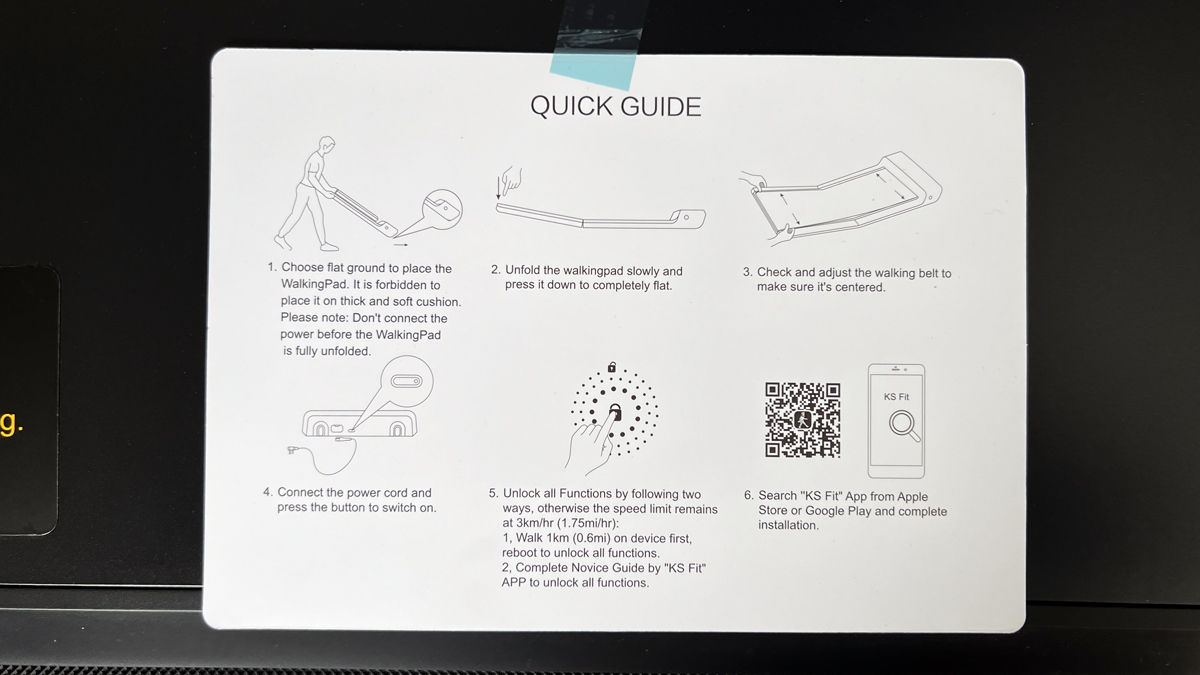
The A1 Pro arrives fully assembled. You unfold it, plug it into the mains at the front, and that’s it. There’s no real assembly involved, no screws, no tools needed. Just be prepared to carry 27 kg (59.5 lb) from the hallway into the room.
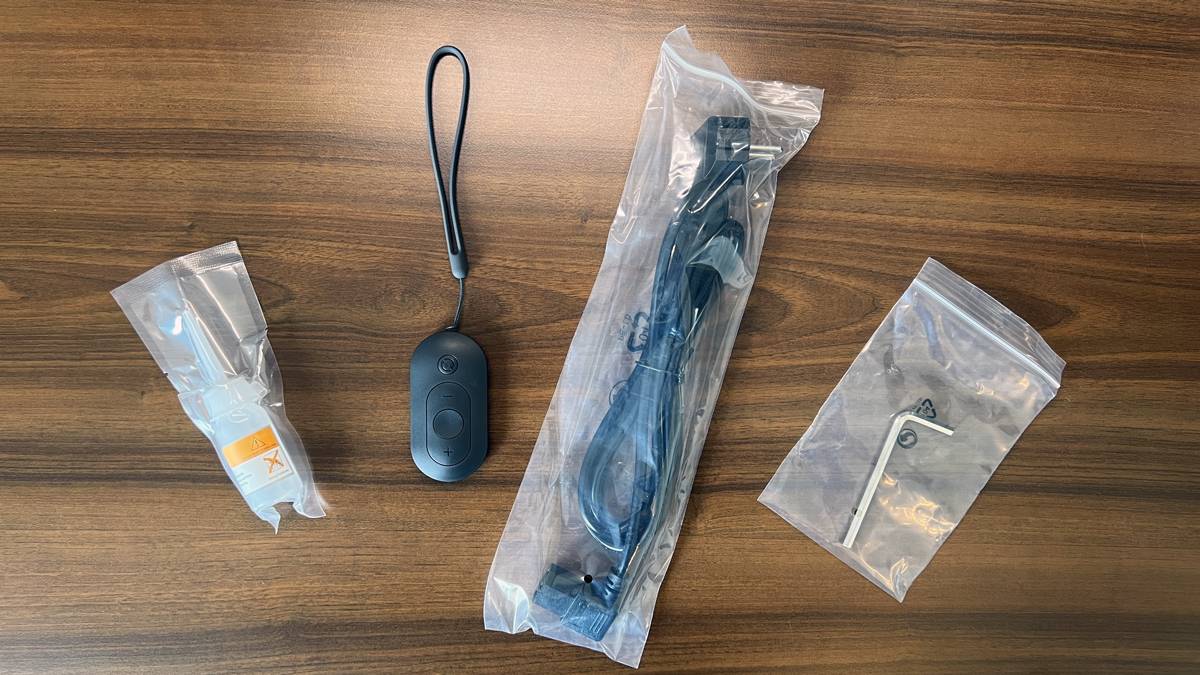
In the box I found:
the fully assembled treadmill
a small bottle of lubricating oil for the running surface
the remote control
a power cable 1.95 m (76.8 in) long
an Allen key to tighten or loosen the running belt at the back
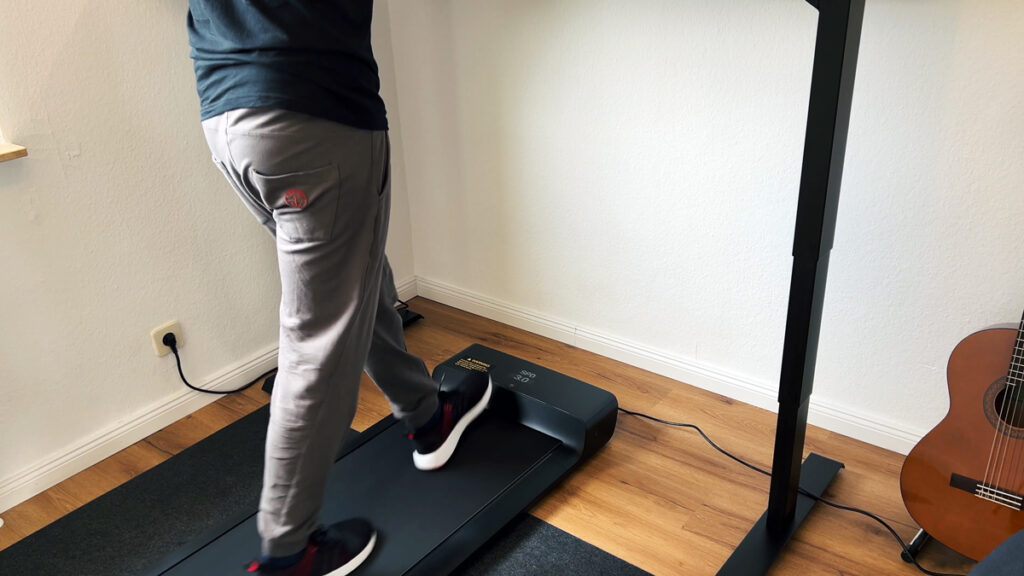
The cable is just under two metres long, which partly determines where the belt can stand. No mat is included. For plain walking you don’t need one, because the A1 Pro is solidly damped. In a multi-family building, or as in my case under the roof, I would still put a thick rubber mat underneath, see the guide Floor mat for your walking pad. Before first use, you should also apply oil under the belt; more on that below.
WalkingPad A1 Pro: Unlocking full speed and the safety stop
One thing is surprising the first time you switch it on: out of the box, the A1 Pro only runs up to 3 km/h (1.9 mph). That’s not a fault, it’s a safety lock. You can unlock the full 6 km/h (3.7 mph) in two ways: either you walk a stretch at the lower speed first, or you connect the belt to the KS Fit app and confirm the 6 km/h top speed in the settings. I’d recommend going via the app, since you’ll end up there anyway.
A second safety feature stands out quickly: without any load, the belt only runs for a few seconds and then stops on its own. That’s annoying when oiling it, but exactly right in everyday use. Which speed makes sense for which goal is explained in the guide Walking Pad Speed.
WalkingPad A1 Pro: Automatic mode and foot control
Besides manual operation via the remote, the A1 Pro has an automatic mode. The belt senses where you’re standing: step further forward and it speeds up, fall back and it slows down. Elegant in theory.
In practice, I don’t use it at all. I never got reliable control over it and couldn’t control the speed the way I wanted to. Having the remote in my hand gives me more confidence. Feel free to try it, but don’t buy the A1 Pro for this feature.
WalkingPad A1 Pro: Controls, display and the KS Fit app
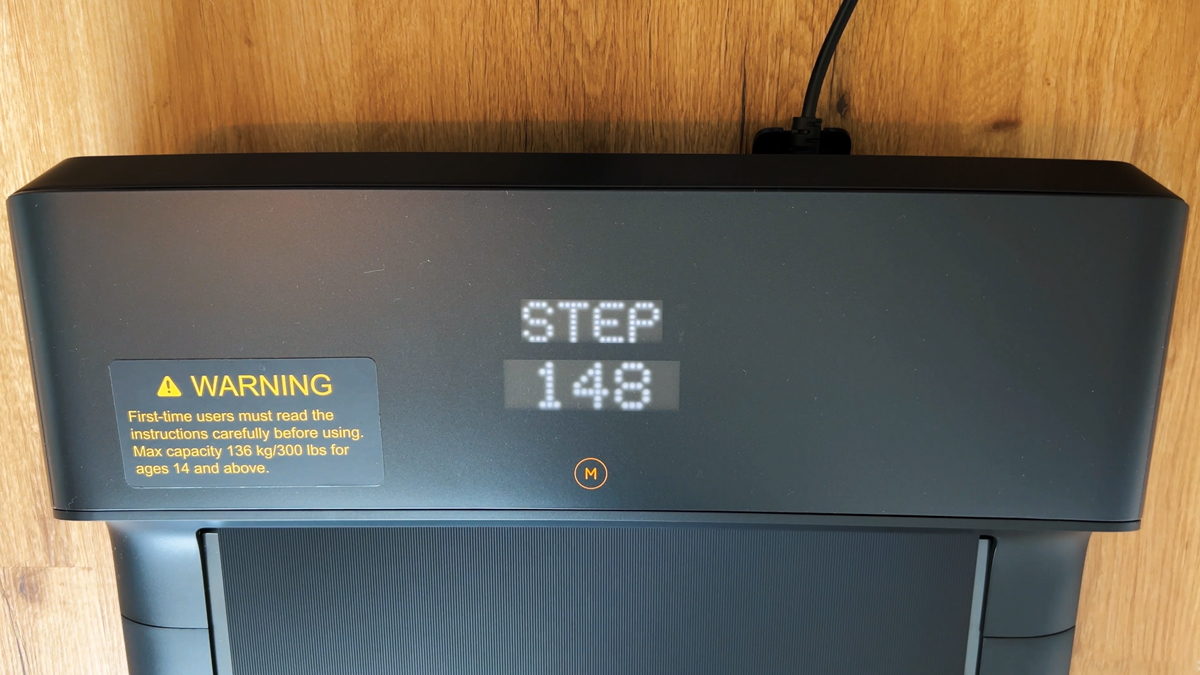
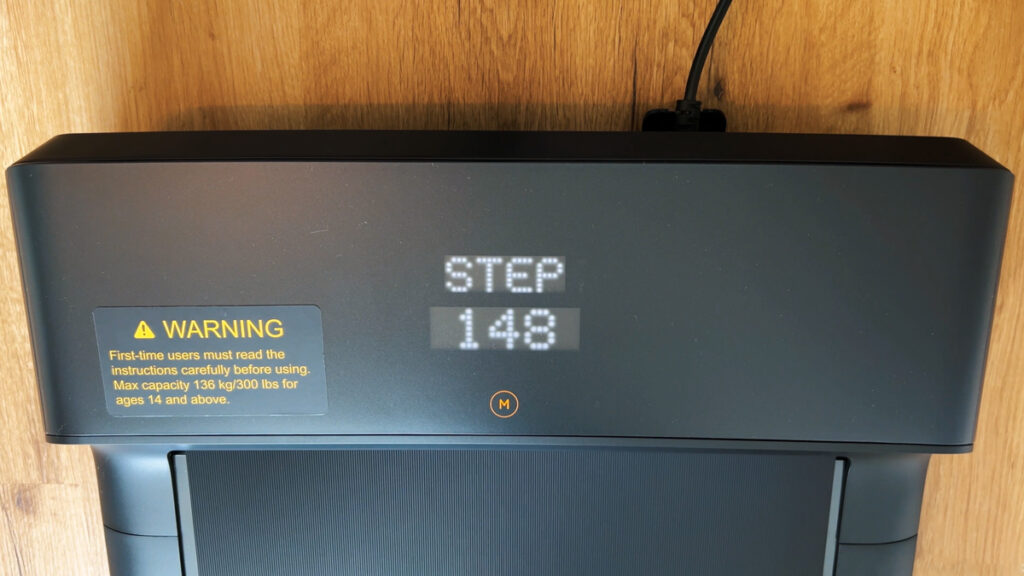
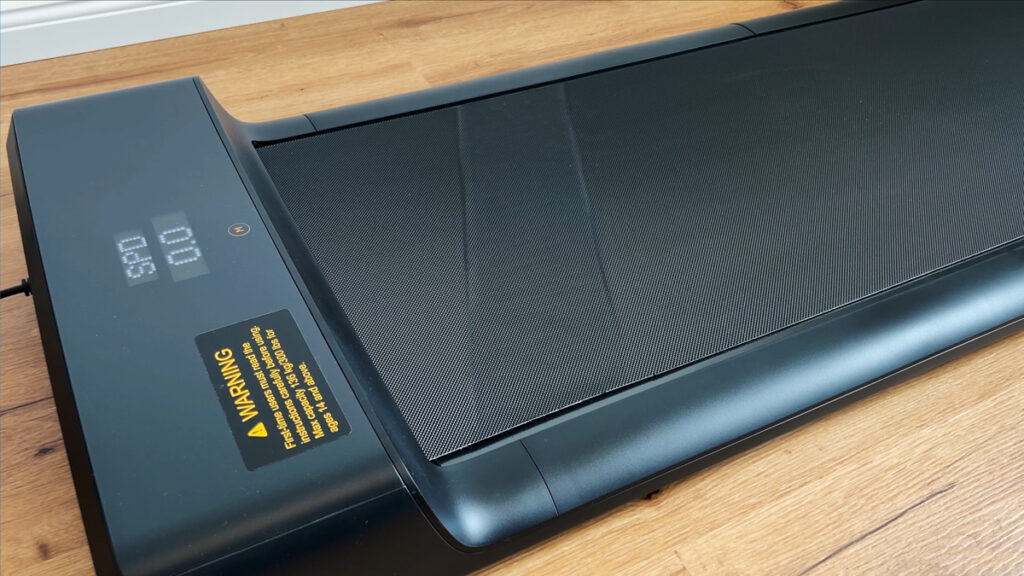
At the front sits an LED display showing time, speed, distance, calories and steps. You choose which values appear there in the app. The display mainly helps when you’re walking freely and aren’t already looking at a monitor.
Pairing the app takes a minute: tap the small plus sign in the top right, the powered-on belt is found via Bluetooth, and a short guide walks you through setup. What you can control where:
Function
Remote
KS Fit app
Start, stop, change speed
yes
yes
Unlock top speed of 6 km/h (3.7 mph)
no
yes
Set starting speed
no
yes
Choose display readings
no
yes
Child lock (block starting via remote)
no
yes
Save workout and send to health app
no
yes
I deliberately start my workouts via the app, because that’s the only way your sessions get saved. During the walk you see live data, and afterwards the session moves to your health app if you want, for me that’s Apple Health. One tip that saves you trouble: take off your fitness tracker when you’re walking at the desk. If your arm rests on the desktop, the watch won’t count your steps properly, and if it also sends its data to the same health app, it will distort your result. Without a watch on your wrist, the transfer works perfectly. I show how to fit in 10,000 Steps at Your Desk in the matching guide.
WalkingPad A1 Pro: Noise in everyday use
The walking noise itself is fine. I measured the noise level at each speed step in turn, from about one metre away. At top speed my meter showed 59.2 dB. A thick rubber mat further dampens footfall in particular.
The real disturbance is something else: the fan. It kicks in after one to two minutes and has an unpleasant tone, to me it sounds like a small siren. Whether the room temperature of 24 °C (75 °F) played a role I can’t say, but it always came on for me. That’s why I only use the A1 Pro for work with headphones on; then it’s not a problem. If someone else is in the room with you, or you’re on calls a lot, you should be honest with yourself on this point. How the other models compare is in the guide Walking Pad Noise.
WalkingPad A1 Pro: Storage and transport in everyday use
In the morning I want to get from sitting to walking quickly. Thanks to the large transport wheels, I can pull or push the A1 Pro across the room, even over a thicker rubber mat. Then unfold it, plug it in, done. That’s exactly what decides whether a device like this actually gets used day to day or ends up gathering dust in a corner.
How to fold it correctly
Switch the belt off first and unplug it. Folding it while it’s still powered risks damaging the electronics and the motor. Then secure the front half by leaning on it lightly, and fold the back half over with your other arm.
It’s worth checking your storage spot before you order. Folded, the A1 Pro stays just under 13 cm (5.1 in) tall and may only be stored lying flat. My own bed is too low, so it doesn’t fit underneath. Measure in advance whether your sofa or bed has enough clearance. I compare how flat the different designs fold in the guide Foldable Walking Pads.
WalkingPad A1 Pro: Maintenance and care
Lubrication reduces friction between the belt and the deck. That takes strain off the motor and belt, so it runs more quietly and lasts longer. Here’s how I do it:
lift the running surface and oil it carefully across the full width of the belt; it’s easier with two people, but doable alone too
fold the surface back down and connect the belt to power at the front
start it via the remote: without any load it only runs for a few seconds, that’s part of the safety design
repeat the process three to four times so the oil spreads across the whole surface
I don’t have a fixed interval. I oil it after longer periods of not using it, and whenever I notice more friction noise than usual. If the belt no longer runs cleanly centred, or sits too loosely, you can tighten or loosen it at the back with the included Allen key. The detailed instructions are in the guide How to oil, centre and maintain a walking pad.
What the WalkingPad A1 Pro can’t do
The fan kicks in after just one to two minutes and sounds like a small siren. That’s why I only use the belt for work with headphones on.
The automatic mode based on foot position isn’t reliably controllable for me; I prefer to control speed myself via the remote.
Only 3 km/h (1.9 mph) is available out of the box; you first have to unlock the full 6 km/h (3.7 mph).
Starting speed, display readings, child lock and saving workouts are only available in the KS Fit app, not on the remote.
Top speed is 6 km/h. The A1 Pro isn’t built for jogging; it’s a walking device for the desk.
There’s no heart-rate measurement; the display shows time, speed, distance, calories and steps.
It can only be stored lying flat, and at just under 13 cm (5.1 in) tall and 27 kg (59.5 lb) you need a fixed spot for it.
Without any load the belt stops after a few seconds, so you have to restart it repeatedly while oiling.
Summary
Overall, the WalkingPad A1 Pro is a high-quality and functional desk treadmill that impresses with its design and ease of use. The easy integration into daily work routines and space-saving storage are particular advantages. However, the loud fan detracts from the overall impression, especially if you intend to use the treadmill while working.
Recommendation
The WalkingPad A1 Pro is ideal for those looking for a high-quality treadmill for home use and are willing to accept the loud fan or use headphones. If you are sensitive to noise or wish to use the treadmill in a quiet environment, you might want to consider another model.
If the loud fan bothers you, I recommend the WalkingPad P1, whose fan is quieter, or the WalkingPad Z1, which has no fan at all.
Comparison of WalkingPads
Here you can compare the A1 Pro with the two other walking pads in the same category that I have also tested.
Lying flat / upright (only where it cannot tip over)
Lying flat
Control / connectivity
Remote | KS Fit app via Bluetooth | automatic mode
Remote | KS Fit app via Bluetooth
Remote | KS Fit app via Bluetooth | automatic mode
Display
LED (time, speed, distance, calories, steps)
LED (time, speed, distance, calories)
Integrated in the remote (time, speed, distance, steps)
Warranty
1 year
1 year
1 year
Special features
Child lock | large transport wheels | timeless design
Brushless motor | very light | large transport wheels | child lock | no-load stop
Child lock | large transport wheels
I created a comparison video (in German) in which I compared the WalkingPad A1 Pro with the Z1 and the P1.
Current WalkingPad Discount
If you are interested in the WalkingPad A1 Pro, I can offer you a discount. This is activated automatically when you follow the link. When adding to the cart, the discount will be deducted at checkout.
Enjoy your new WalkingPad!
If you want to see my practical experience in detail, you can watch my test video here:
If you have any questions or need more information, don’t hesitate to send me a message: Contact form.
measured 59.2 dB at top speed; walking noise acceptable, the fan kicks in quickly and is the disturbing factor (score 3.5 out of 5)
Deck height
12.9 cm (5.1 in)
Folded size
82 x 55 x 12.9 cm (32.3 x 21.7 x 5.1 in), 27 kg (59.5 lb), can only be stored lying flat
Test scope
at least 10,000 steps at the desk (see comparison review)
How I test: every walking pad runs under my desk at home; where possible, I measure the noise level from one metre away, and for the newer reviews also the power draw via a plug-in meter.
Alternatives to the WalkingPad A1 Pro
I have also reviewed these models, and they are the closest alternatives to the WalkingPad A1 Pro. You can find all eleven models with a comparison table in my big walking pad review.
Frequently asked questions about the WalkingPad A1 Pro
How much weight can the WalkingPad A1 Pro take?
Up to 136 kg (300 lb), the highest load capacity among the compact WalkingPads (only the X218 matches it).
How loud is the WalkingPad A1 Pro?
At maximum speed I measured 59.2 dB from about one metre away. The fan kicks in after a short time and is clearly audible. If you want it quieter, go for the WalkingPad P1 or the fan-less Z1.
Can I store the A1 Pro upright?
No, it can only be stored lying flat. Folded, it measures 82.2 × 54.7 × 12.9 cm.
Where to buy
WalkingPad A1 Pro
Discount code4HAPPYHOMEvalid at WalkingPad Store US, currently the maximum discount available
To provide you with an optimal experience, we use technologies such as cookies to store and/or access device information. If you consent to these technologies, we may process data such as browsing behavior or unique IDs on this website. If you do not give or withdraw your consent, certain features and functions may be impaired.
Functional
Always active
The technical storage or access is strictly necessary for the legitimate purpose of enabling the use of a specific service expressly requested by the subscriber or user, or for the sole purpose of carrying out the transmission of a communication over an electronic communications network.
Preferences
The technical storage or access is necessary for the legitimate purpose of storing preferences that have not been requested by the subscriber or user.
Anonymized statistics
Technical storage or access for statistical purposes only.Technical storage or access used solely for anonymous statistical purposes. Without a subpoena, the voluntary consent of your Internet service provider or additional records from third parties, the information stored or accessed for this purpose alone cannot generally be used to identify you.
Show YouTube videos
If you do not agree to this cookie, you will not be able to watch videos on the website.