Ad disclosure: Affiliate links (*). As an Amazon Associate, eBay Partner Network affiliate and member of other partner programs, I earn from qualifying purchases.
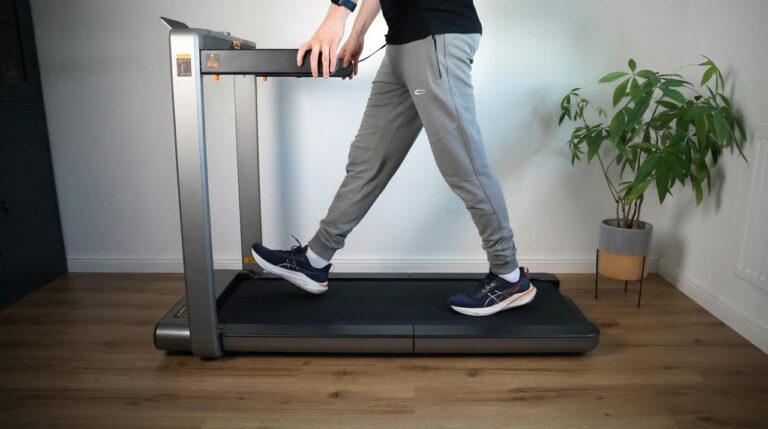
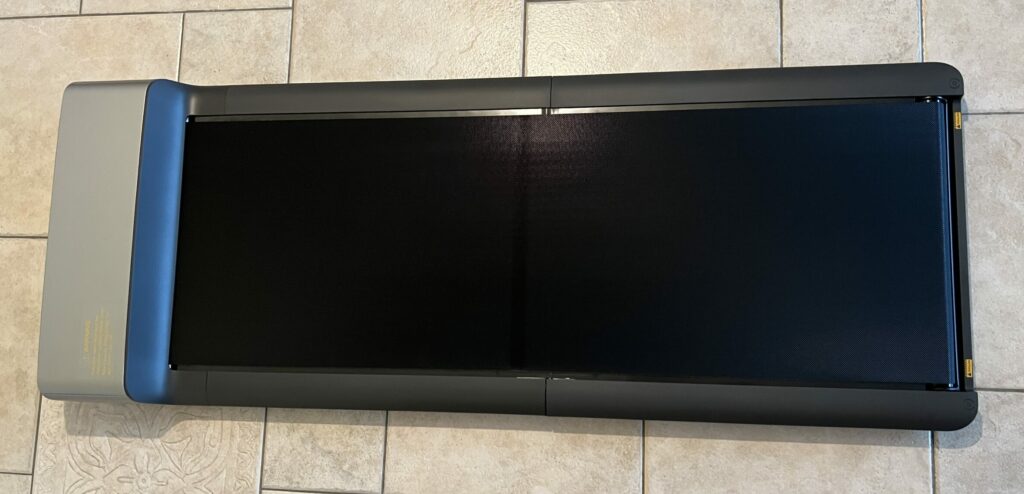
The WalkingPad Z3 Hybrid+ offers a well thought-out design with side handles, is height-adjustable and can be used both as a walking and jogging pad. With its large transport wheels, a top speed of 10 km/h and support for the KS Fit app, it sets new standards in the foldable treadmill sector. It also offers numerous improvements over its predecessor models, such as the option to mute the signal tone.
My test video (11:22 min 🎥)
Watch the test video to get an overview and my personal conclusion!
The video is in English.
Specs
Manufacturer: Kingsmith
Color: Black / Dark Gray
Motor type: Brushless motor
Motor power: 735 watts
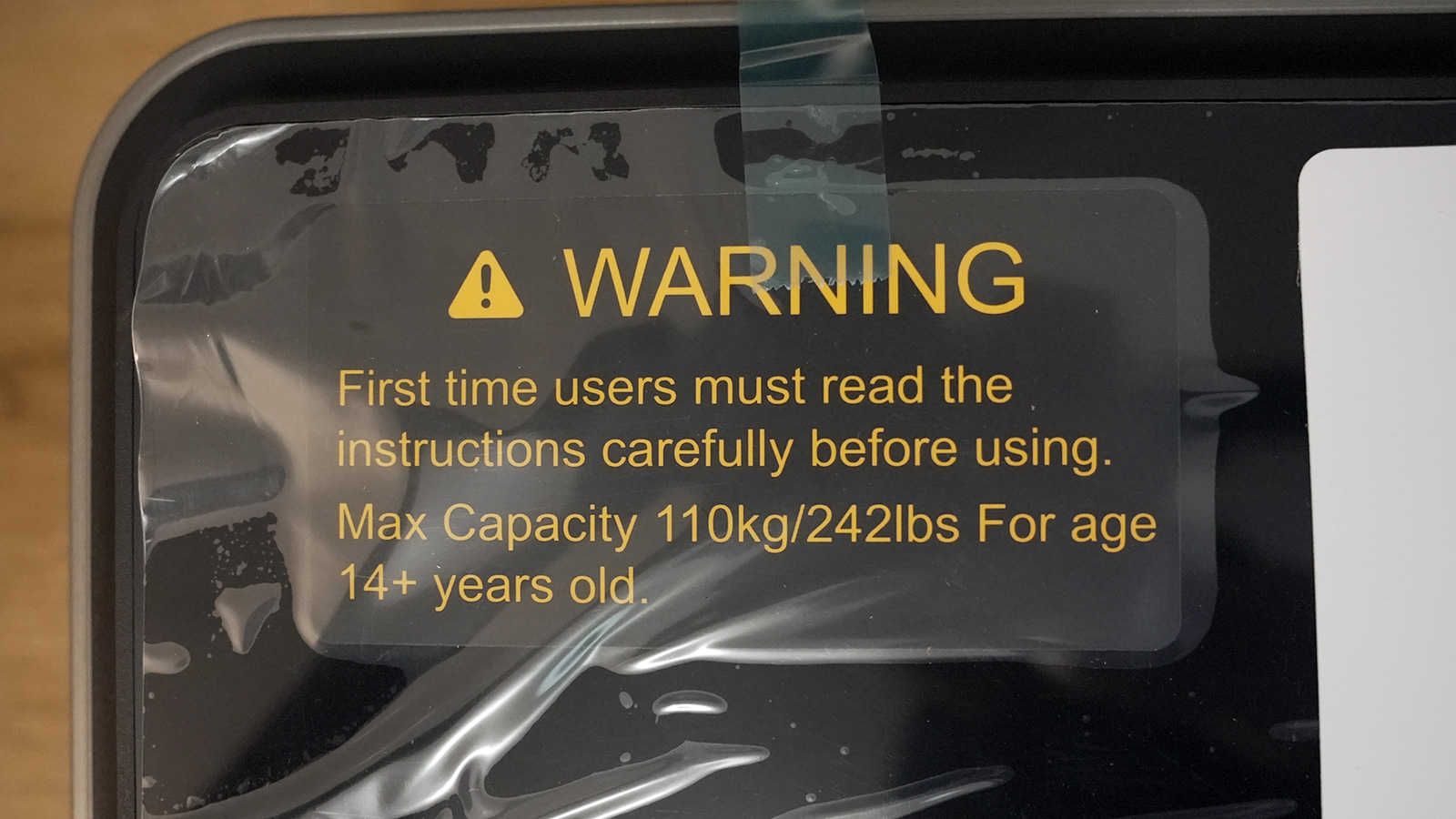
User weight: 110 kg
Tread: 120 x 44 cm
Speed range: 1 - 10 km/h
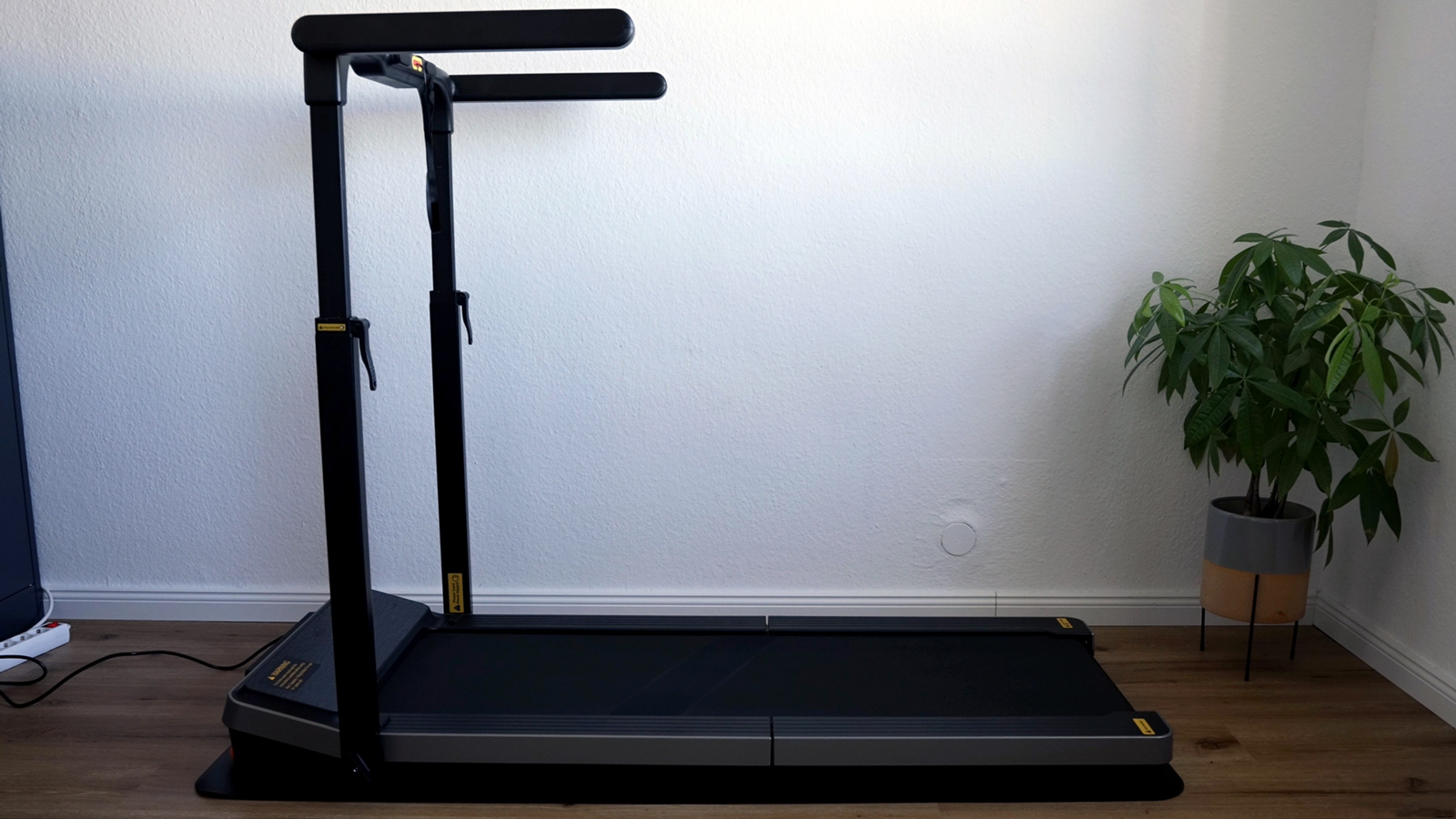
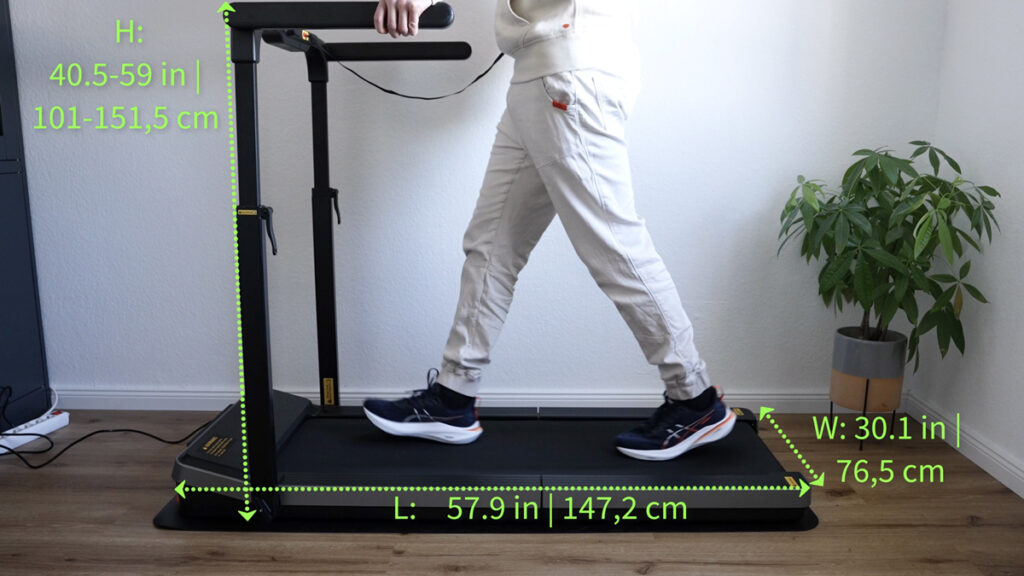
Unfolded dimension: 147.2 x 76.5 x 10.3 cm
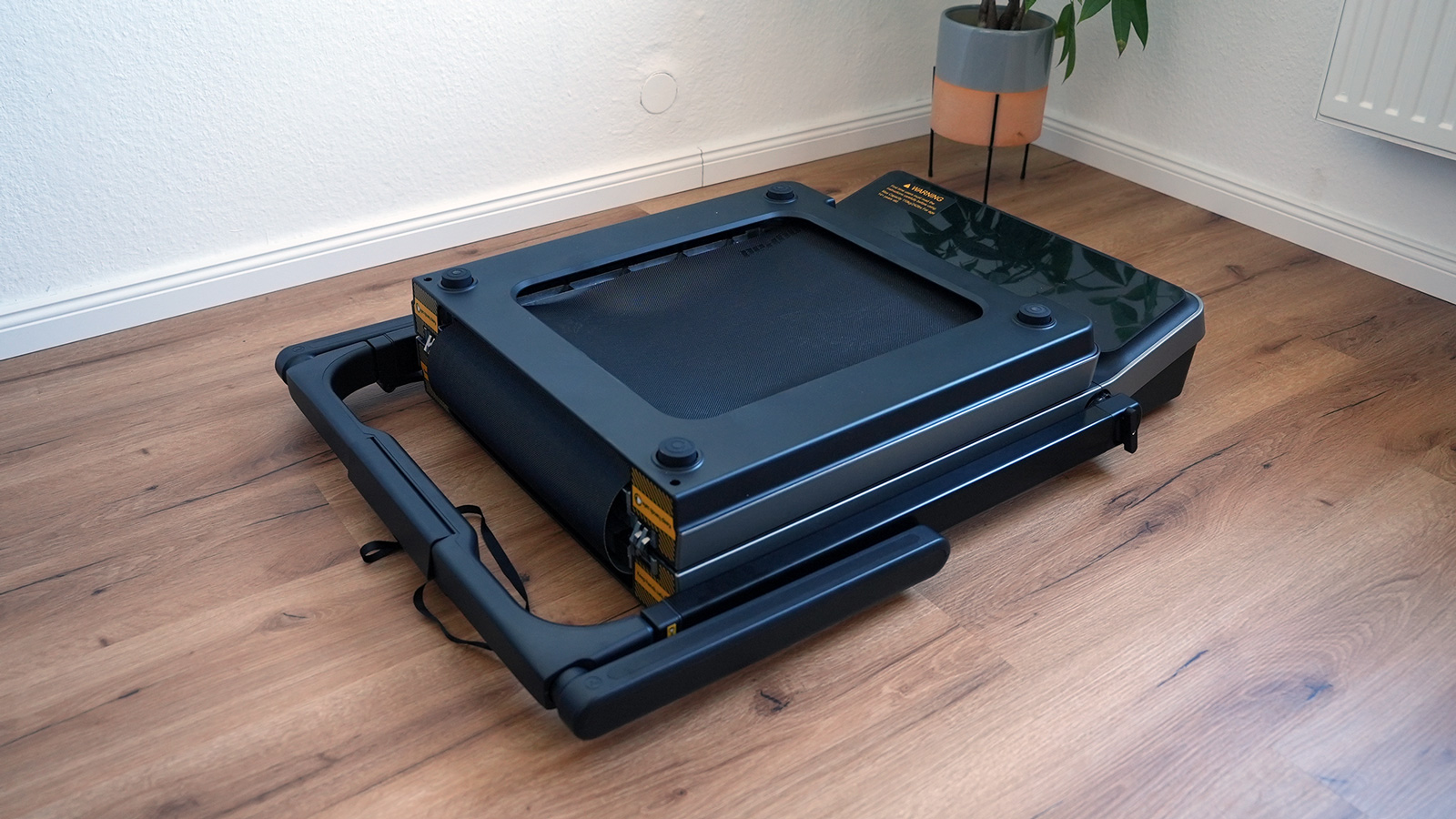
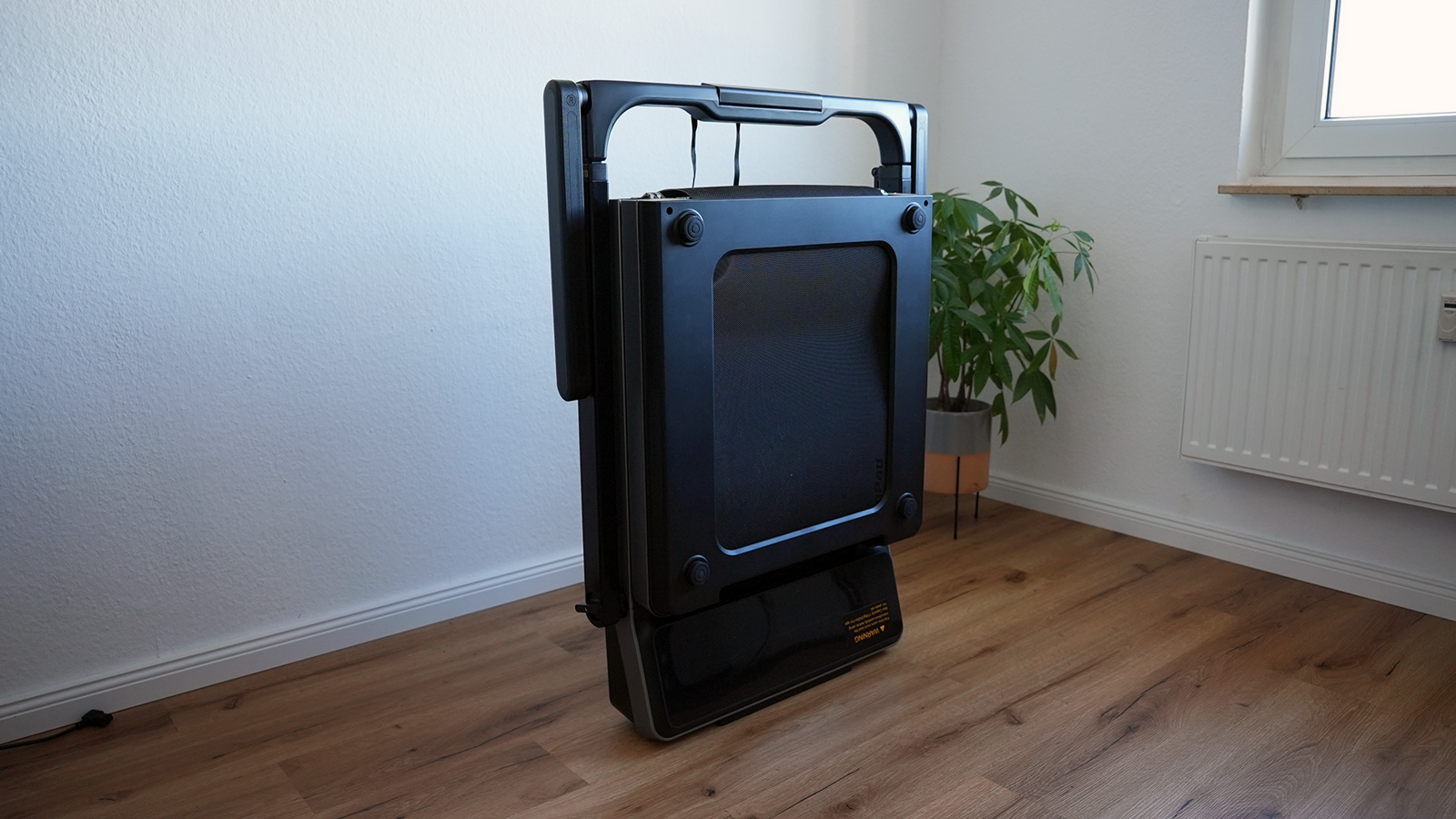
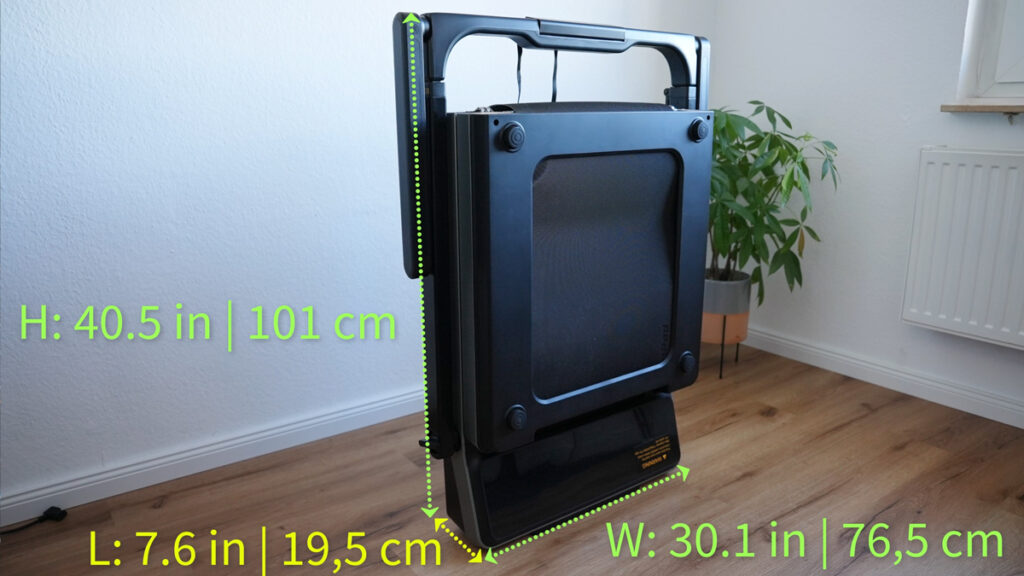
Folded dimension: 101 x 76.5 x 19.5 cm
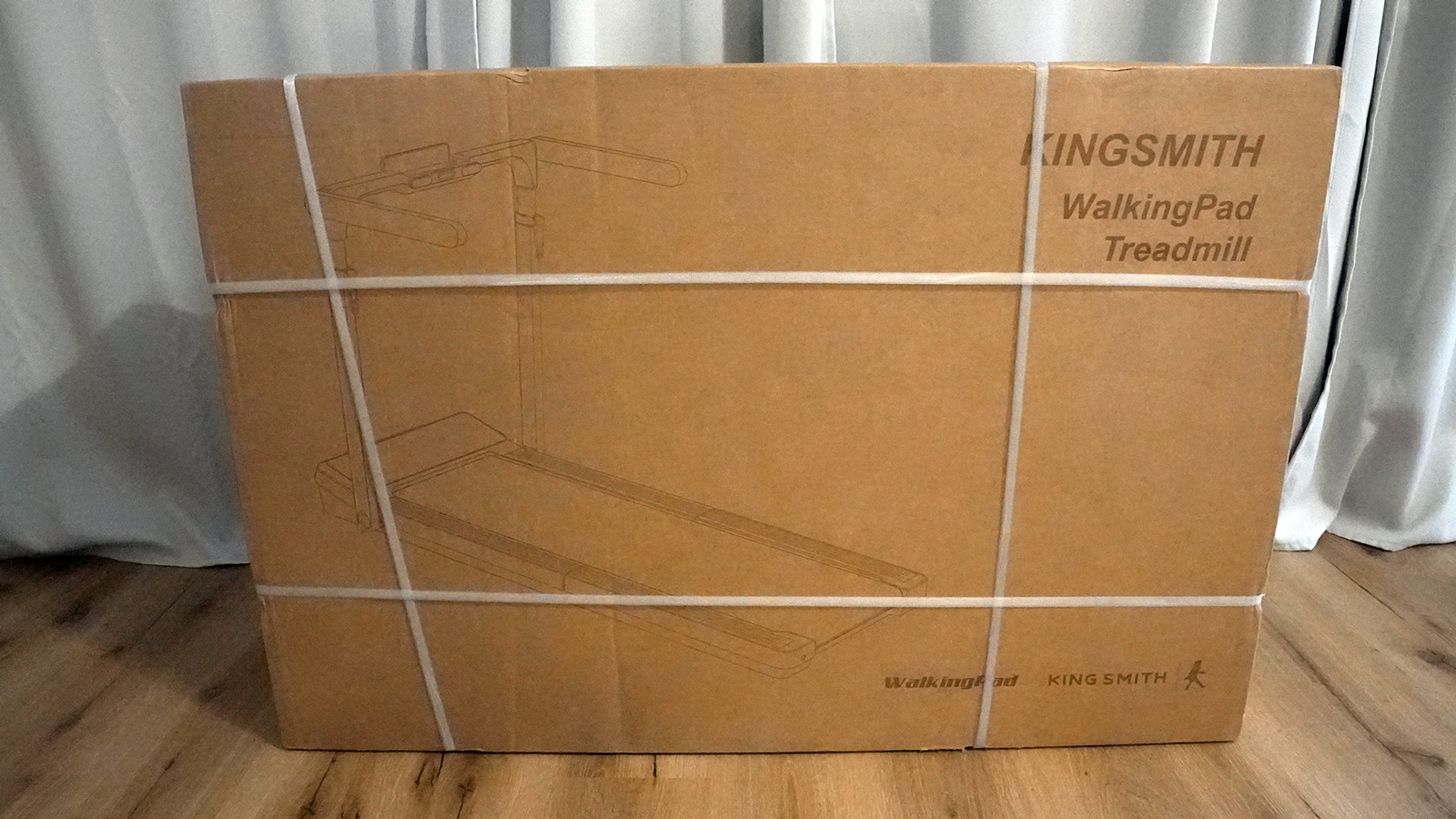
Gross weight (packed): 45 kg
Net weight: 39 kg
Displayed data: Time, steps, distance, calories burned, speed
In today’s test, I’m taking a closer look at the WalkingPad Z3 Hybrid+, a folding treadmill that should be of interest to many people thanks to its side handles. Whether for use as a treadmill at your desk or for light jogging sessions – the Z3 Hybrid+ scores points with its well thought-out design and practical details. Below you can find out all about its design, handling, performance and value for money.
This is a single review. All eleven models I tested, with a comparison table, are in my big walking pad review. You can find all my other walking pad and treadmill reviews in the walking pad category.
Key takeaways
1 to 10 km/h (0.6 to 6.2 mph), 110 kg (243 lb) capacity, 735-watt motor with no fan.
Side handles and a height-adjustable handrail: the safest model for light jogging.
39 kg (86 lb), folds 180 degrees down to 101 cm (39.8 in), can be stored standing up or lying down.
Deck height 10.3 cm (4.1 in); fold the handles down for desk work.
Design & build quality ★★★★★ (4.8/5)
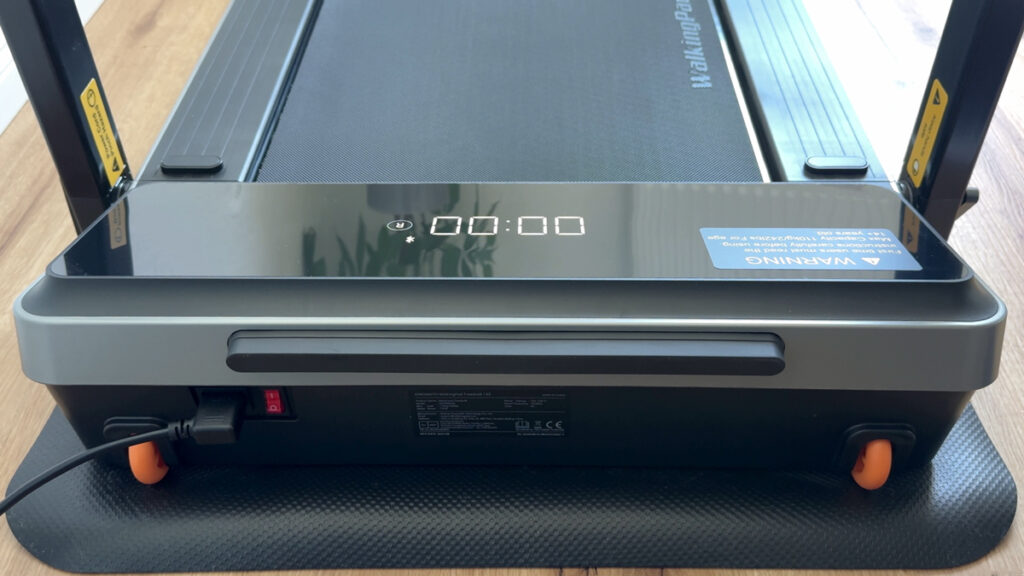
The Z3 Hybrid+ impresses with its high-quality and modern appearance. The workmanship is solid and the device makes a positive impression as soon as it is unpacked.
Category
Rating
Comment
Material quality
4.9/5
High-quality surfaces, sturdy housing
Workmanship
4.8/5
Clean edges and precisely fitting parts
Display & lettering
4.7/5
High-quality appearance, easy to read
Transport rollers
4.8/5
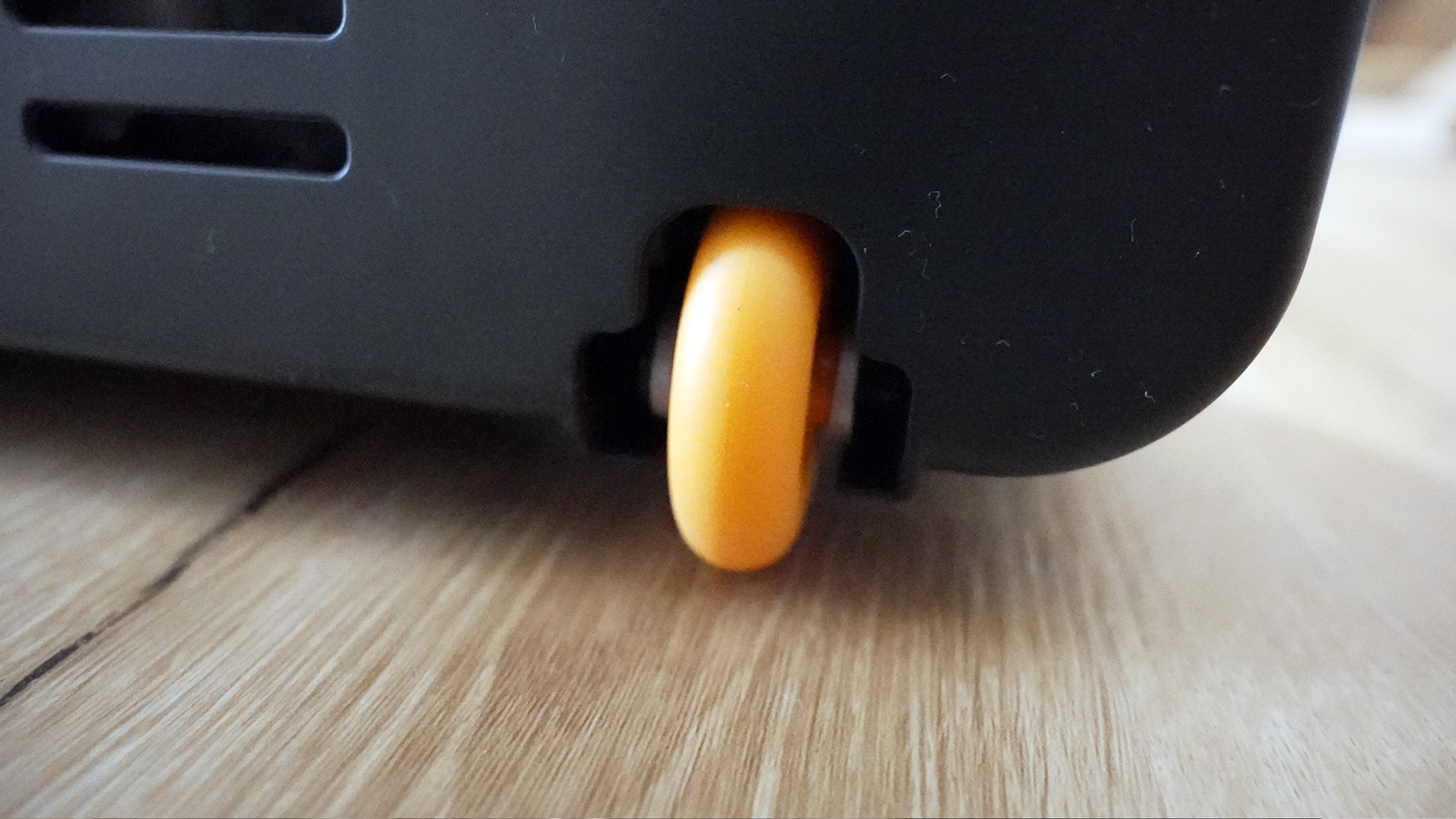
Large castors for easy movement
With a weight of just under 39 kg (45 kg with packaging), two people are required for transportation, but the large transport castors make it much easier to move in everyday life. Folded and standing upright, it takes up only 19.5 cm of depth, so it fits in a corner or behind a door.
Functionality ★★★★☆ (4.7/5)
The Z3 Hybrid+ offers versatile use – both as a walking and jogging pad – thanks to the foldable handles and a dual mode system.
Category
Rating
Comment
Side handles
4.8/5
Height-adjustable (101-151.5 cm), more safety
Walk/jog mode
4.7/5
Change by folding and securing
KS Fit app
4.6/5
Setting the speed, favorites and mute function
Speed range
4.8/5
Up to 6 km/h in walk mode, 10 km/h with handles
Thanks to the adjustable handle height, every user can find the right setting. The maximum speed is limited to 6 km/h in walk mode and 10 km/h in run mode. It is particularly practical to switch between modes simply by raising and lowering the handles.
Ease of use ★★★★★ (4.8/5)
The operation and handling of the Z3 Hybrid+ are consistently convenient and user-friendly.
Category
Rating
Comment
Setup & commissioning
4.8/5
Delivered fully assembled, ready for immediate use
Remote control & app
4.7/5
Intuitive control, can be optionally muted
Safety plug
4.6/5
Emergency stop function, necessary plug contact
Oil interval
4.7/5
Simple lubrication by ear or if not used for a longer period of time
Thanks to the safety plug, the treadmill can only be started when it is plugged into the socket provided. The KS Fit app offers additional benefits such as a step counter, calorie overview and synchronization with health apps. Thanks to the large transport wheels, moving or storing the treadmill is child’s play.
Performance ★★★★☆ (4.7/5)
Whether for slower walking speeds or moderate jogging up to 10 km/h, the Z3 Hybrid+ is powerful and reliable.
Category
Rating
Comment
Max. speed
4.6/5
6 km/h (Walk), 10 km/h (Jog)
Continuous operation
4.7/5
10,000 step test passed without any problems
Motor
4.8/5
Powerful, smooth running
Accurate speedometer
4.6/5
Time, distance, steps and calories are displayed accurately
In tests, the treadmill was able to complete 10,000 steps without any problems and proved to be stable and comfortable to use. However, other models with more power are suitable for ambitious runners who want higher speeds or intensive training.
Noise ★★★★☆ (4.5/5)
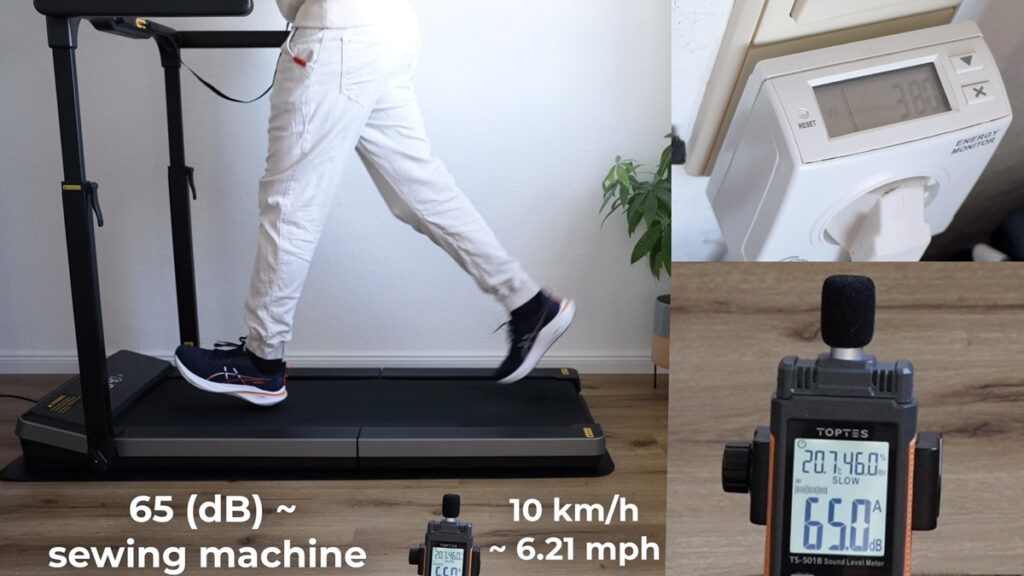
The noise level of the Z3 Hybrid+ is within a pleasant range. The faster you run, the louder it gets.
Category
Rating
Comment
Noise level
4.5/5
Pleasant, no excessive noise even at 10 km/h
Mute function
4.6/5
Beep can be deactivated via app
Comparison with previous models
4.5/5
Slightly quieter thanks to oiling and new design
When jogging at full speed, the device can naturally become louder. With the option to deactivate the beep, the manufacturer is responding to feedback from previous models and thus increasing ease of use.
Value for money ★★★★☆ (4.6/5)
The Z3 Hybrid+ is in the mid to higher price segment for folding treadmills, but also offers comprehensive features and a solid construction. In my big walking pad review of eleven models, it is one of my three test winners and my best-value pick.
Category
Rating
Comment
Price
4.5/5
Reasonable for the size and equipment
The quality
4.7/5
High-quality materials, reliable performance
Accessories & support
4.6/5
Remote control, safety plug, KS Fit app
Long-term test
4.5/5
Robust system for moderate walking/jogging
This model is particularly worth investing in for people who need lateral support when walking or jogging and/or are looking for a treadmill for their desk.
WalkingPad Z3 Hybrid+: delivery and setup
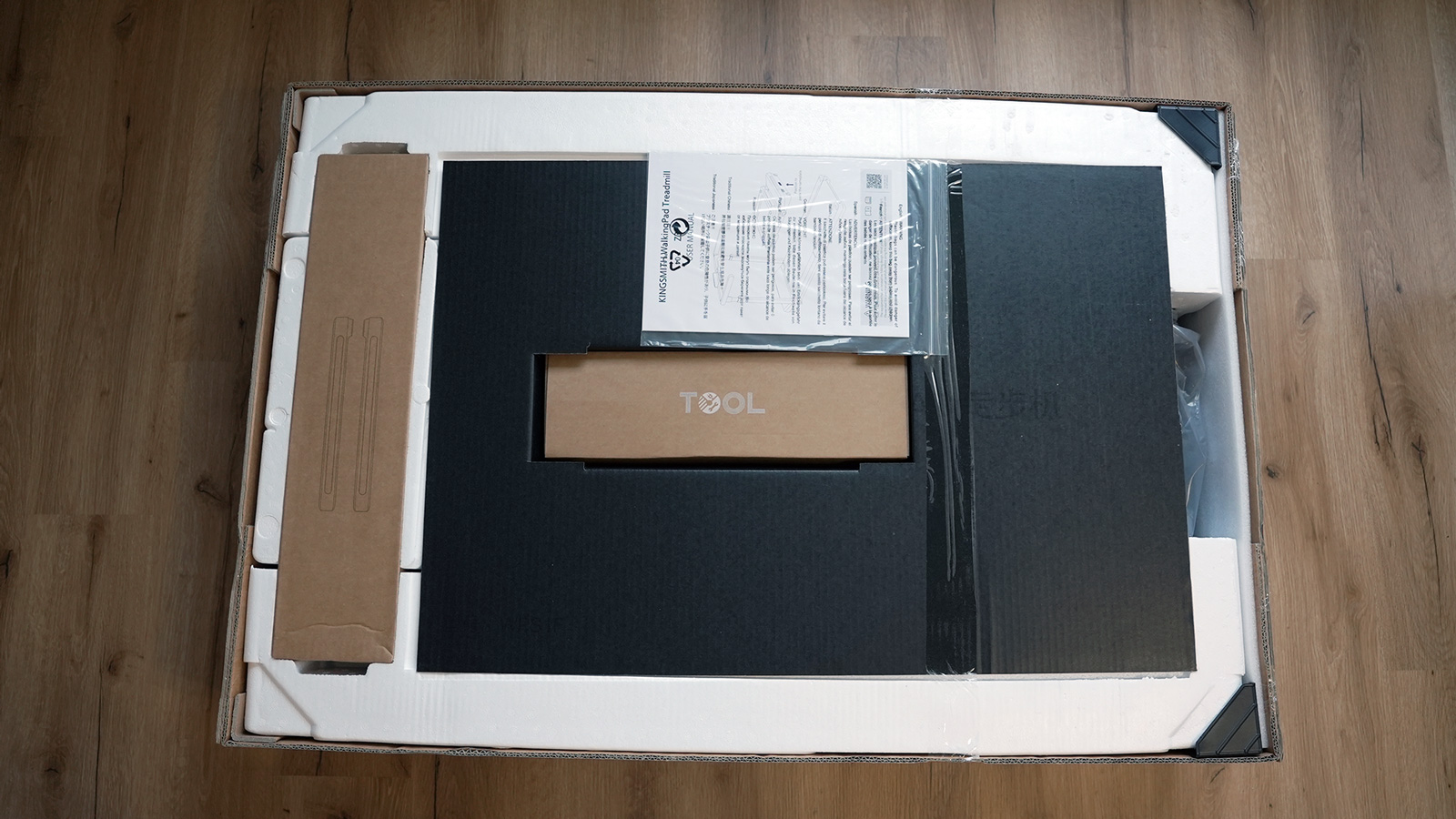
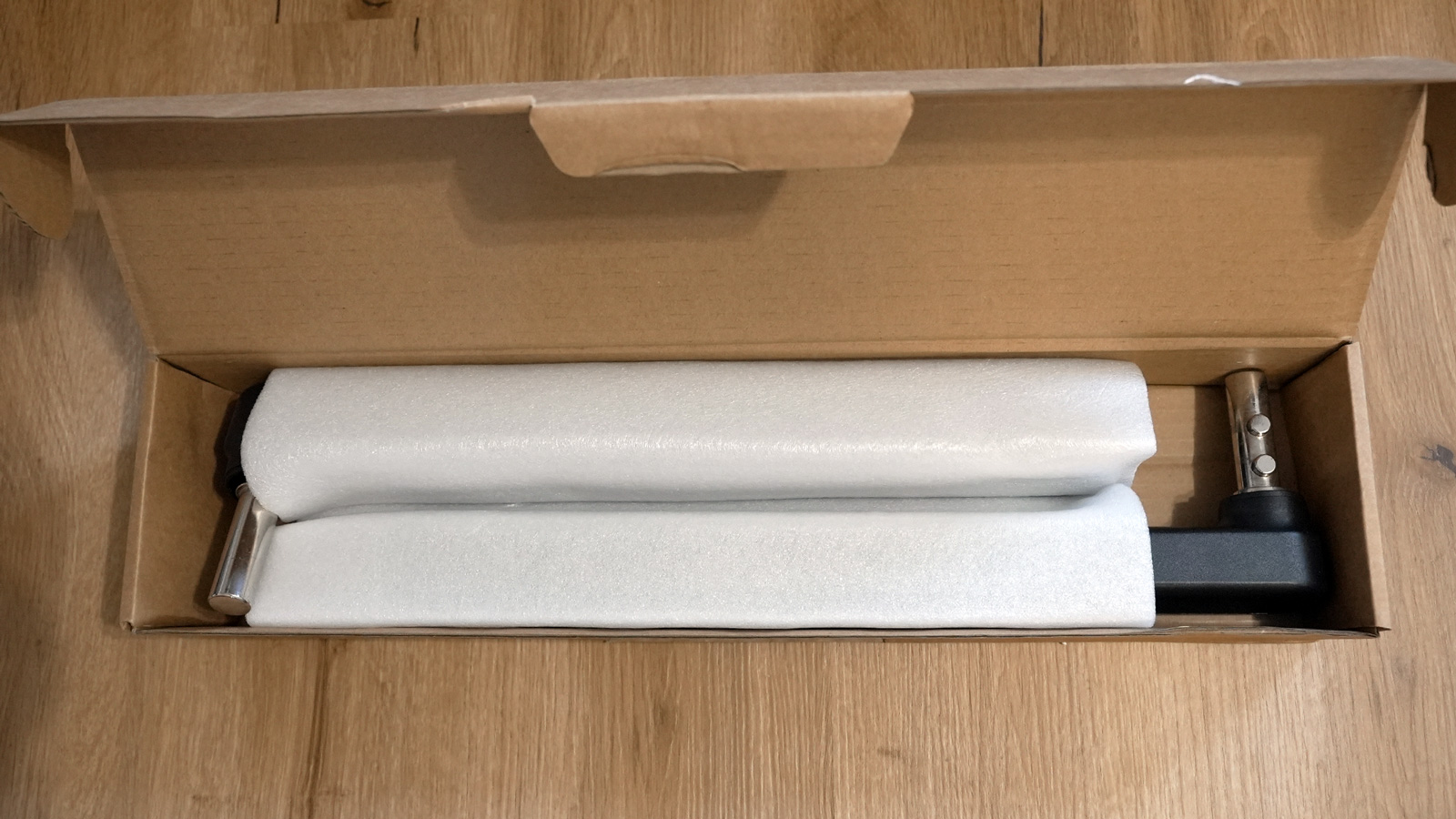
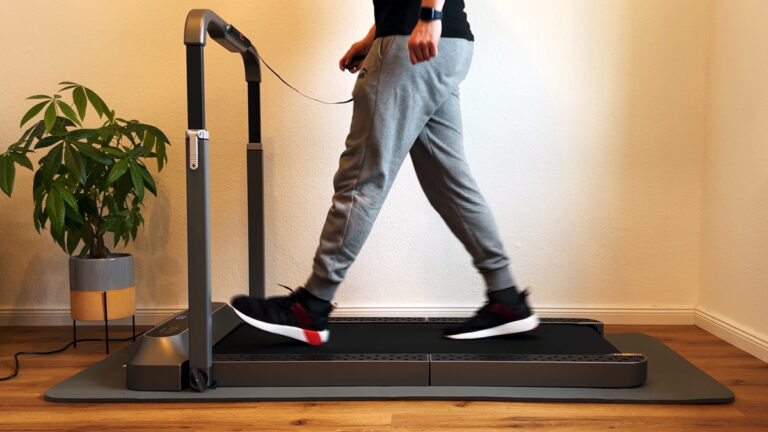
The Z3 arrives fully assembled. All I had to do was peel off the protective film, fold up the handles and plug in the power cable. Two things you should know beforehand: the package weighs 45 kg (99 lb), so plan for a second person to help carry it from the hallway into the room. And I place the belt on the non-slip WalkingPad floor mat so the floor does not take any damage. What you need for that and whether it is worth it is covered in my guide to the walking pad floor mat.
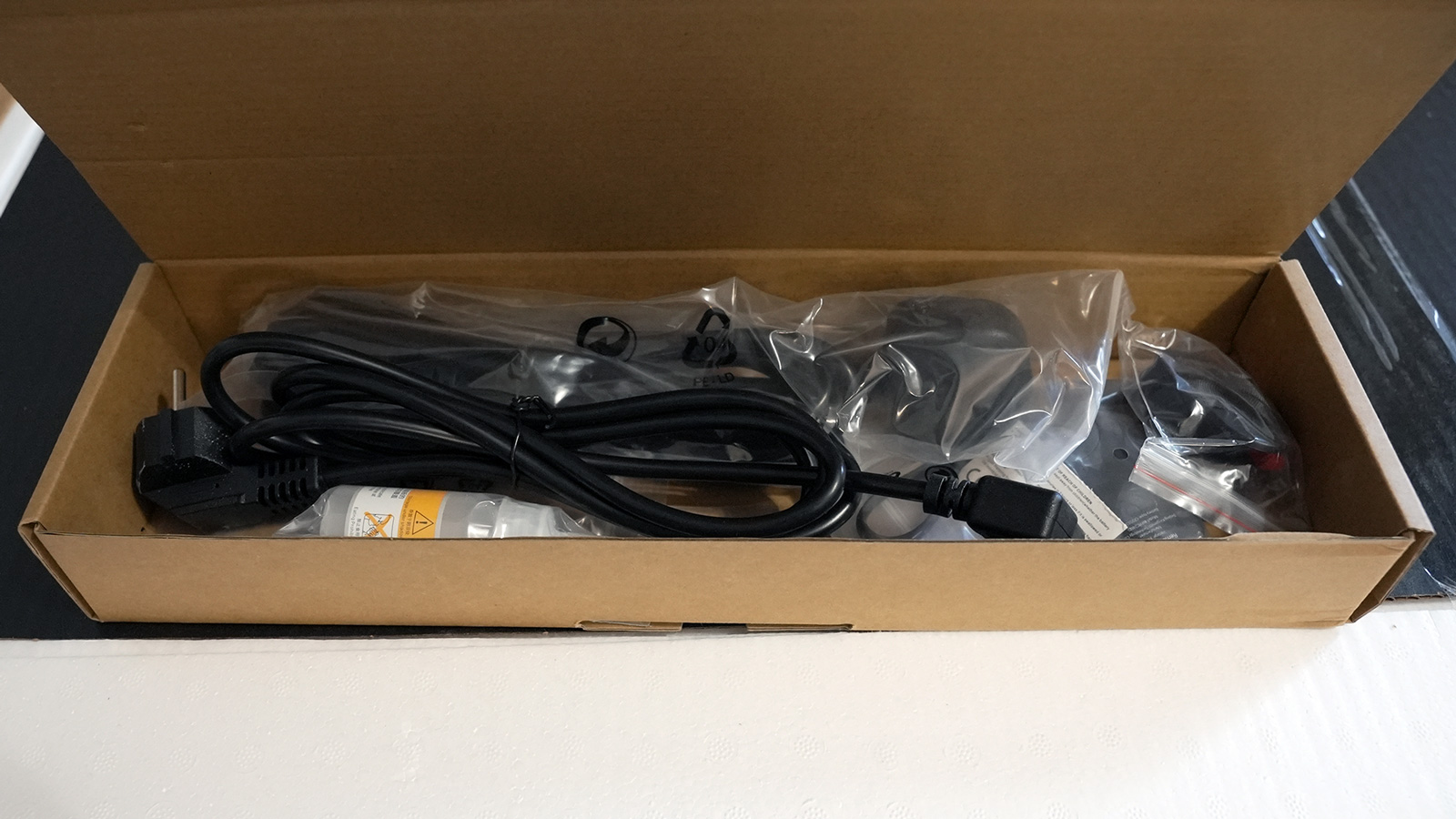
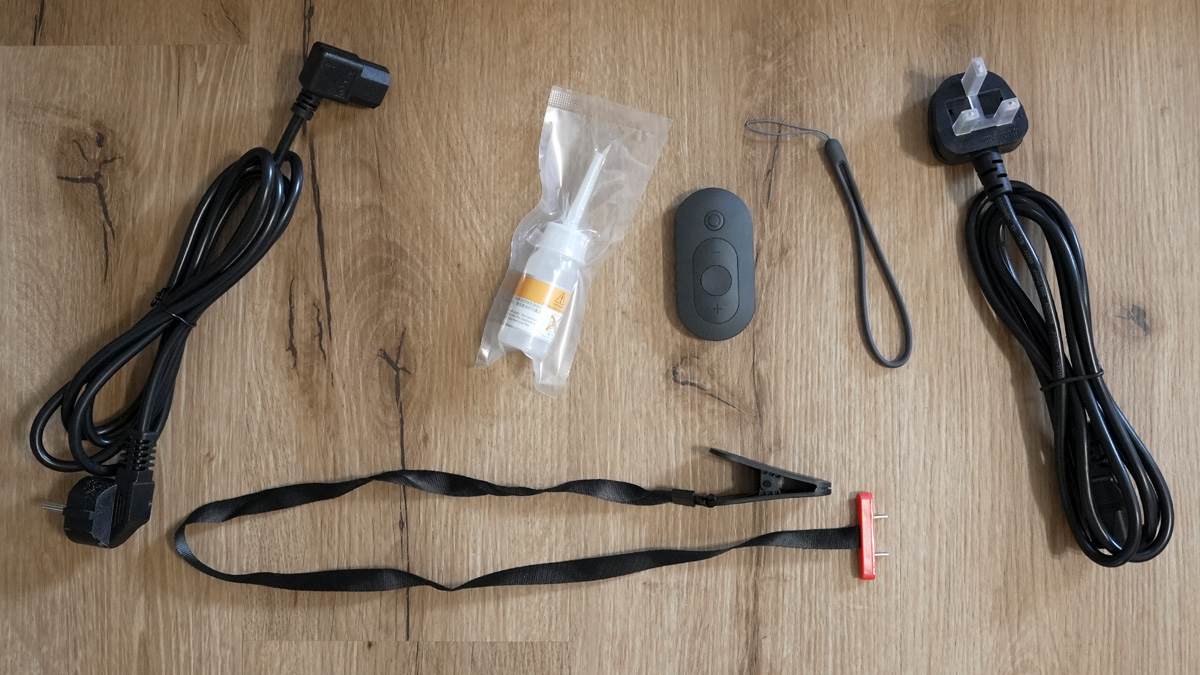
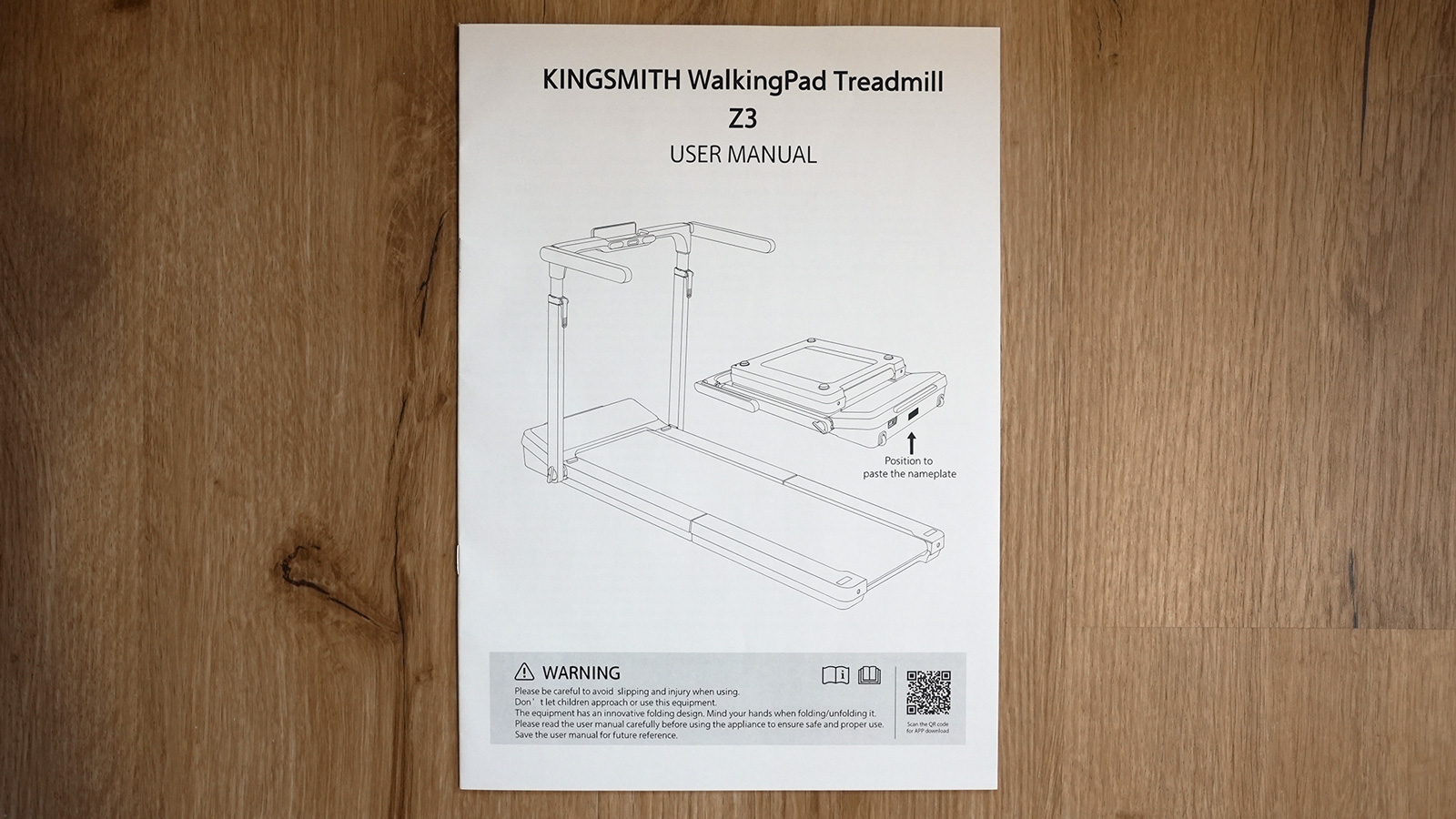
In the box I found:
the treadmill with the side handles already attached
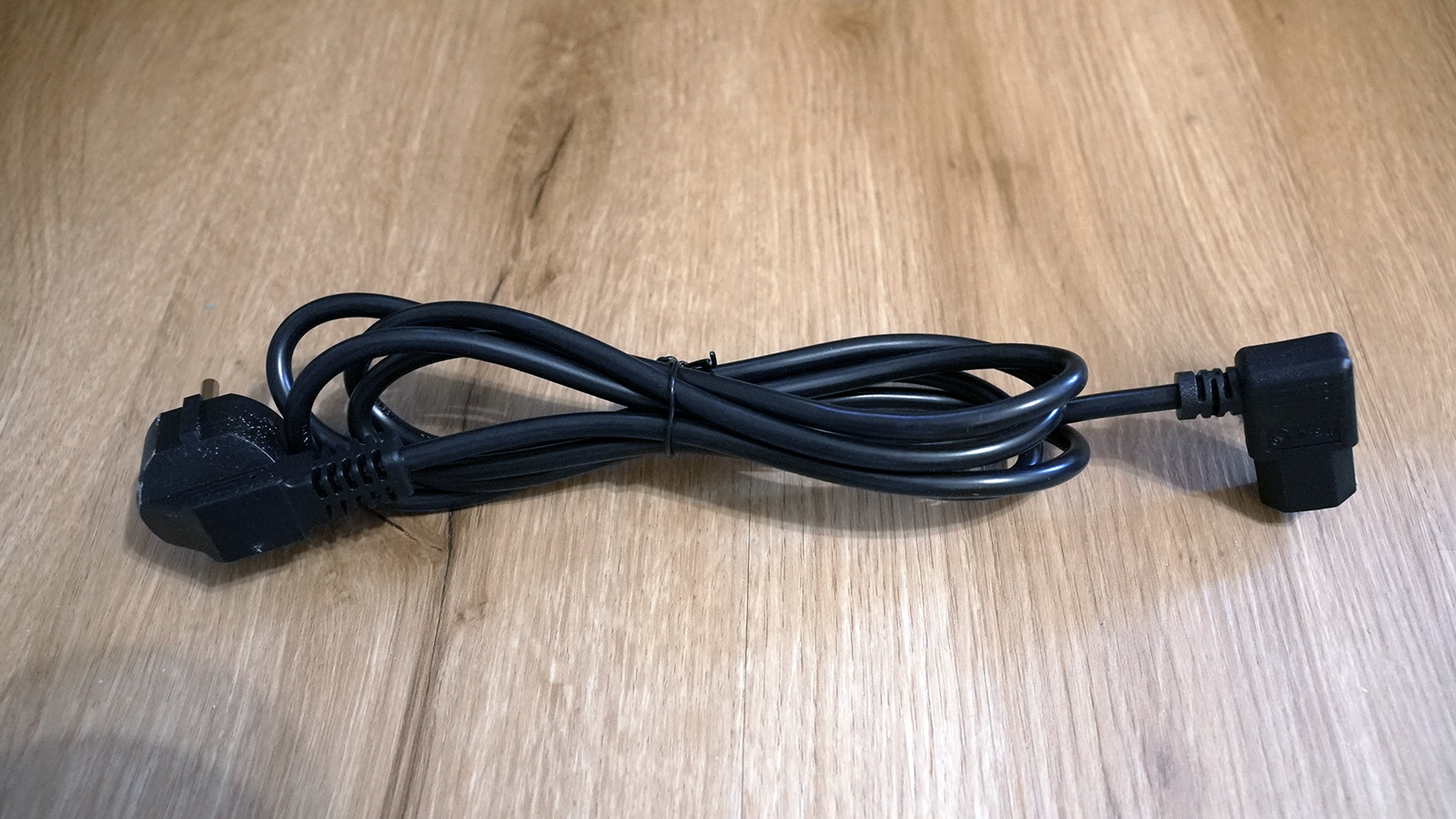
two power cables, one with a European (Schuko) plug and one with a UK plug
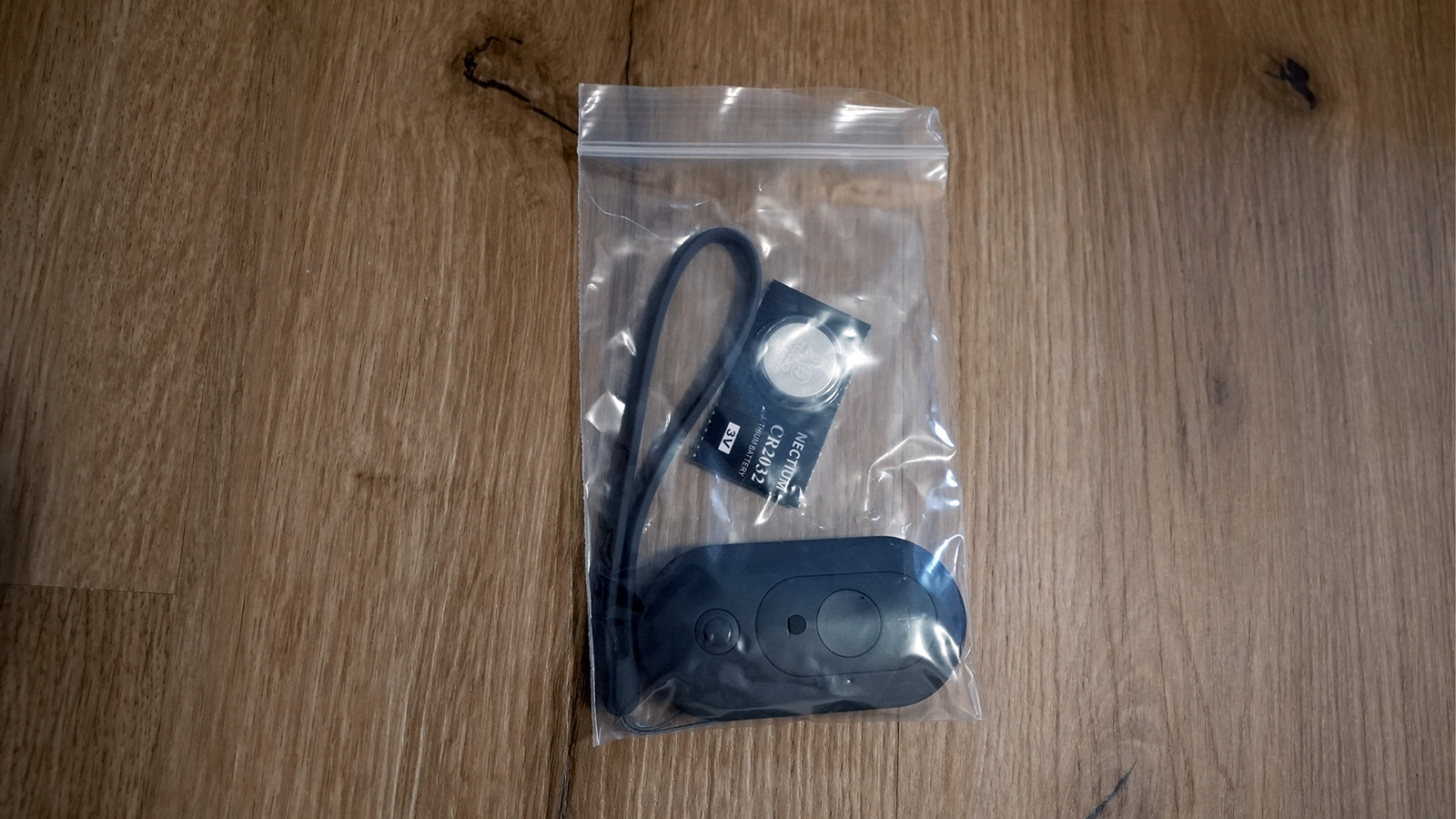
the remote control with a wrist strap, battery included
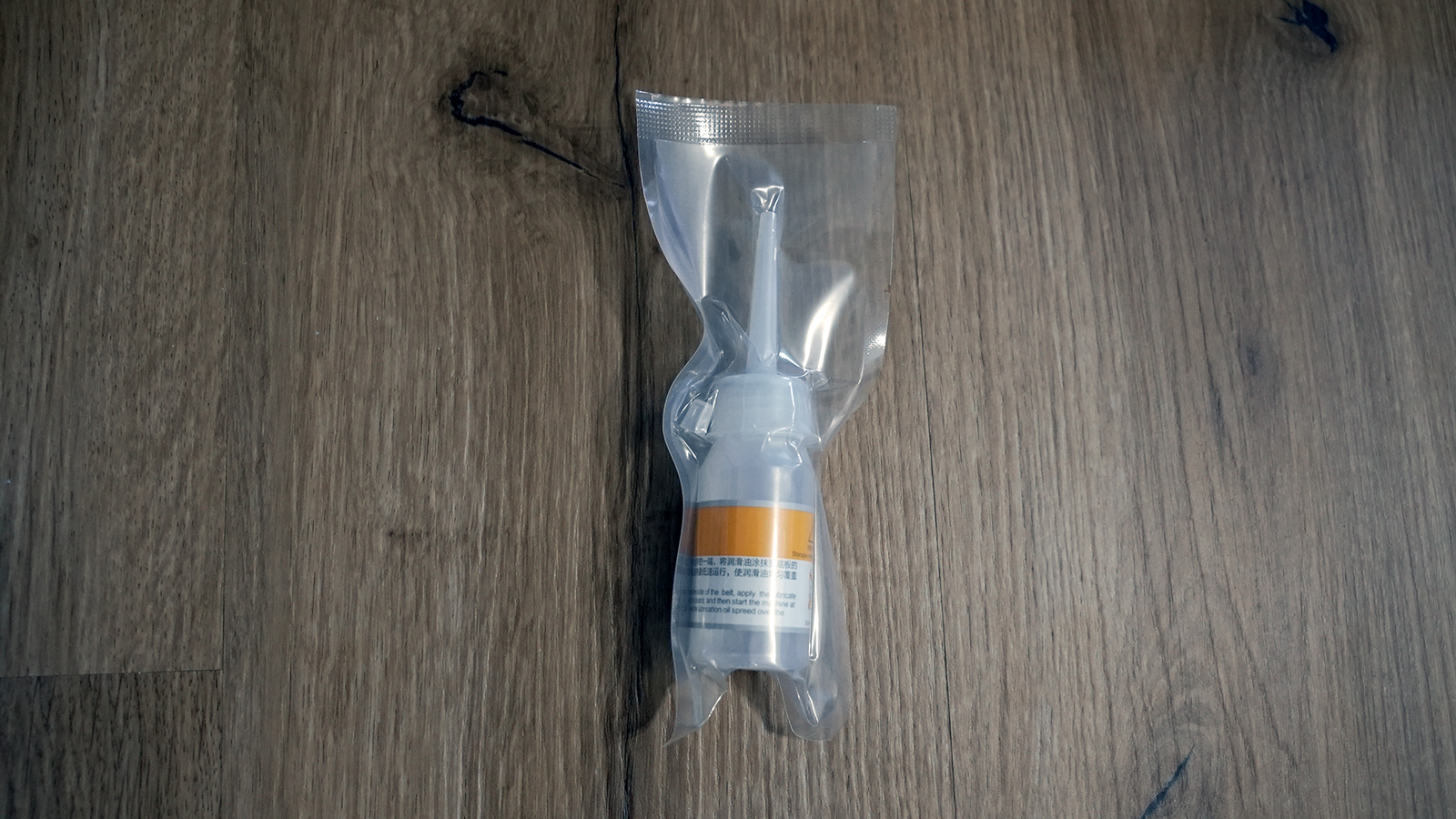
a small bottle of silicone oil
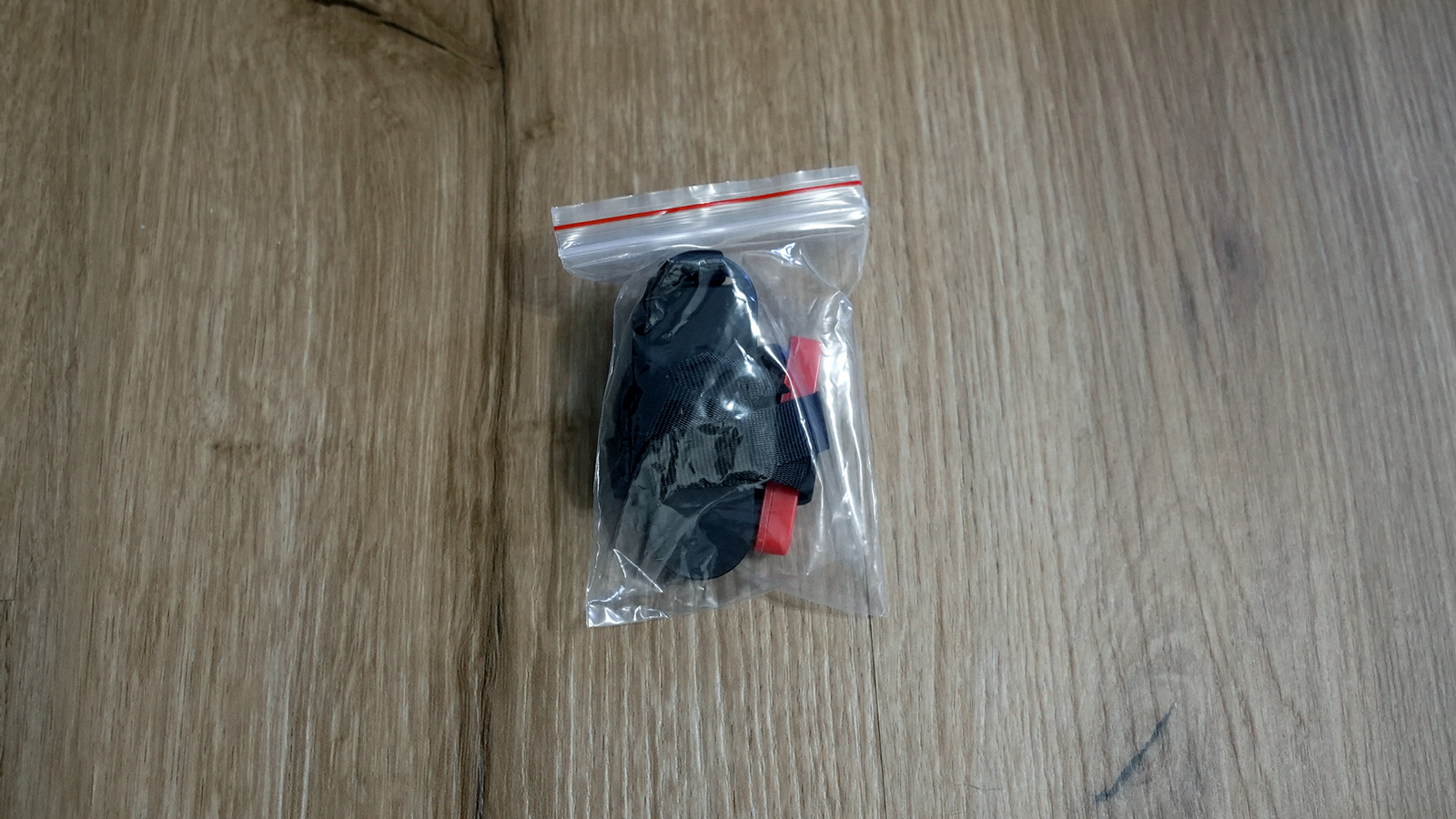
the safety key with a clip for your clothing
an Allen key
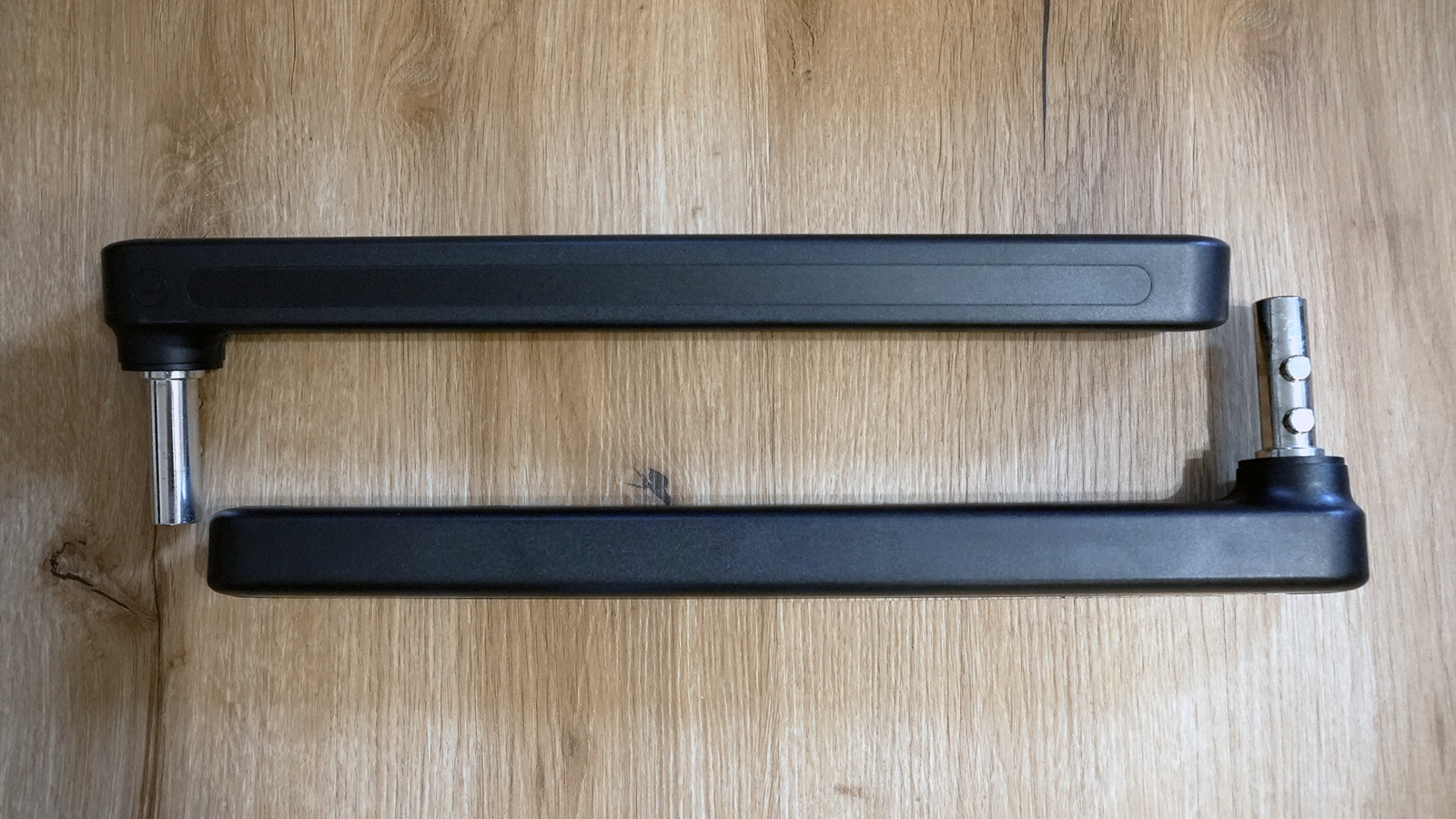
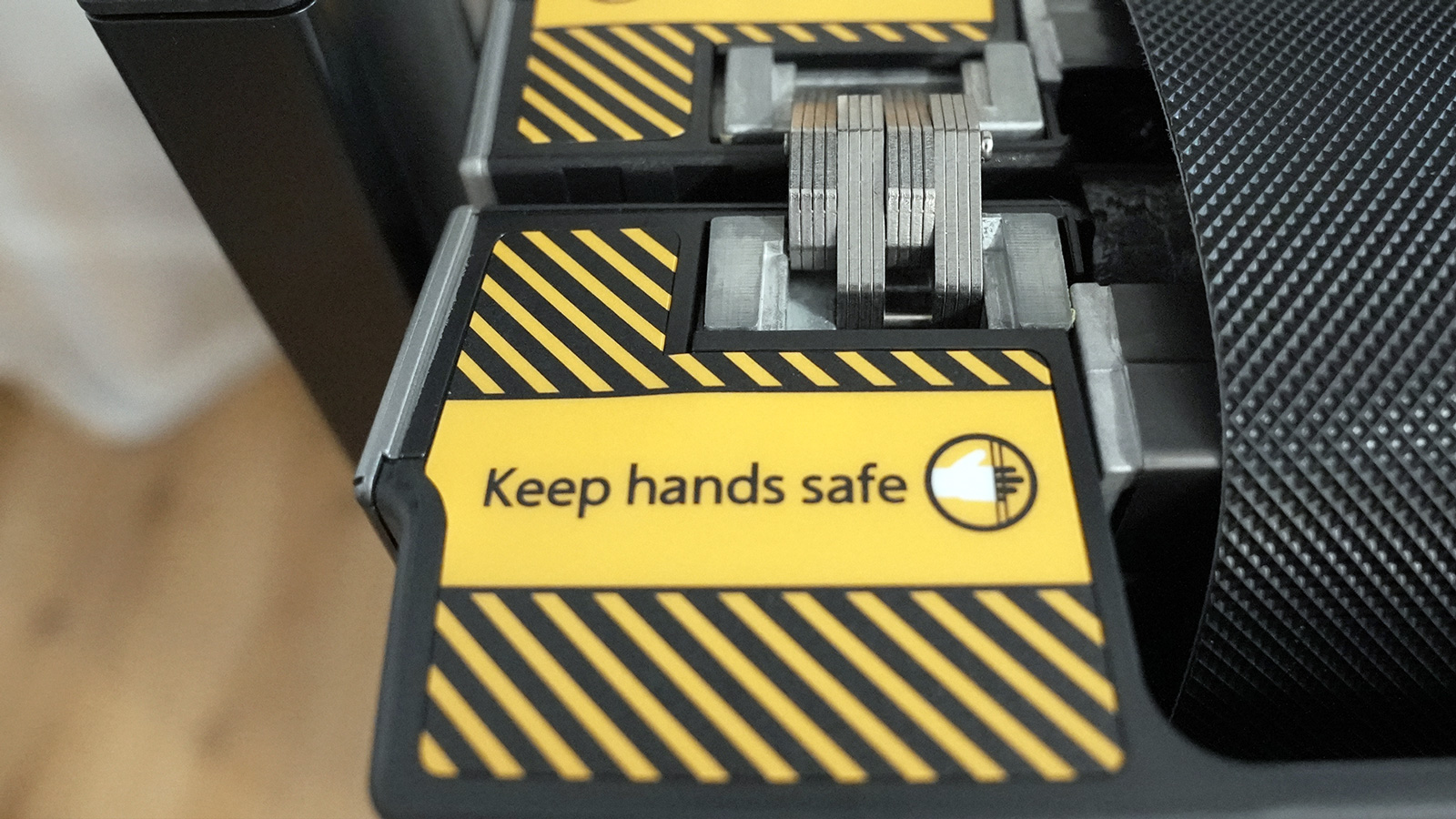
For the handles, you remove the protective covers on the sides. An “L” marks the left handle. Then you simply fold it up once, and that is it. After that the handles stay permanently on the unit, even when it is stored away. The frame wobbles very slightly when you grab it, but holds securely while you are walking.
WalkingPad Z3 Hybrid+: build quality and materials
When unpacking it, I noticed how much Kingsmith keeps improving from model to model. The display looks high-quality, and the running surface now has WalkingPad lettering on it, a nice touch.
One heads-up so it does not startle you: there is a factory adhesive between the two halves of the running surface. That is why you hear a peeling sound when folding it. That is normal and not a fault.
WalkingPad Z3 Hybrid+: motor, speed and running feel
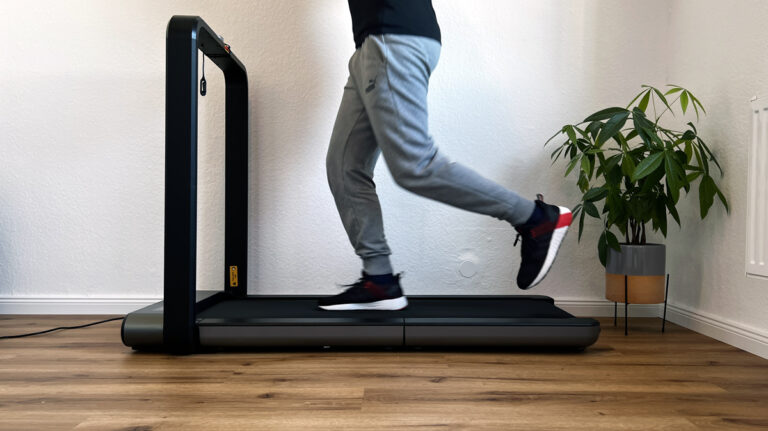
The Z3 has two operating modes, and the position of the handles decides which one is active. With the handles folded up, the belt runs up to 10 km/h (6.2 mph). With the handles retracted and folded down, a beep confirms walk mode, and the remote will not accept more than 6 km/h (3.7 mph). This limit is regulated by law, and I think it makes sense: there is no emergency stop on the unit itself. At a desk, that speed is entirely enough.
The stop button brakes the belt evenly, there is no jolt. The belt also runs without anyone standing on it, which you need for spreading the oil. I personally never run faster than 10 km/h, so the motor is enough for me. If you regularly want to jog faster, you will hit the upper limit. Which speed you need for which goal is explained in my guide on walking pad speed.
How to switch from jog mode to walk mode
You do not need to remove the handles for this. You pull a lever up on the left and right, pull the handle out as far as it will go, and press the levers back down. Both levers sit tightly; you noticeably need some force. Then you release the two turn levers on the sides, fold the handle down and tighten them again. The beep confirms walk mode. The safety key has to stay plugged in the whole time, otherwise the belt will not start.
WalkingPad Z3 Hybrid+: handles and safety
Without the safety key at the front of the unit, the Z3 will not start. You clip the other end to your clothing; if you pull it, the belt stops immediately. When storing the unit, you put the key into the little tray on the handle. The tray does not close all the way, but it holds the key securely, and the remote fits next to it. During training I put my smartphone in there. I had already criticised the fact that the key also has to be inserted in walk mode when reviewing the WalkingPad R2. On the Z3 that matters less thanks to the tray, because the key is always within reach.
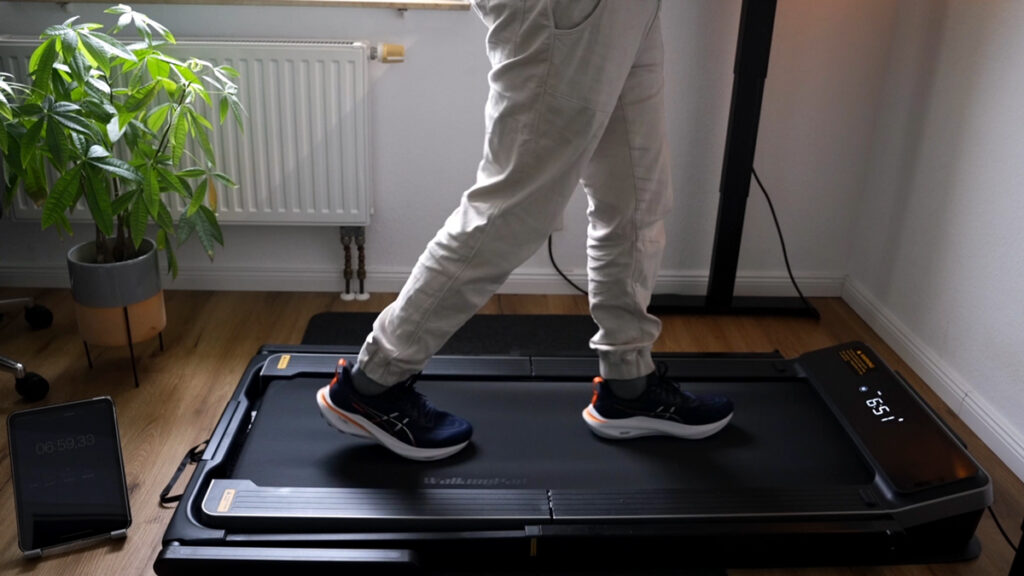
The real difference from other treadmills is the side handles. With a single handle at the front, you automatically lean forward. With side handles you hold an upright posture, and you set the handle height to match your body. Both my parents own a WalkingPad, and without a handle they feel unsteady on it, for example in front of the TV. My mother places two chairs next to hers instead. Almost everyone who steps onto a walking pad at my place for the first time immediately looks for something to hold on to. The Z3 solves exactly that, and not only for older users. In walk mode the handles are folded down; at your desk you at least have the tabletop to hold on to.
WalkingPad Z3 Hybrid+: controls, display and the KS Fit app
Day to day I start the belt with the remote, the wrist strap hangs on my wrist. The display shows time, steps, distance, calories and speed. The KS Fit app is optional and can be connected later as well: tap the plus, the unit is found, connect, done. After that you see the live data of your session, including a large calorie display in landscape orientation.
Four functions are only available in the app:
Speed in 0.1 km/h steps, finer than with the remote
Three favourite speeds at the top of the app, one tap is enough
Child lock: the belt can no longer be started
No-load stop: if the belt detects no load for a short time, it switches off
After your session you get a summary and can forward it to your health app. In my long-term test, the Z3 completed 10,000 steps at the desk without a single hiccup. According to the app, that took about two hours and roughly 500 calories. I show how to fit these steps into your working day in my guide on 10,000 steps at your desk.
WalkingPad Z3 Hybrid+: noise in everyday use
In the video I ran through all the speed levels one after another with a sound level meter running alongside. To help you judge the numbers, I show comparison situations there too, because a figure on its own says little. What I notice day to day: walking under the desk, I mainly hear my shoes on the belt, no fan humming along. Jogging at 10 km/h (6.2 mph), the footsteps make it noticeably louder, which comes down to how the unit is built.
Two things make the Z3 quieter in everyday use: fresh silicone oil reduces friction, and you can hear that directly. And the confirmation beep can be muted in the app. That is new for WalkingPad and exactly what I had wished for early in the morning or late at night. It shows that Kingsmith is reacting to user feedback. How the Z3 compares with the other models is in my guide on walking pad noise.
WalkingPad Z3 Hybrid+: storage and transport
To store it, first pull the power plug, then fold up the rear half of the running surface and retract the handle. The order matters: only disconnect the power once the running surface is fully unfolded, otherwise you risk electrical damage. I have stored mine standing up behind a door and in a corner; lying flat it fits under a tall sofa or a high bed.
The large transport castors sound like a minor detail, but they are not. You can pull the unit across the room without lifting it, and at my height-adjustable desk I use the extended handle as a push handle: roll it under the desk, retract the handle, unfold the running surface. Hardly any weight rests on the end of the handle, which is easy on your back. Make sure the belt sits centred front and back, otherwise it will rub on the sides while walking. The folded dimensions of the other models are listed in my guide to foldable walking pads.
WalkingPad Z3 Hybrid+: maintenance and care
I oiled it before the first run. Cut the cap off the supplied bottle, fold the belt half open and apply a little silicone oil across the full width under the running surface. Then start the belt with no one on it and increase the speed, that spreads the oil on its own.
I do not follow a fixed interval. I oil it whenever I notice more friction noise, and after a longer break from either mode. The full instructions including centring the belt are in my guide on how to oil and centre a walking pad.
What the WalkingPad Z3 Hybrid+ can’t do
In walk mode the handles are folded down and there is no emergency stop on the unit. That is why the speed there is limited to 6 km/h (3.7 mph).
The safety key must stay plugged in even in walk mode; without it the belt will not start.
The levers for extending and retracting the handles sit tightly and need some force.
Speed in 0.1 km/h steps, favourites, child lock, no-load stop and mute are only available in the KS Fit app, not on the unit.
The tray on the handle does not close all the way.
At 45 kg (99 lb) in the box, you need two people for delivery.
More than 10 km/h (6.2 mph) is not possible; more suitable models exist for ambitious runners.
Summary
The WalkingPad Z3 Hybrid+ is a well-designed folding treadmill that offers a high level of safety and flexible application options thanks to the side handles. Whether under the desk in walking mode or for light jogging sessions up to 10 km/h, the device performs its task convincingly and scores points with improved details such as larger transport rollers, optional mute function and a robust design.
Advantages
Side handles (height-adjustable) for more safety
Walking/jogging mode (6 km/h / 10 km/h)
Large transport rollers for easy moving
KS Fit app with favorites, mute function, health data
Powerful motor for moderate running and walking
Disadvantages
Not for ambitious runners (max. speed 10 km/h)
Safety plug also required in walk mode
Folding requires some force with the latches
Recommendation
If you are looking for a versatile treadmill that is suitable for walking at your desk as well as for light jogging sessions and value safety and ease of use, you will be very satisfied with the WalkingPad Z3 Hybrid+. Thanks to the height-adjustable side handles and the robust design, it is particularly useful for people who like to hold on tight during training or want a stable support.
WalkingPad Z3 Hybrid+ discount code
If you are interested in the WalkingPad Z3 Hybrid+, I can offer you a discount for US and UK. Simply use the WalkingPad Store link in the buy box on this page. This will automatically activate and deduct the discount as soon as you add the Z3 to your shopping cart.
Closing words
After intensive testing, I can clearly recommend the Z3 Hybrid+. The option of using the handles for greater safety or using the treadmill at your desk makes this model particularly attractive. The KS Fit app also offers many convenient functions such as muting, accurate calorie display and pedometer.
Have fun with your new WalkingPad!
If you would like to see my practical experience in more detail, you can watch my test video here:
If you have any questions or need more information, don’t hesitate to send me a message: Contact form.
You can find more reviews in the category Treadmills.
Kingsmith WalkingPad Z3 Hybrid+: technical data
Feature
Value
Max. user weight
110 kg (243 lb)
Net weight
39 kg (86 lb)
Motor
735 watts, brushless
Speed
1 to 10 km/h (0.6 to 6.2 mph)
Running surface
120 × 44 cm (47.2 × 17.3 in)
Unfolded dimensions
147.2 × 76.5 × 10.3 cm without handles, handles from 101 cm (58.0 × 30.1 × 4.1 in)
Folded dimensions
101 × 76.5 × 19.5 cm (39.8 × 30.1 × 7.7 in)
Storage
standing up or lying flat
Controls
KS Fit app, remote control
Display
LED: time, steps, distance, calories, speed
Special features
adjustable handrail, side handles, no fan
Measurements from my test
What
Result
Noise level
no fan; in the noise test from my video, the meter mostly showed about 47 to 60 dB while walking at 2 to 6 km/h (1.2 to 3.7 mph) and about 61 to 72 dB while jogging at 7 to 10 km/h (4.3 to 6.2 mph)
Deck height
10.3 cm (4.1 in) running surface, from 101 cm (39.8 in) with the handles (height-adjustable up to 151.5 cm / 59.6 in); fold the handles down for desk work
Folded dimensions
101 × 76.5 × 19.5 cm (39.8 × 30.1 × 7.7 in), 39 kg (86 lb), can be stored standing up or lying flat
Test scope
10,000-step endurance test at the desk: 10,474 steps and 7.52 km (4.7 mi) in about 2 hours according to the app, plus walking and jogging up to 10 km/h (6.2 mph)
Alternatives to the WalkingPad Z3 Hybrid+
I have also tested these models, and they are the closest alternatives to the WalkingPad Z3 Hybrid+.
To provide you with an optimal experience, we use technologies such as cookies to store and/or access device information. If you consent to these technologies, we may process data such as browsing behavior or unique IDs on this website. If you do not give or withdraw your consent, certain features and functions may be impaired.
Functional
Always active
The technical storage or access is strictly necessary for the legitimate purpose of enabling the use of a specific service expressly requested by the subscriber or user, or for the sole purpose of carrying out the transmission of a communication over an electronic communications network.
Preferences
The technical storage or access is necessary for the legitimate purpose of storing preferences that have not been requested by the subscriber or user.
Anonymized statistics
Technical storage or access for statistical purposes only.Technical storage or access used solely for anonymous statistical purposes. Without a subpoena, the voluntary consent of your Internet service provider or additional records from third parties, the information stored or accessed for this purpose alone cannot generally be used to identify you.
Show YouTube videos
If you do not agree to this cookie, you will not be able to watch videos on the website.