Ad disclosure: Affiliate links (*). As an Amazon Associate, eBay Partner Network affiliate and member of other partner programs, I earn from qualifying purchases.
32-inch 4K QD-OLED monitor with true 10-bit colour, up to 240 Hz, factory calibration and an ergonomic stand. In my first test, deep black without halos, vivid yet differentiated colours and an inaudible fan stood out.
My test video 🎥
Here you can watch my full test of the ASUS ProArt PA32UCDM (original audio in German; YouTube also offers an automatically dubbed English audio track under Settings → Audio track, plus English subtitles via the CC button).
Specs
Manufacturer: ASUS
Model: ProArt PA32UCDM
Panel: 32-inch QD-OLED
Resolution: 3,840 × 2,160 pixels (4K UHD)
Colour depth: 10 bit
Refresh rate: up to 240 Hz
Stand: Height, swivel and tilt adjustable
In the box: Connection cables incl. high-speed HDMI, calibration report
Use: Photo editing, video editing, gaming, office
Test unit: bought with my own money
Pros
Deep OLED black without visible halos
Vivid, differentiated colours with 10 bit and a calibration report
Up to 240 Hz for smooth work and gaming
Stable, ergonomically adjustable stand
Important cables already included
Fan not audible in the test
Cons
High price, a clear investment
Sensitive, thin OLED panel requires careful setup
First impression, not a long-term test
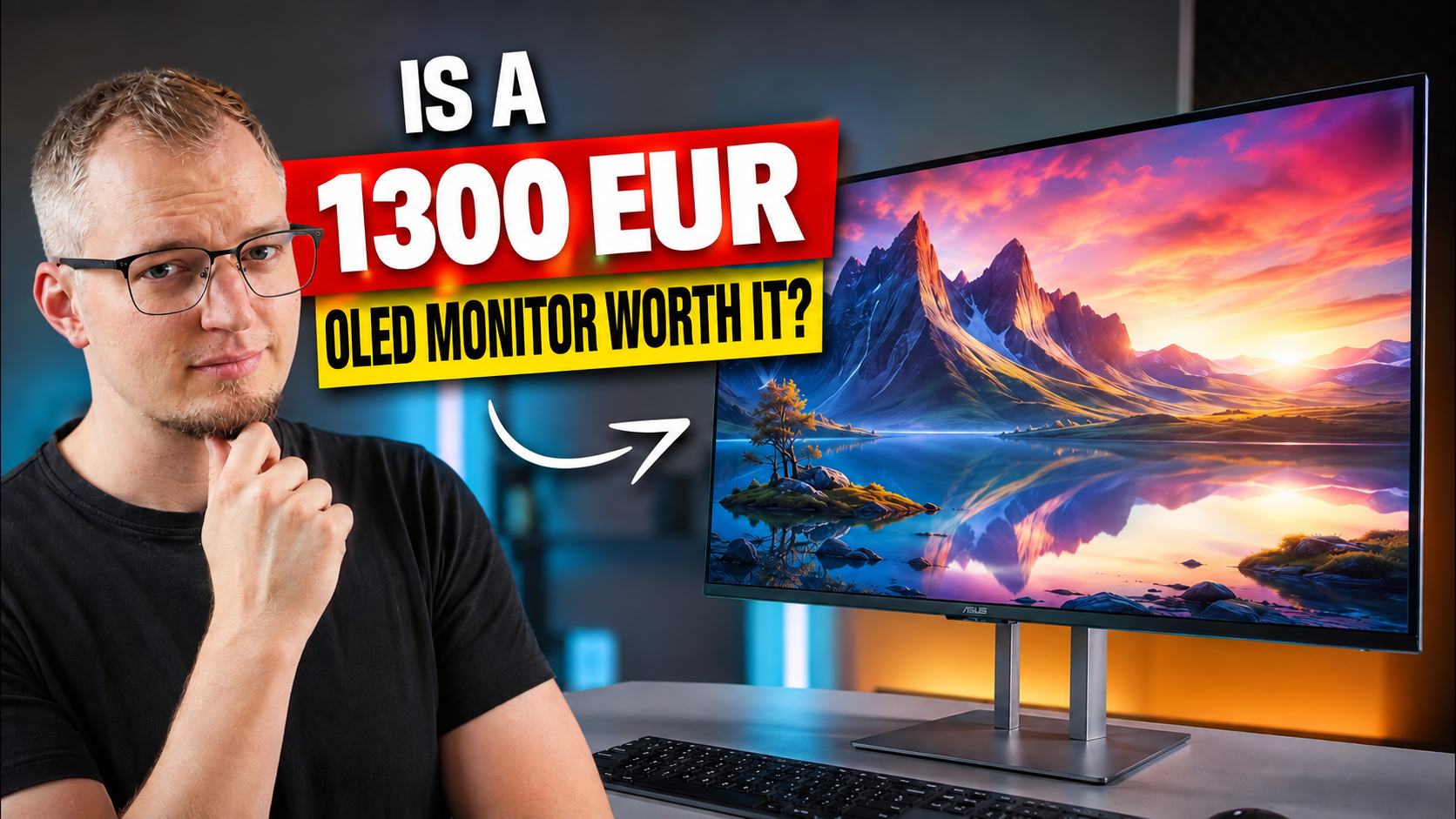
Cover image: a frame from my German test video; the German headline was translated into English with AI (ChatGPT), the photo itself is unchanged. All other photos on this page are unedited test photos.
A professional OLED monitor has to deliver more than just a pretty picture. The ASUS ProArt PA32UCDM combines a 32-inch 4K QD-OLED panel with true 10-bit colour and up to 240 Hz. That clearly aims it at photo editing, video editing and professional creative work, while it is also meant to convince in gaming and everyday office use.
My first impression is decidedly positive: setup, build quality and picture quality feel well thought out on this ProArt display. I was of course especially curious about the OLED-typical black levels and whether the often-mentioned fan actually becomes audible.
Key takeaways
The PA32UCDM combines 32 inches, 4K, QD-OLED, 10-bit colour and up to 240 Hz.
The pre-assembled stand is stable, ergonomically adjustable and quickly attached.
OLED delivers deep black without visible halos around bright objects.
The built-in fan stayed inaudible in my first 4K and HDR test.
What is in the box: the most important cables are included
When unpacking, it is immediately noticeable that ASUS has made the box contents pleasingly generous. Besides the monitor and the already pre-assembled stand, the most important connection cables are included. For a monitor in this class that is appropriate, but still not a given, and it means no additional cable purchases are needed at first.
A calibration report is also included. It is of particular interest to anyone working with photos, videos or other colour-critical content. According to the report, every unit is measured and calibrated at the factory to make sure the monitor meets the specified colour accuracy requirements.
The real star is of course the large 32-inch display. It is well protected in the packaging, but because of its size it should be taken out carefully. With a sensitive OLED panel in particular, it pays not to rush.
Setup: done quickly, but please be careful
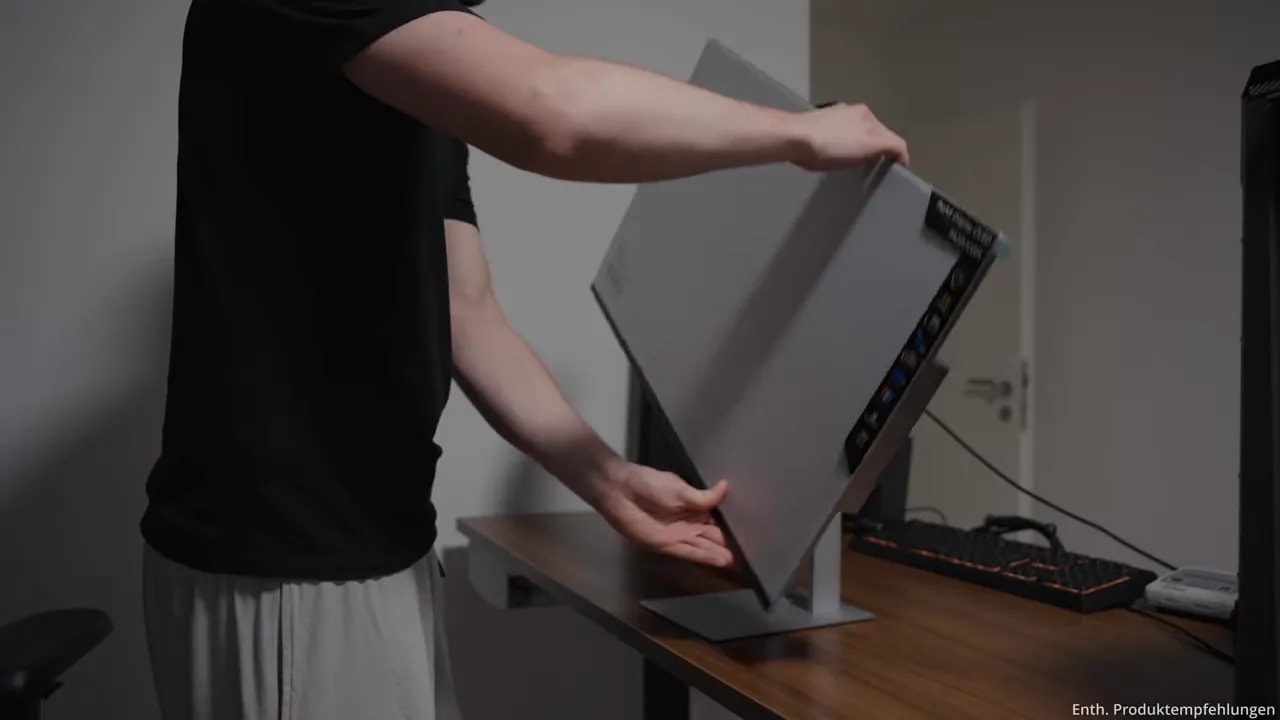
The setup itself is pleasantly uncomplicated. I first place the display face down on the desk. It is important not to put any pressure on the panel. A clean, flat and preferably soft surface additionally protects the sensitive screen.
Then the pre-assembled stand is inserted at the back, and the setup is essentially done. When lifting the monitor upright, always hold it by the stand, never by the very thin panel itself.
The stand leaves a stable and high-quality impression. It stands securely on the desk and offers the ergonomic adjustments I expect at a workstation:
Height adjustment for a suitable viewing height
Swivel to the left and right
Tilt forwards and backwards
Smooth adjustment without noticeable play
On my unit the screen reliably stays in the chosen position. With a 32-inch monitor that matters, because in everyday work ergonomics determine comfort almost as much as pure picture quality.
Understated ProArt design instead of gaming looks
Visually I like the ASUS ProArt PA32UCDM a lot. ASUS forgoes the flashy styling known from many gaming monitors. Instead there is a simple, professional design with slim bezels and a high-quality silver stand.
That makes the monitor fit very well into a modern study, an office or a studio. Although it supports up to 240 Hz and is therefore also interesting for gaming, it does not look like a typical gaming product on the outside.
The build quality also makes a very good impression. The stand is stable, the mechanism works cleanly, and on my unit there are no noticeable gaps or loose parts.
Setting up 4K and 240 Hz correctly
For the first test I used the included high-speed HDMI cable. It connects the HDMI output of the computer to the corresponding HDMI input of the monitor, then the power cable is added.
After that, a quick look at the Windows display settings is worthwhile. The native resolution of the PA32UCDM is 3,840 × 2,160 pixels, i.e. 4K UHD. This resolution should definitely be set so that the high sharpness of the panel really comes into its own.
In the advanced display settings you can also select the refresh rate. The monitor supports up to 240 Hz. To use 4K and the maximum refresh rate together, you naturally need a correspondingly powerful graphics card and a suitable cable.
With the included HDMI cable the connection worked without problems for me. The high refresh rate is not only interesting for gaming: mouse movements, animations and scrolling through websites also look noticeably smoother.
Picture quality: this is where the QD-OLED panel plays to its strength
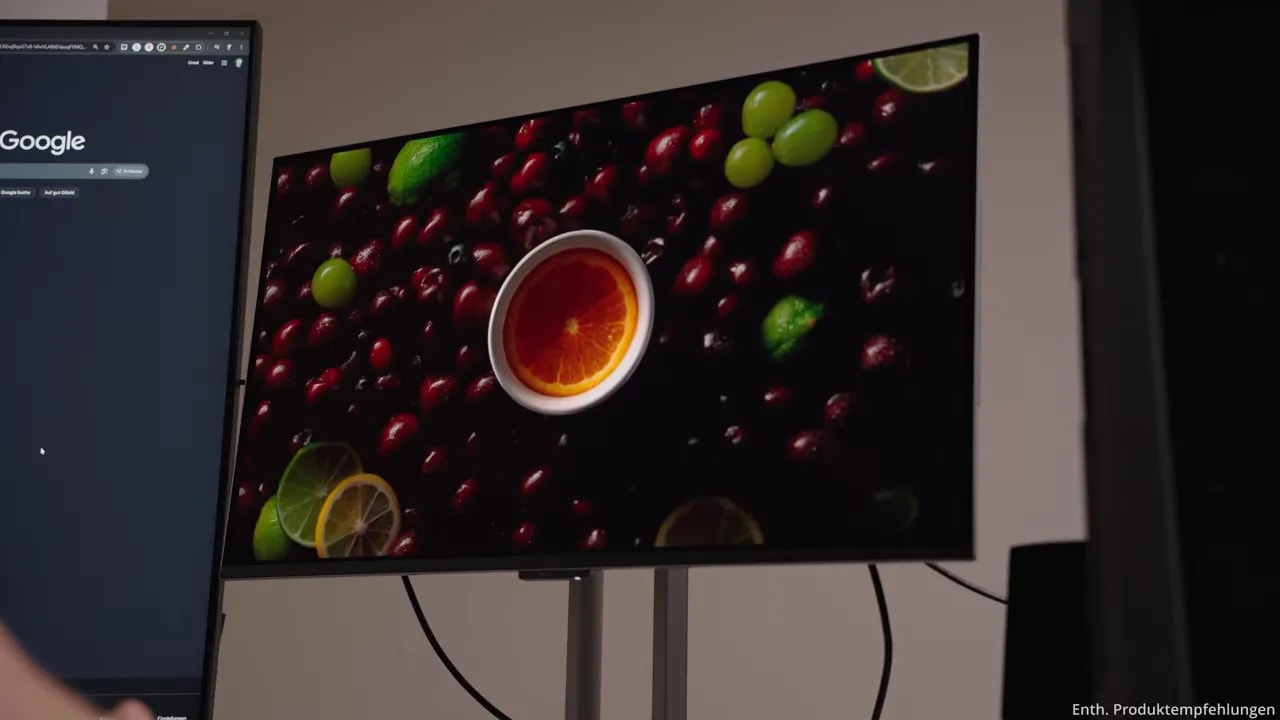
For the first picture impression I used various high-resolution demo clips. A camera can only capture the actual quality of a monitor to a limited extent, but contrast, colour reproduction and detail rendering quickly become apparent.
Even in colour-intensive scenes the colours look vivid without simply looking oversaturated. They stay differentiated. That is a big advantage for photo and video editing, where not only strong colours but also fine gradations matter.
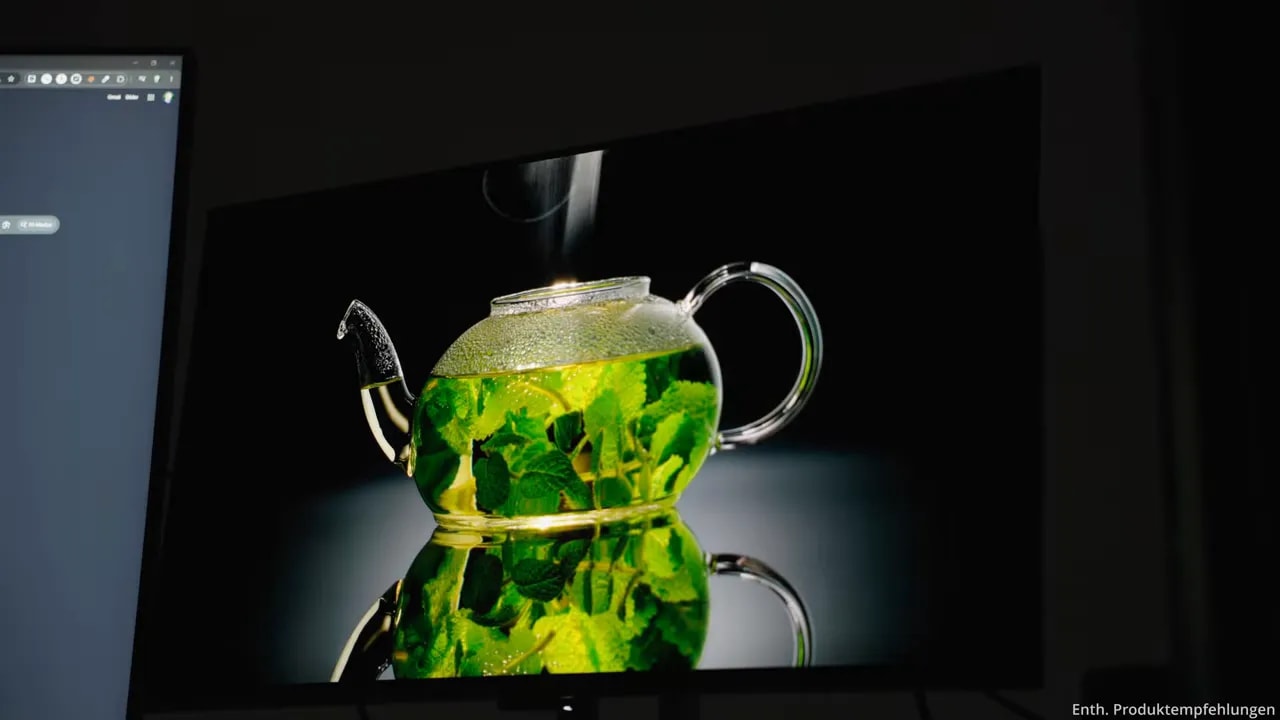
The decisive OLED strength, however, is black. On the QD-OLED panel every pixel can be controlled individually. Black areas are not simply dimmed, the pixels concerned are switched off completely. Black therefore actually looks black and not dark grey, as you know it from many LCD monitors.
This shows particularly well in dark scenes with individual bright light sources. Bright objects stand out clearly from the background without visible halos. Small highlights stay precise, and the contrast is excellent.
This combination of deep black, high sharpness and vivid colours makes the PA32UCDM interesting for many uses. Photos gain strong depth, HDR material looks impressive, and dark scenes in games also benefit visibly from the precise rendering.
Fan noise: not audible on my unit
Before buying, I had read several times that the built-in fan could be clearly audible. There was even talk that a later firmware update would first have to improve the noise.
On my unit I cannot confirm this problem so far. The fan did not audibly kick in during the entire first test. Even after several 4K and HDR demo videos, no fan noise could be heard from a normal sitting distance.
Of course, this is only my impression of this particular unit and not a general statement about every single example. For my use, however, the noise has been completely unobtrusive so far.
My first impression of the ASUS ProArt PA32UCDM
The ASUS ProArt PA32UCDM convinces me right from the first test. Setup is easy, the box contents are sensible and the build quality feels premium. I particularly like that the most important cables are included and that the stand is stable and versatile.
In terms of picture, the 32-inch 4K QD-OLED panel delivers exactly what I hoped for: deep black, vivid colours, high sharpness and a very smooth image at up to 240 Hz. That makes the monitor interesting not only for photo and video editing, but also for gaming and normal office work.
The high price naturally remains an investment. But if you are looking for a high-quality OLED monitor that combines professional work and a high refresh rate in an understated design, you get a very strong overall package here after my first impression. For me, it is the best monitor I have had so far.
Frequently asked questions about the ASUS ProArt PA32UCDM
What resolution and refresh rate does the ASUS ProArt PA32UCDM have?
The monitor has a native resolution of 3,840 × 2,160 pixels and supports up to 240 Hz. That requires a correspondingly powerful graphics card and a suitable cable.
Is the fan of the PA32UCDM audible?
On my unit the fan was not audible from a normal sitting distance during the entire first test with several 4K and HDR demo videos. That is the impression from this particular unit.
What is included with the ASUS ProArt PA32UCDM?
Besides the monitor and the pre-assembled stand, the most important connection cables including a high-speed HDMI cable and a calibration report are included.
Is the PA32UCDM also suitable for gaming?
Yes. With up to 240 Hz, deep OLED black and an understated design it suits gaming and everyday office work as well as photo and video editing.
How can the stand be adjusted?
The stand offers height adjustment, swivel to the left and right and tilt forwards and backwards, and it holds the chosen position reliably.
To provide you with an optimal experience, we use technologies such as cookies to store and/or access device information. If you consent to these technologies, we may process data such as browsing behavior or unique IDs on this website. If you do not give or withdraw your consent, certain features and functions may be impaired.
Functional
Always active
The technical storage or access is strictly necessary for the legitimate purpose of enabling the use of a specific service expressly requested by the subscriber or user, or for the sole purpose of carrying out the transmission of a communication over an electronic communications network.
Preferences
The technical storage or access is necessary for the legitimate purpose of storing preferences that have not been requested by the subscriber or user.
Anonymized statistics
Technical storage or access for statistical purposes only.Technical storage or access used solely for anonymous statistical purposes. Without a subpoena, the voluntary consent of your Internet service provider or additional records from third parties, the information stored or accessed for this purpose alone cannot generally be used to identify you.
Show YouTube videos
If you do not agree to this cookie, you will not be able to watch videos on the website.