Ad disclosure: Affiliate links (*). As an Amazon Associate, eBay Partner Network affiliate and member of other partner programs, I earn from qualifying purchases.
Compact Bluetooth label maker with direct thermal printing at 203 dpi, no ink or toner needed. The app creates labels with text, icons, QR codes, barcodes and small images. After more than nine months of use it has proven to be a fast, reliable helper.
My test video 🎥
Here you can watch my full test of the NELKO P21.
Specs
Manufacturer: NELKO
Model: P21
Printing method: Direct thermal, no ink or toner
Resolution: 203 dpi
Connection: Bluetooth, smartphone app
Label content: Text, icons, QR codes, barcodes, small images
Time in use: over 9 months
Test unit: bought with my own money
Pros
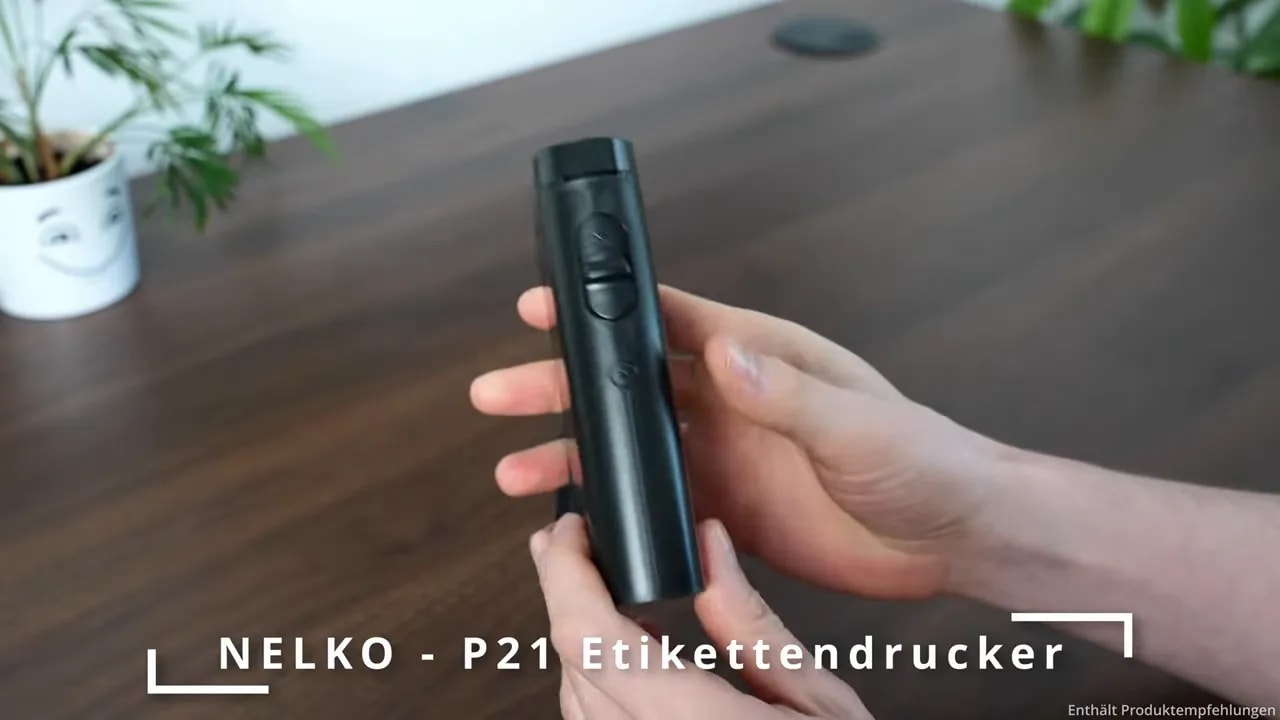
Very compact, fits in one hand and in a bag
Bluetooth connection ready in a few seconds
App with many templates, QR codes, barcodes and images
Direct thermal printing without ink or toner
Reliable in everyday use for over nine months
Cons
App-only operation, no buttons for direct input
Label rolls have to be repurchased
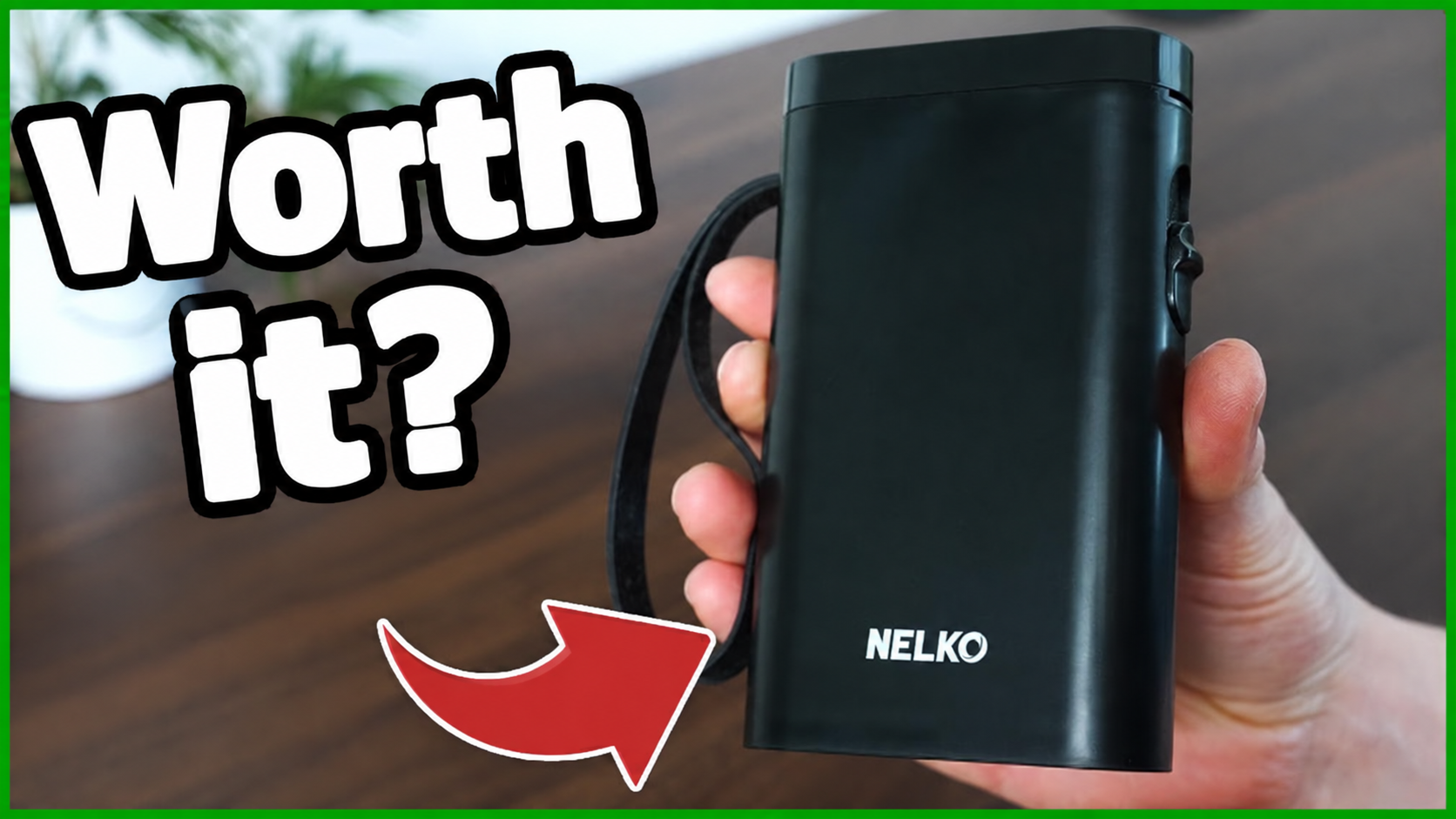
Cover image: a frame from my German test video; the German headline was translated into English with AI (ChatGPT), the photo itself is unchanged. All other photos on this page are unedited test photos.
After more than nine months of regular use, one thing is clear to me: the NELKO P21 label maker has proven itself as a small, reliable helper in everyday life. Whether in the kitchen, in the office or on drawers, it makes labelling quick and uncomplicated.
Key takeaways
The NELKO P21 has proven reliable in everyday use over nine months.
Thanks to its compact design and Bluetooth, the printer is ready to go quickly.
The app supports labels with text, icons, QR codes, barcodes and small images.
Direct thermal printing needs neither ink nor toner and delivers 203 dpi.
Compact enough for everyday use anywhere
What I find particularly practical about the P21 is its size. The printer fits easily in one hand and also slips into a bag without any problem. That means it does not need a fixed place on the desk but is at hand exactly when something needs to be organised or labelled.
For small labelling jobs that is pleasant: grab the device, switch it on, connect via Bluetooth and get started. The connection has worked reliably for me, and the printer is ready in a few seconds.
The app makes designing pleasantly easy
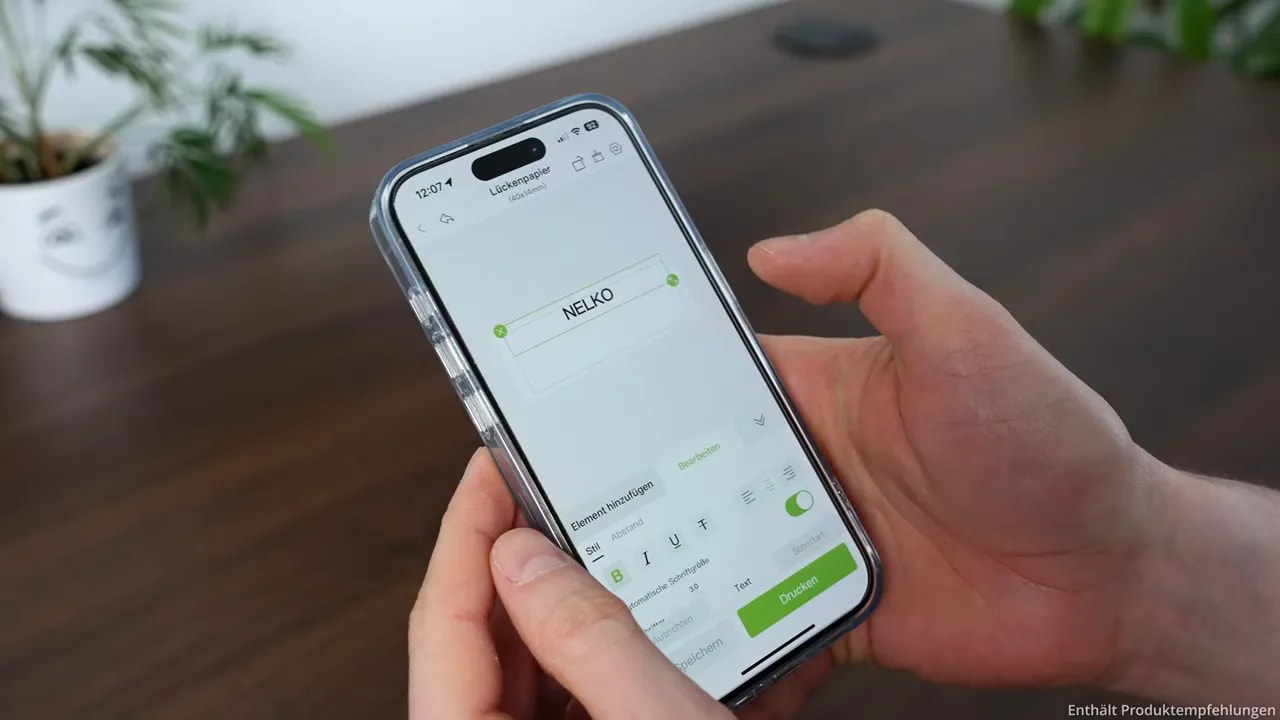
The NELKO P21 is operated via an app. It has improved over the months and offers many templates that let you create labels without much effort. That is especially practical when things have to be quick but should still look tidy.
Depending on the purpose, labels can be designed with different content:
Text for containers, folders or drawers
Icons for quick visual assignment
QR codes and barcodes
Small images for more individual labels
That makes the printer more than just an office device. It fits equally well in the household and for school or university tasks. If you want to mark food supplies, documents, cables, craft supplies or storage boxes clearly, you get a very flexible tool here.
Print quality without ink or toner
For such a compact device, the print quality at 203 dpi is really strong. Text and graphics look clean enough for typical everyday tasks, where a label above all needs to be legible and neat.
The P21 works with direct thermal printing. That means neither ink nor toner is needed. For regular labelling that is a big plus, because no cartridges have to be bought or replaced.
From draft to finished label
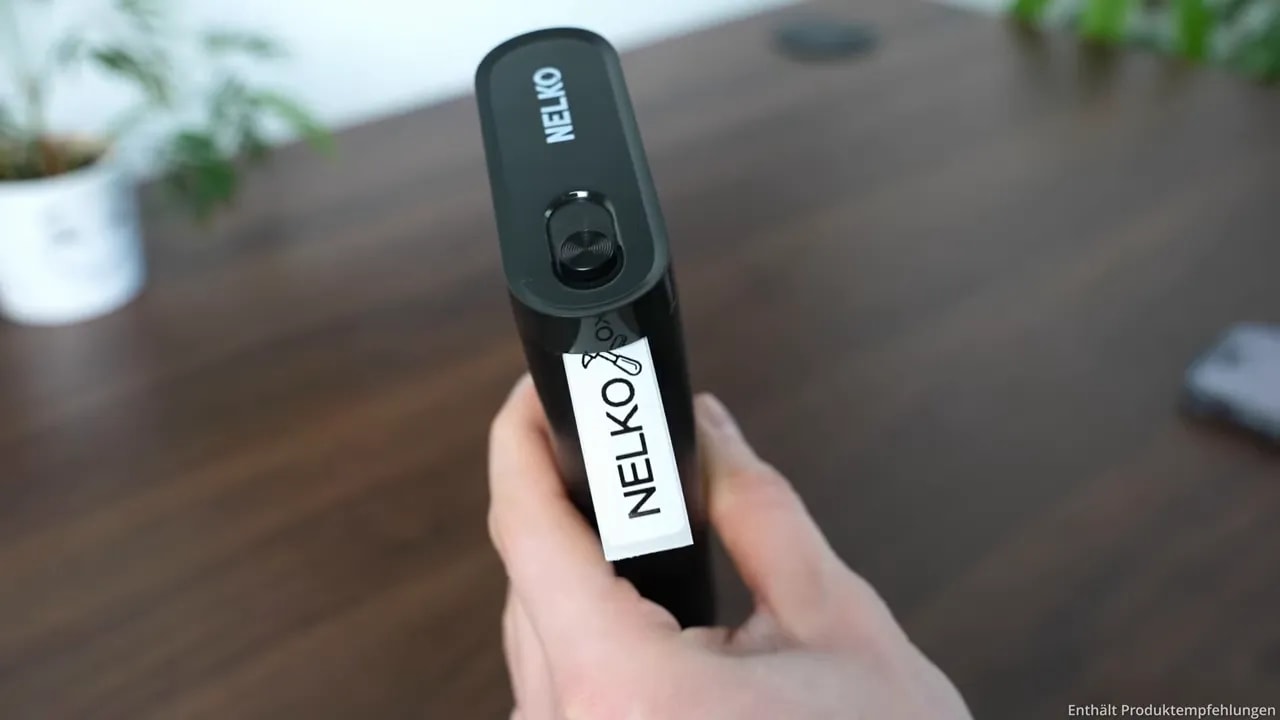
After designing in the app, the label is printed directly from the device. Then you tear it off and stick it onto the desired surface. This short process is exactly what makes the printer so helpful in everyday life: an idea for better organisation becomes a visible label without any detours.
Is the NELKO P21 worth it?
In my opinion: yes, if you organise, label or get creative on a regular basis. The NELKO P21 does not score by being unnecessarily complicated, but by reliably doing the important things.
Small, fast and reliable: for kitchen, office, drawers, school or university it is an exceptionally practical label maker. If you want to check current availability and the price, you can find the NELKO P21 on Amazon*.
No. The P21 uses direct thermal printing and needs neither ink nor toner. Only the label rolls need to be repurchased.
How is the NELKO P21 operated?
Via a smartphone app over Bluetooth. The app offers many templates and supports text, icons, QR codes, barcodes and small images.
How good is the print quality of the NELKO P21?
At 203 dpi, text and graphics look clean and easy to read, which is perfectly sufficient for labels in the kitchen, office and school.
Who is the NELKO P21 for?
Anyone who regularly wants to label supplies, folders, drawers, cables or boxes. It is small, ready in seconds and has proven reliable over nine months.
Where to buy
NELKO P21
Bought with my own money and in use for over nine months.
To provide you with an optimal experience, we use technologies such as cookies to store and/or access device information. If you consent to these technologies, we may process data such as browsing behavior or unique IDs on this website. If you do not give or withdraw your consent, certain features and functions may be impaired.
Functional
Always active
The technical storage or access is strictly necessary for the legitimate purpose of enabling the use of a specific service expressly requested by the subscriber or user, or for the sole purpose of carrying out the transmission of a communication over an electronic communications network.
Preferences
The technical storage or access is necessary for the legitimate purpose of storing preferences that have not been requested by the subscriber or user.
Anonymized statistics
Technical storage or access for statistical purposes only.Technical storage or access used solely for anonymous statistical purposes. Without a subpoena, the voluntary consent of your Internet service provider or additional records from third parties, the information stored or accessed for this purpose alone cannot generally be used to identify you.
Show YouTube videos
If you do not agree to this cookie, you will not be able to watch videos on the website.